
 Elasticsearch DSL Builder
DOCUMENTATION
Everything in one tool window.
Five tabs at the bottom of your IDE, and one cluster picker for all of them. Start with Install and Connect; come back for the part you need.
Install
- Open Settings | PluginsIn IntelliJ IDEA 2025.2 or later, or another JetBrains IDE.
- Install Elasticsearch DSL BuilderSearch for it on the Marketplace tab and press Install.
- Restart the IDEThe tool window appears in the bottom tool window bar.
Not on the Marketplace yet. Version 1.0.0 is being prepared for release; these steps are how it will install.
It is a paid plugin: the IDE asks for a license, or offers a trial, the first time you open the tool window.
Connect to a cluster
Press Settings in the tool window's title bar, then Add, fill in the address and sign-in, and press Test Connection.
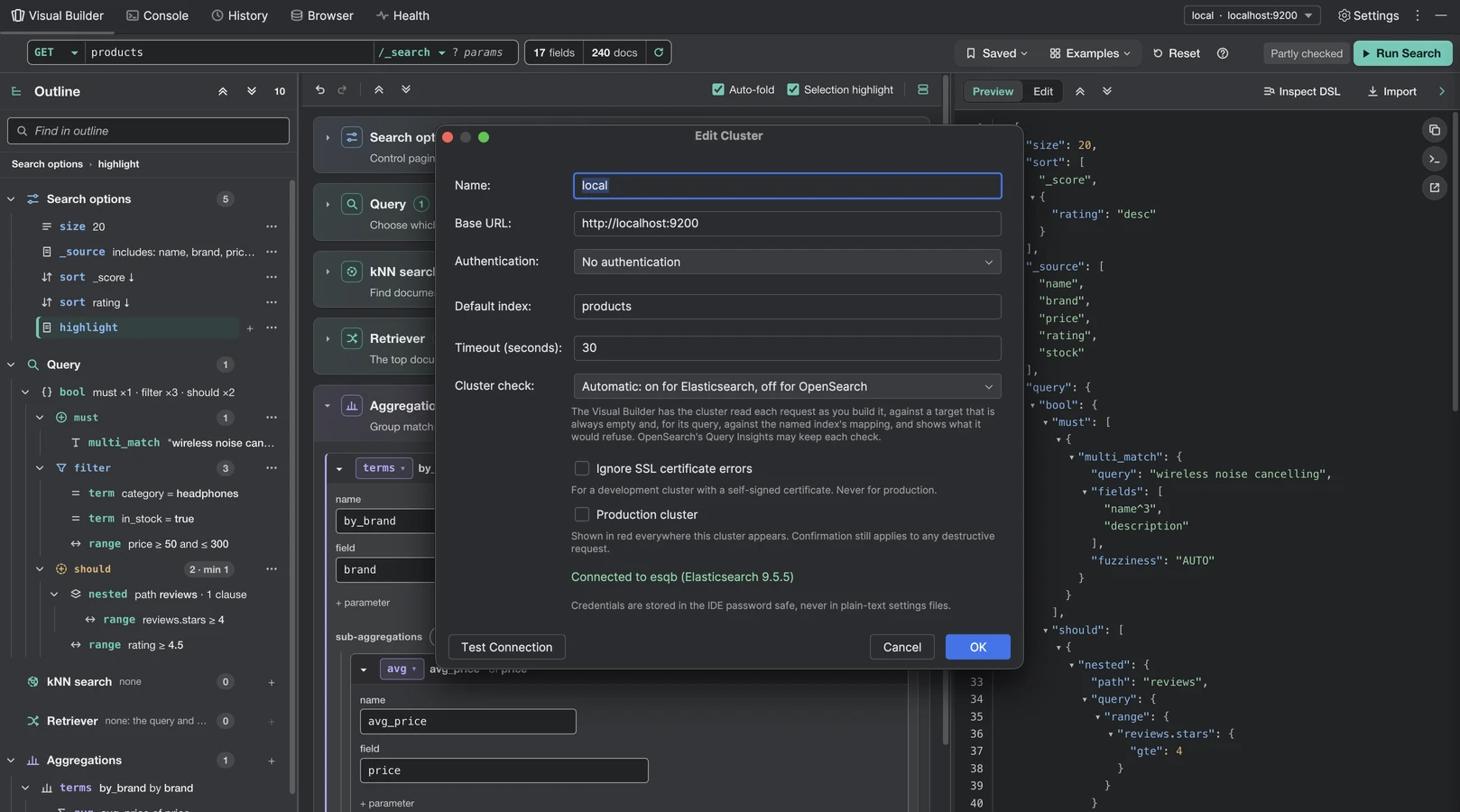
| Sign-in | You enter | Sent as |
|---|---|---|
| None | Nothing | No header |
| Basic | Username and password | Authorization: Basic … |
| API key | The encoded key, as Elasticsearch issues it, or its two parts as id:api_key | Authorization: ApiKey … |
| Bearer token | The token | Authorization: Bearer … |
| AWS SigV4 | Region, service (es or aoss), access key, secret key, optional session token | Each request signed |
- Default index
- The index the Visual Builder starts on.
- Timeout
- 1 to 600 seconds.
- Production cluster
- Shown in red wherever it appears, and risky requests ask first (see what asks first).
- Ignore SSL certificate errors
- For development clusters with self-signed certificates.
- Allow plain HTTP
- Offered only for an
http://address on another machine with credentials. Without it, credentials are not sent.
One cluster for every tab, chosen for each project. Pick it in the tool window's title bar; Builder, Console, Browser and Health all use it. Another project's window keeps its own.
Restricted credentials work. A key that can't read the cluster's front page still works: the engine is read from the cluster's answers, and OpenSearch names its version in each one.
Visual Builder
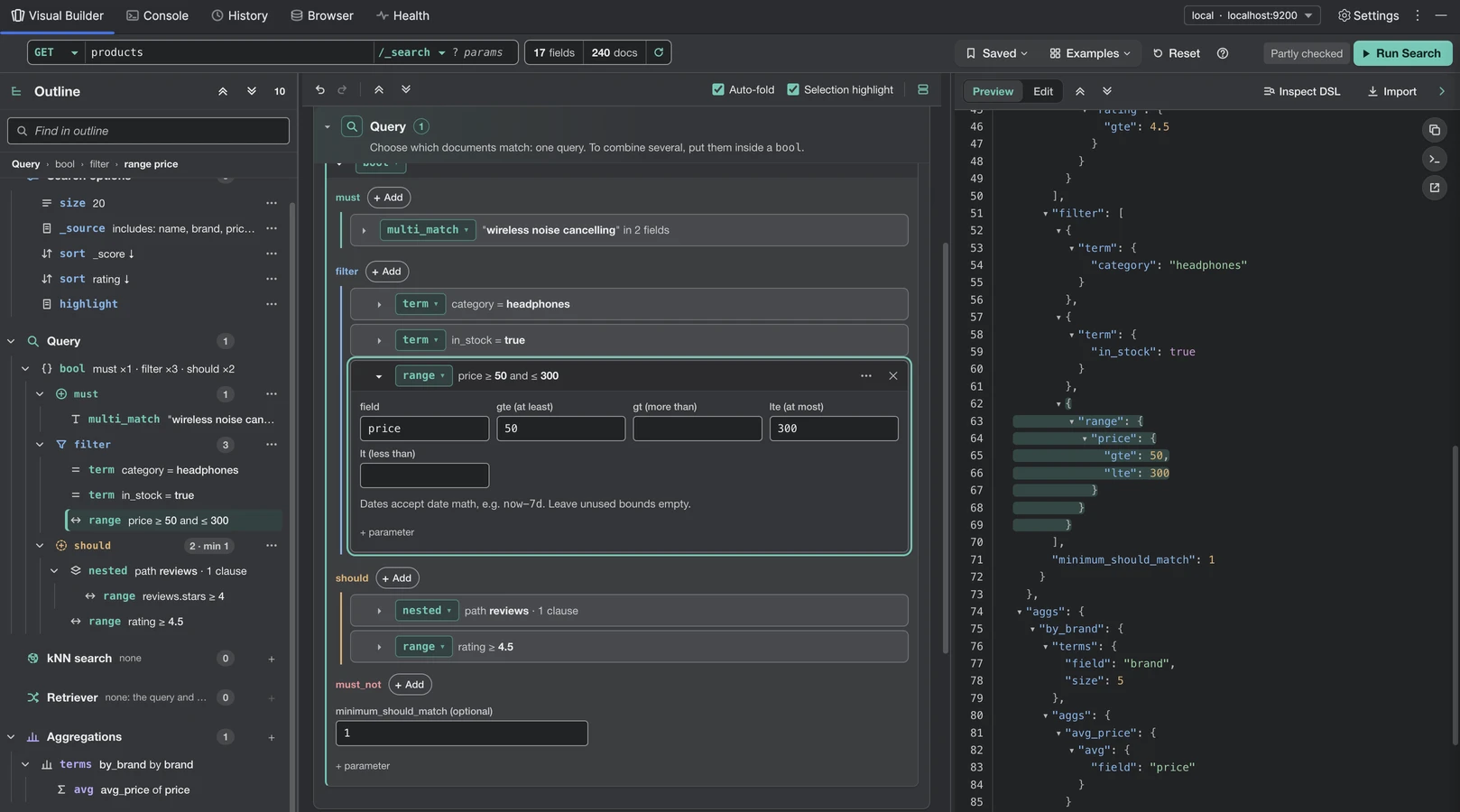
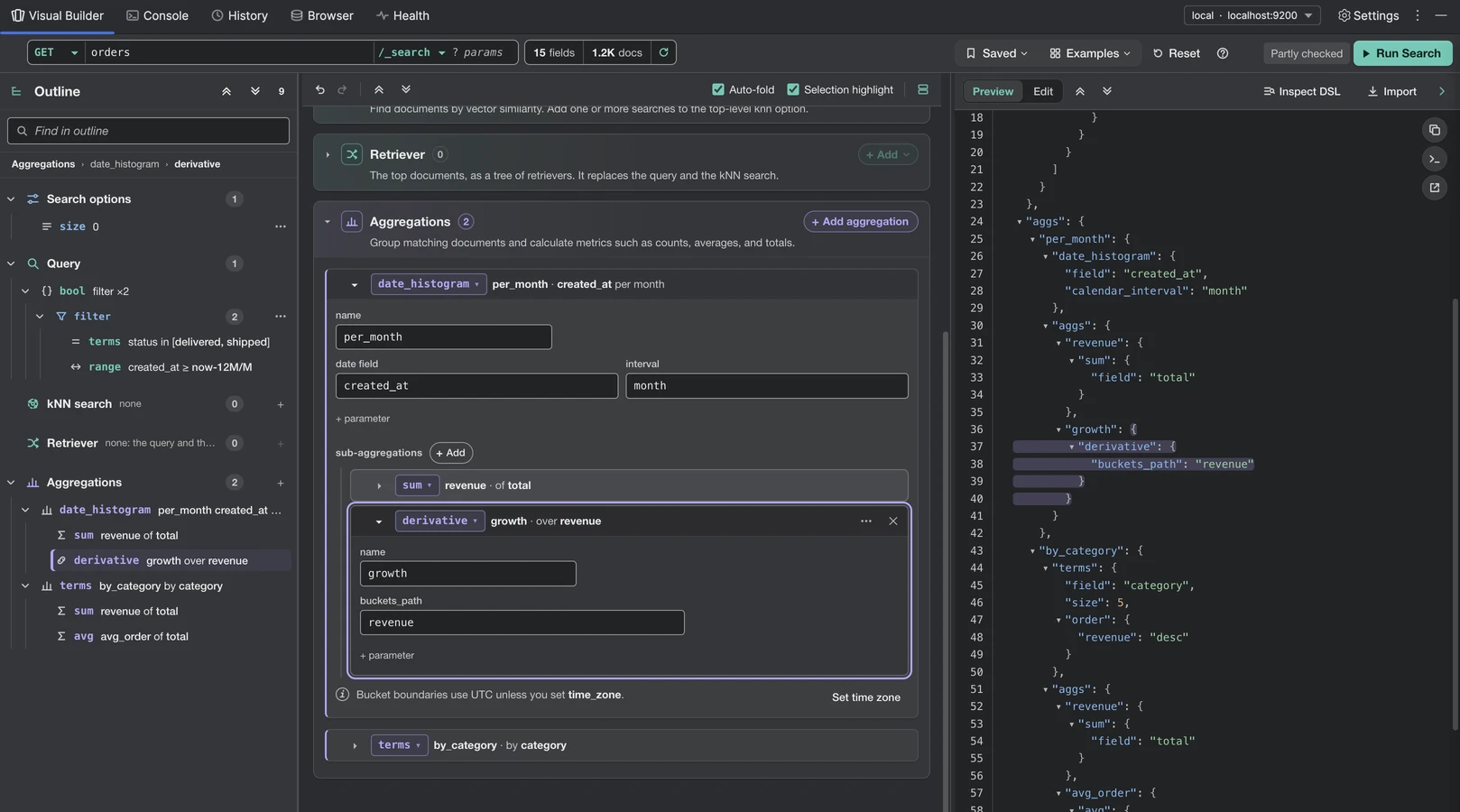
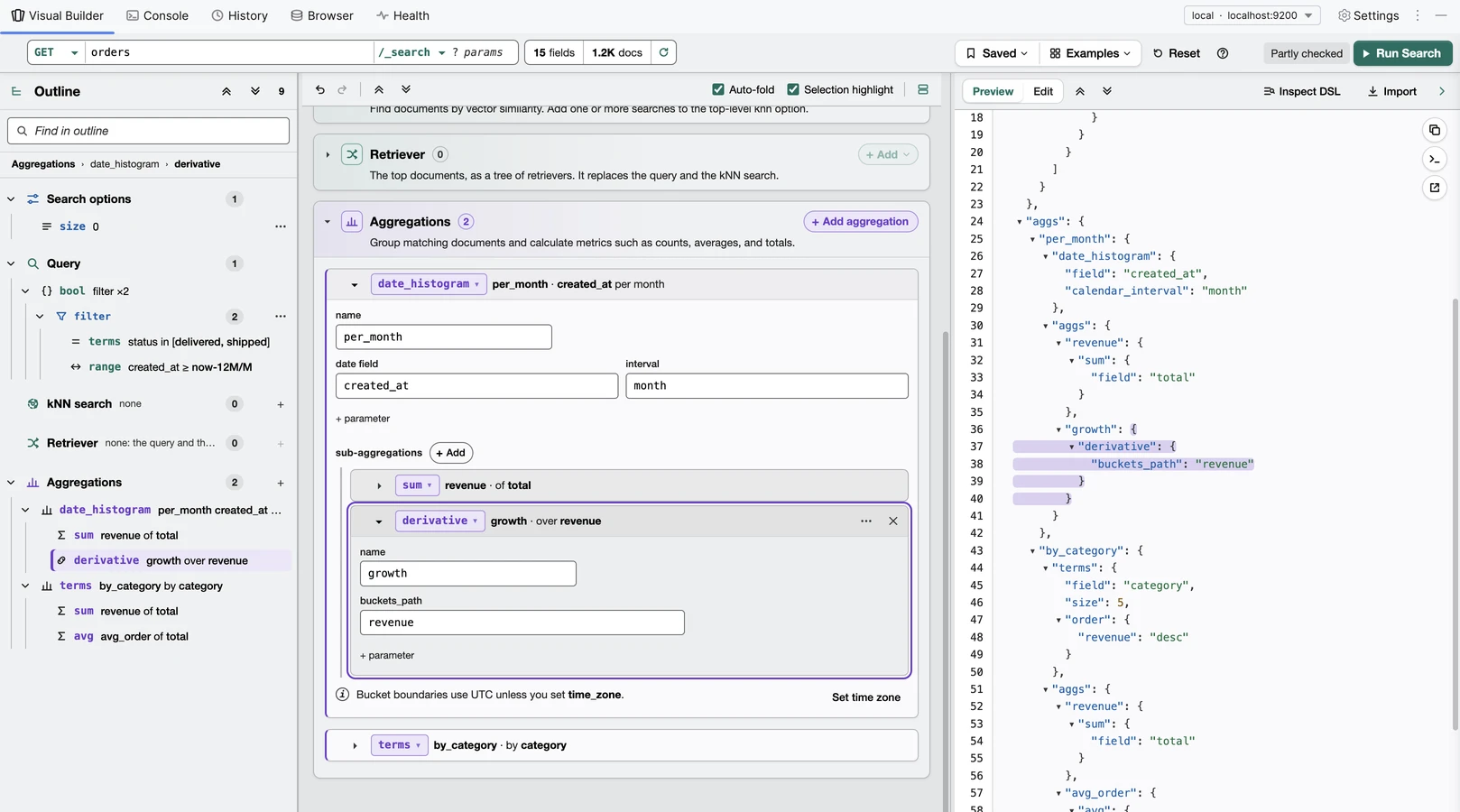
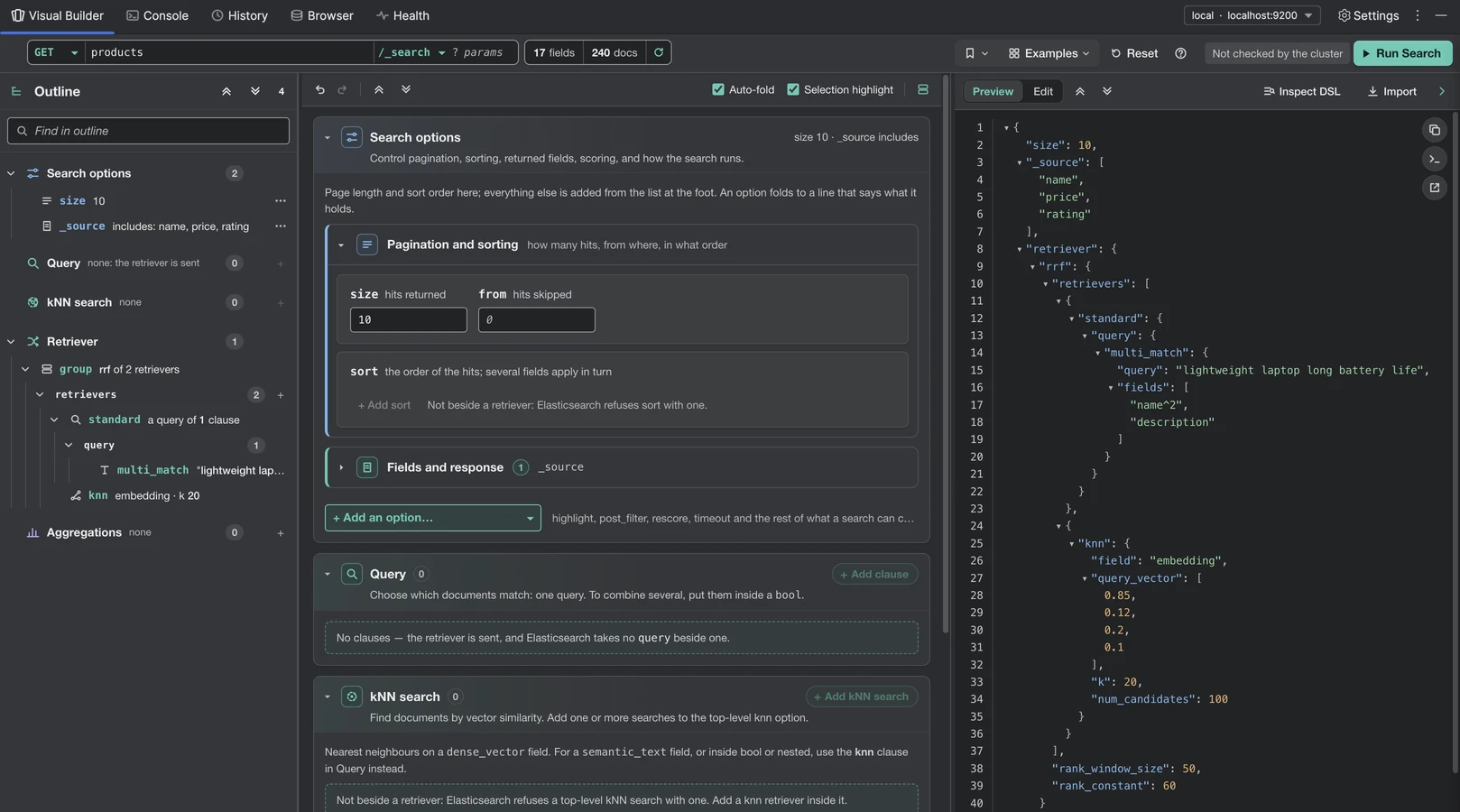
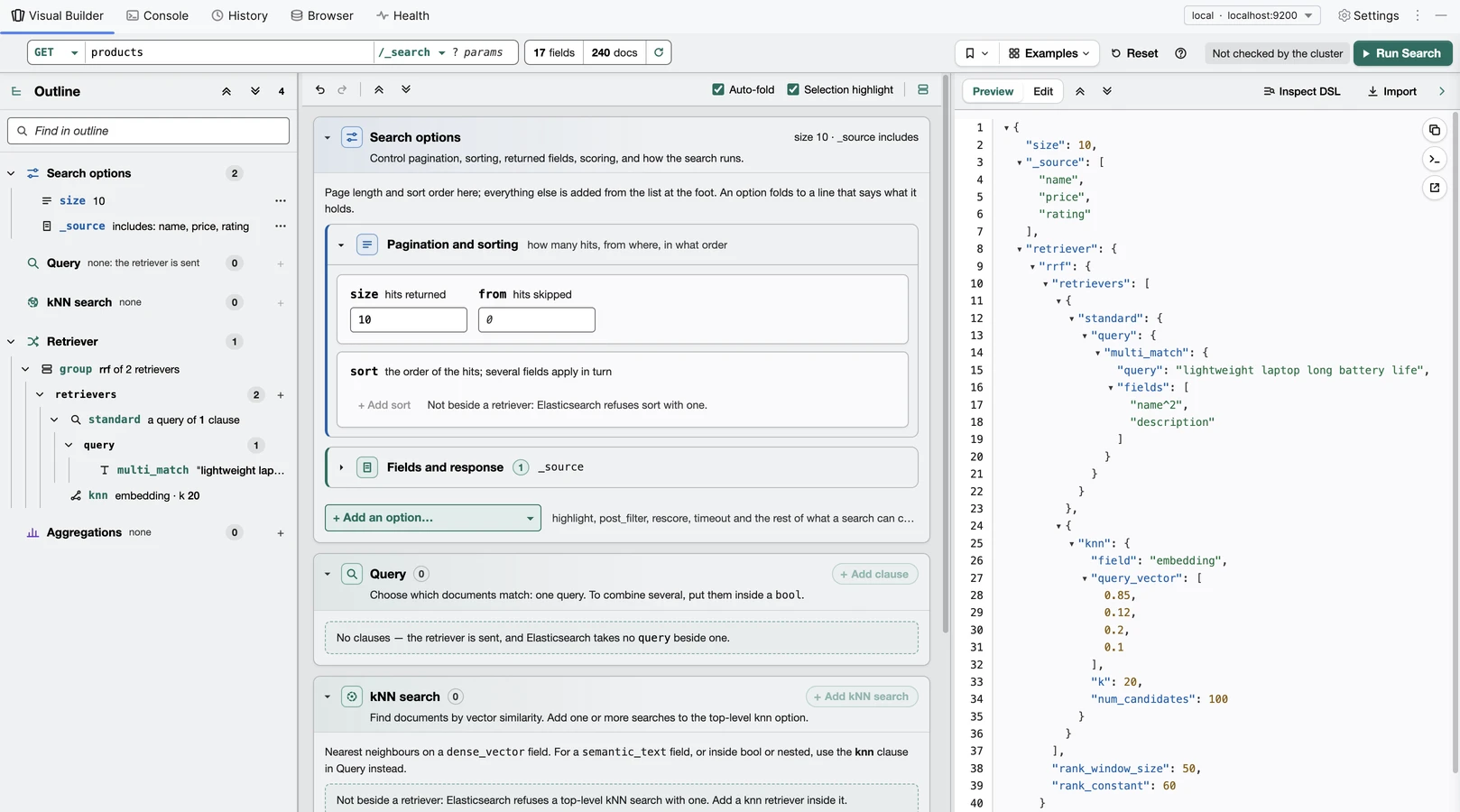
Build a search from cards. The JSON is written as you go, and the answer opens underneath.
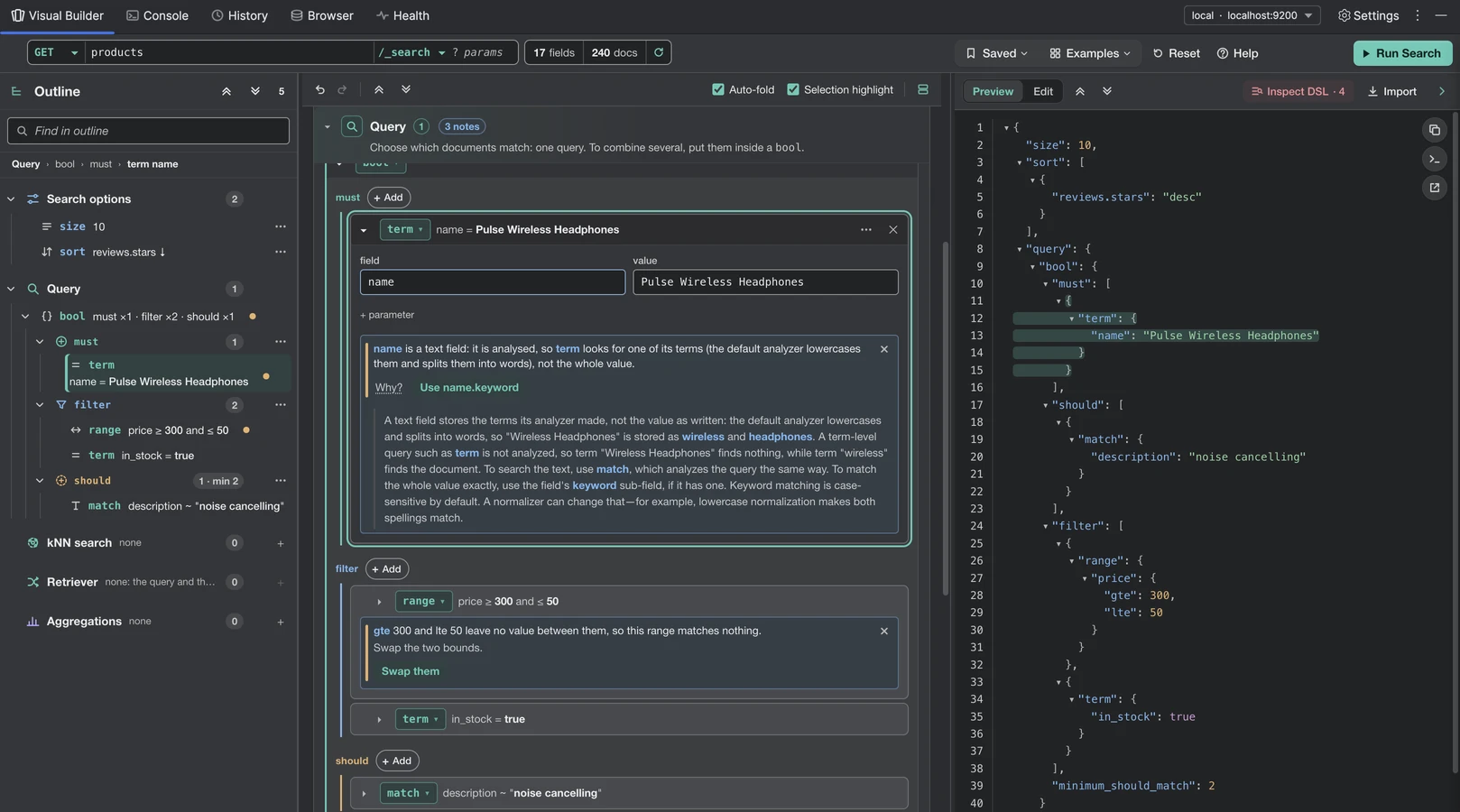
- Request line. Method, index, endpoint and URL parameters; Run Search, Saved, Examples and Help.
- Outline. The whole request as a tree. Click a row to go to it; type in Find in outline to filter it. A row with notes has a dot in its kind's color, lists show their counts, and the path of what is selected stands over the tree.
- Cards. One per clause, option or aggregation: where you build.
- JSON. The request as it will be sent. Edit lets you type it by hand.
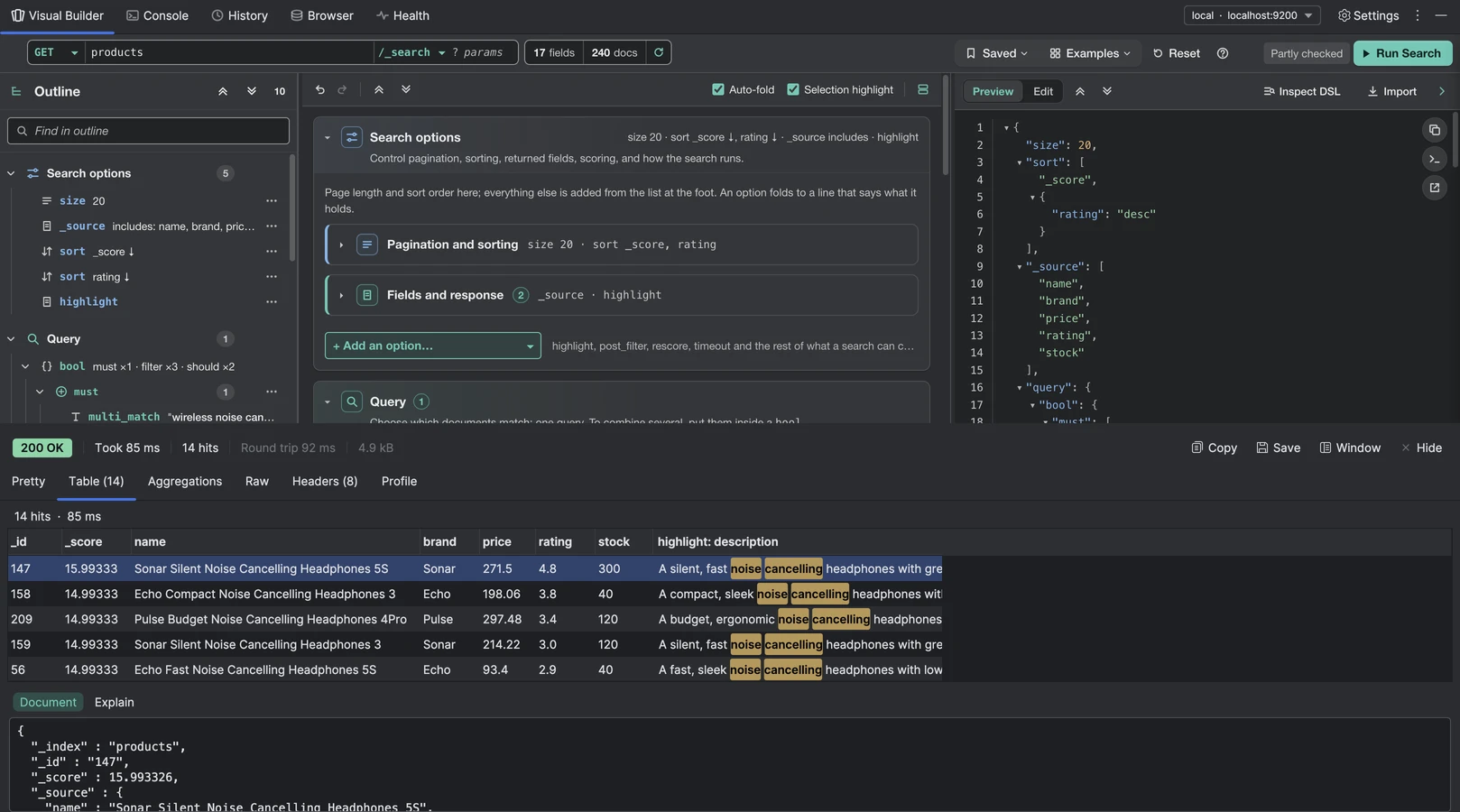
- Answer. Opens after a run. Drag its edge for room; Hide puts it away.
One click, three views
Click a clause in any of the three and the other two scroll to it and flash. In a 200-line query you get to the clause you want in one click. Untick Selection highlight to mark it without the flash; with reduced motion set in your system, it never flashes.
- Panes
- The outline, the cards and the JSON each fold to a strip. Either the cards or the JSON always stays open.
- Outline and JSON
- Put the cards away and a row goes straight to its part of the JSON. The strip counts the notes and the unfinished cards. A card added with +, or opened from a note, brings them back.
- Back to usual
- Double-click an edge for its usual width. Restore Builder Layout, in the tool window's
⋮menu, opens all three.
Build a query
- Add clauseOr Add aggregation, Add kNN search, or Add for a retriever.
- Pick its typeType in the menu to find it.
- Choose a fieldThe fields this clause can use come first.
- Fill in the valueCommon values come from the index.
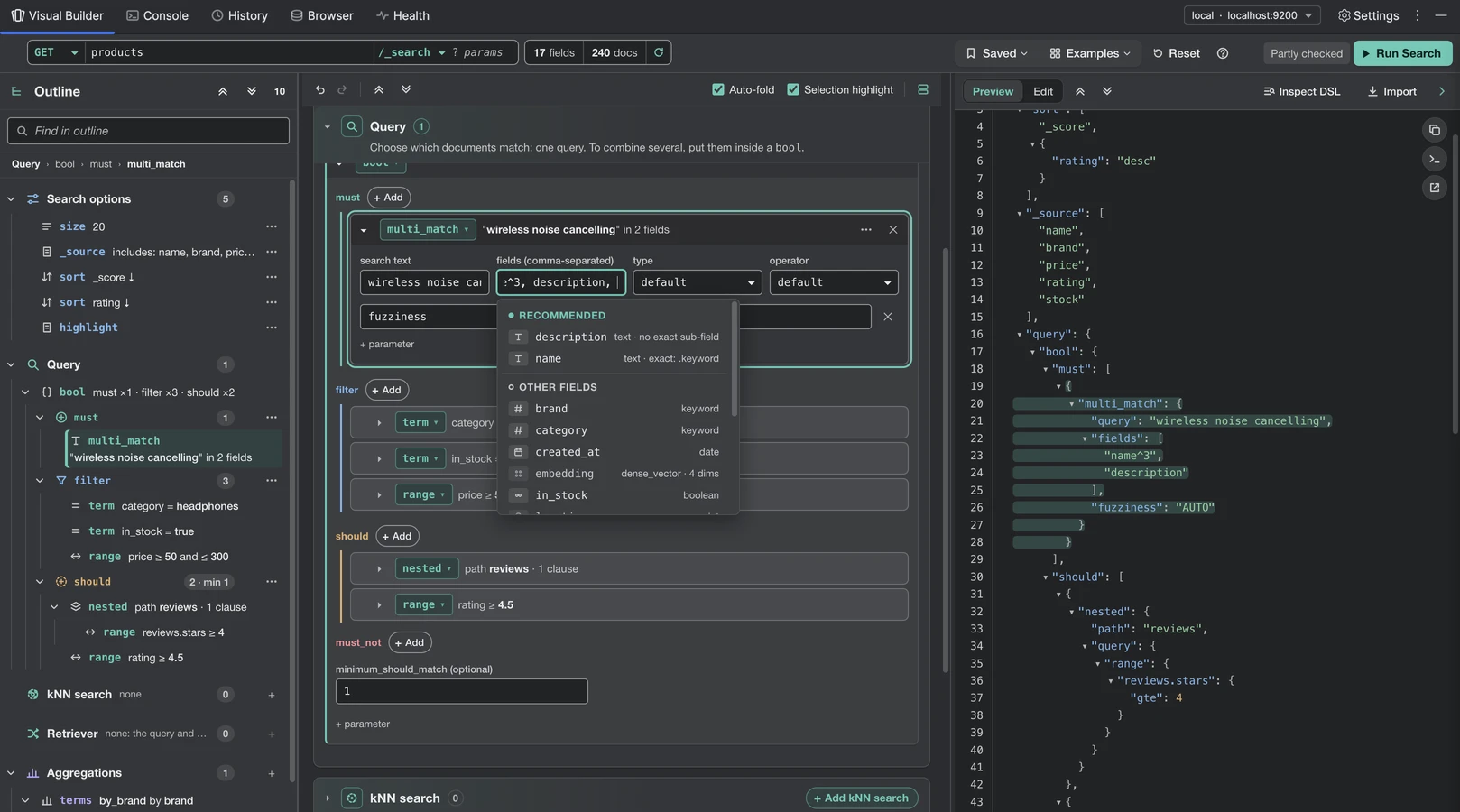
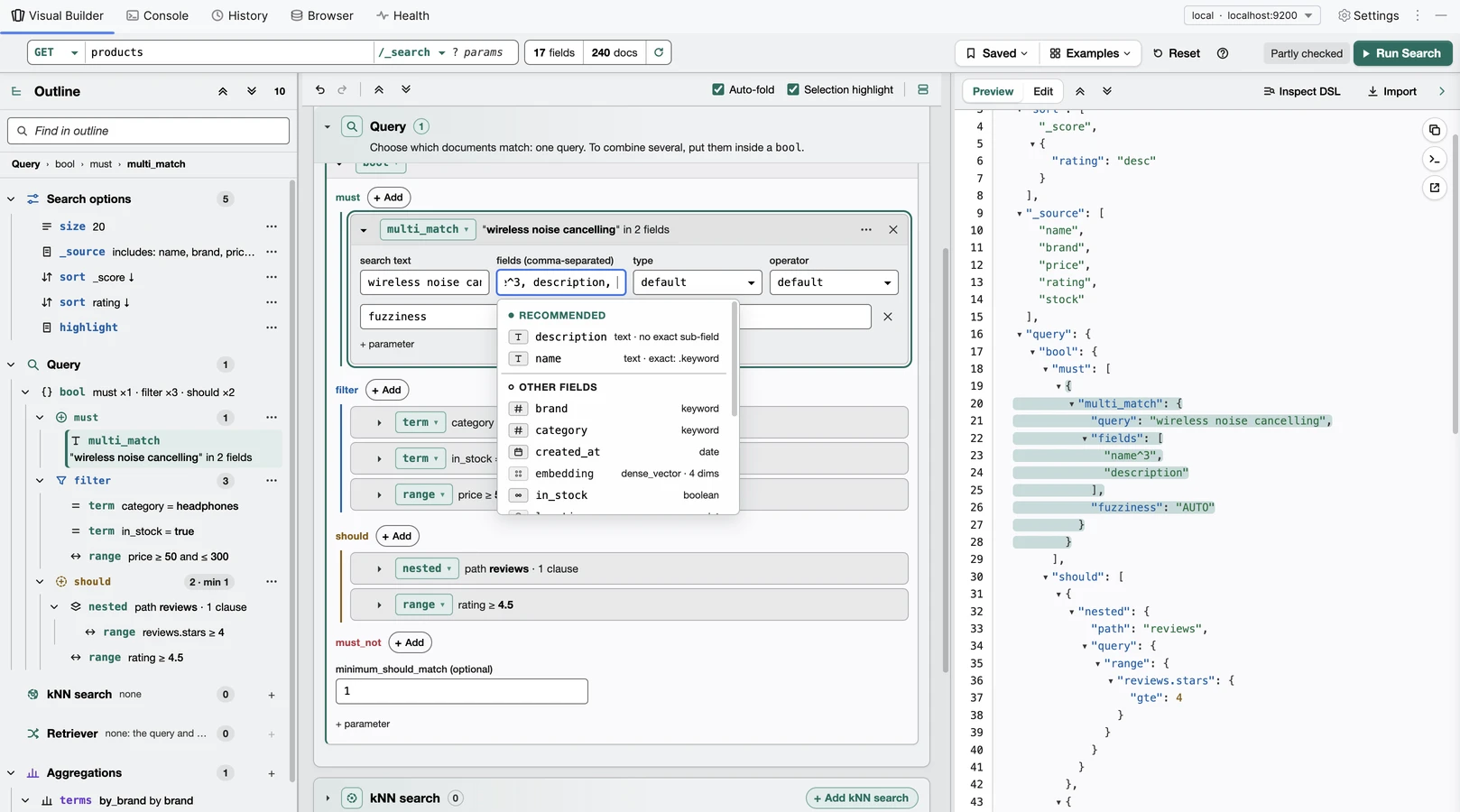
- bool
must,filter,shouldandmust_not, each in its own color. Clauses nest inside one another as deep as the engine takes: by default 30 levels on Elasticsearch, and 20nestedqueries on OpenSearch.- + parameter
- Any other parameter of the clause, by name.
{ }writes one as JSON. - Scripts and lookups
- A script by its source, language and params, or a stored script by its id;
termsfrom a document;more_like_thisby documents;intervalsby one rule, or by rules combined underall_oforany_of. - Nested documents
- A nested sort's filter is cards, beside its
max_childrenand a second nested path. A query'sinner_hitshave boxes for sort, source, fields and highlighting. - Search options
size,fromandsort, and everything else a search body takes, from Add an option. See all of them.- Aggregations
- A card per aggregation, with its sub-aggregations inside it.
- Vector
- kNN on a
dense_vectorfield, with the vector given or built: text a model embeds, another document's vector, or an inference endpoint's embedding (query_vector_builder). Alsosemanticandsparse_vector, and OpenSearch'sneuralandneural_sparse. - Retriever
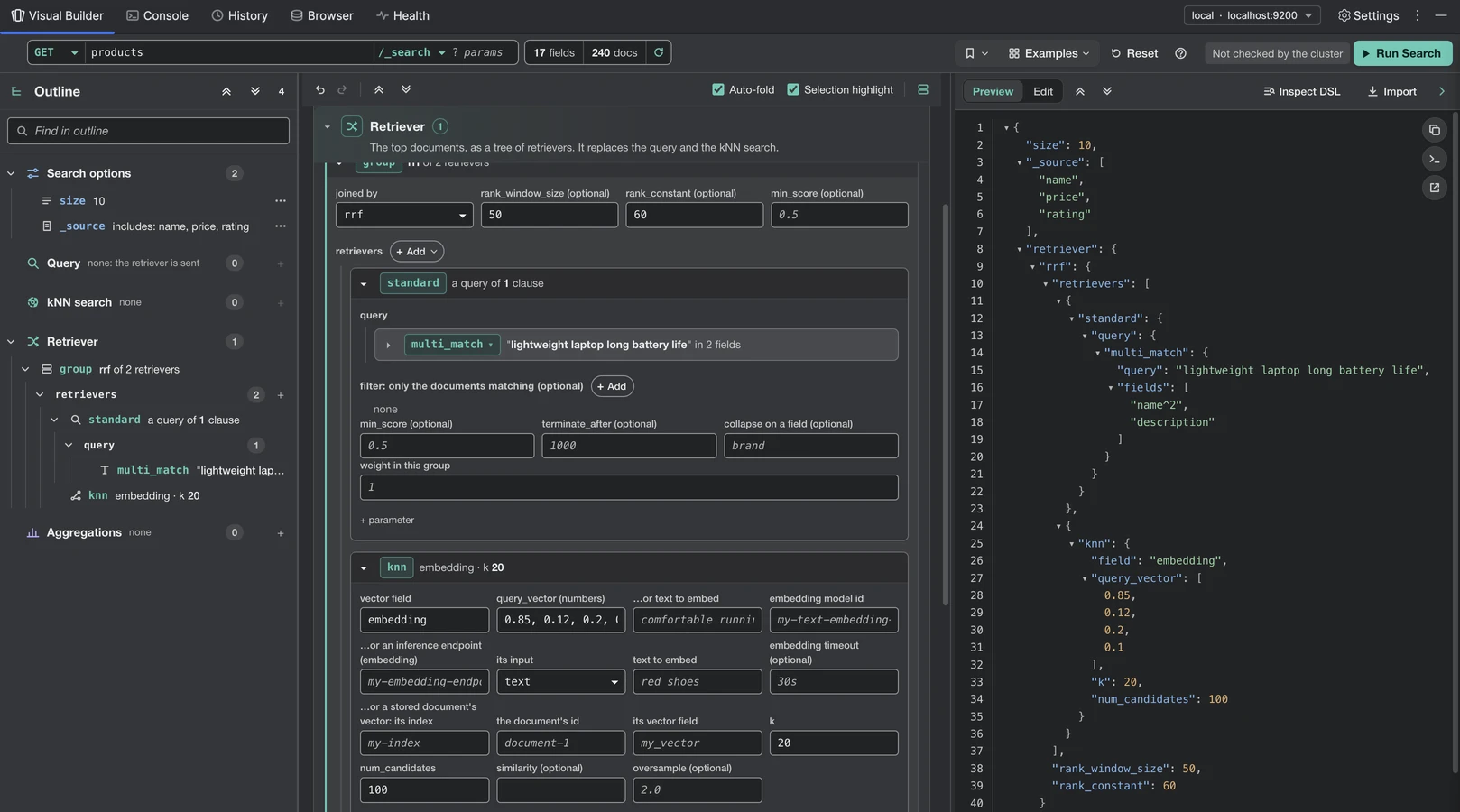
- The search's retriever as cards, each holding the retrievers it works on, as the request nests them:
standard,knn,rrf,linear,text_similarity_reranker,rule,rescorer,pinned,diversify. - Hybrid
- A query and a kNN search side by side, their scores added; an
rrforlinearretriever holding astandardand aknnone; or OpenSearch'shybridquery. - Your engine
- On OpenSearch the menus leave out what it doesn't have (retrievers, Elasticsearch's
knn, about twenty aggregations), and the other way round. On an older Elasticsearch they leave out what came later (kqlbefore 8.18, retrievers before 8.14), and a pasted request says what that version will refuse. - Can't go together
- What Elasticsearch refuses together — a retriever beside a query, a top-level kNN search, a sort,
search_after,rescoreorterminate_after— is grayed out while the other is there, with the reason.
Search options
Everything a search body takes besides the query. Add an option, at the foot of the section, lists it by what it is for.
| Group | Options |
|---|---|
| Pagination and sorting | size, from, sort, track_total_hits, search_after, pit, slice, collapse |
| Fields and response | _source, fields, docvalue_fields, stored_fields, script_fields, runtime_mappings, derived (OpenSearch), highlight, suggest, version, seq_no_primary_term, include_named_queries_score (OpenSearch) |
| Scoring and filtering | rescore, min_score, indices_boost, track_scores, post_filter |
| Execution and diagnostics | timeout, terminate_after, profile, explain, stats, search_pipeline (OpenSearch), verbose_pipeline (OpenSearch) |
| Advanced / custom | ext, a whole retriever, and another key… for anything else, sent as written |
- Forms
highlight,collapse,rescore,suggest,script_fields,runtime_mappings,derived,indices_boost,pitandslice;rescoreby a query, or on Elasticsearch by a script or alearning_to_rankmodel.{ }writes one as JSON, for what its form doesn't hold.- Settings
highlight, each suggester and each set of collapsedinner_hitstake any other setting by name, its value box fitting it.highlight_queryis cards. Runtime fields (and OpenSearch'sderived) take params and settings too.rescorecan be added once for each rescorer.- By query
- Delete and update by query take
max_docs, asort,conflictsand aslice, in boxes of their own. - Clauses
post_filtertakes clauses, as the query does.- Folded
- An option folds to a line that says what it holds, and so does a group.
- Your engine
- The list leaves out what your engine or version doesn't have.
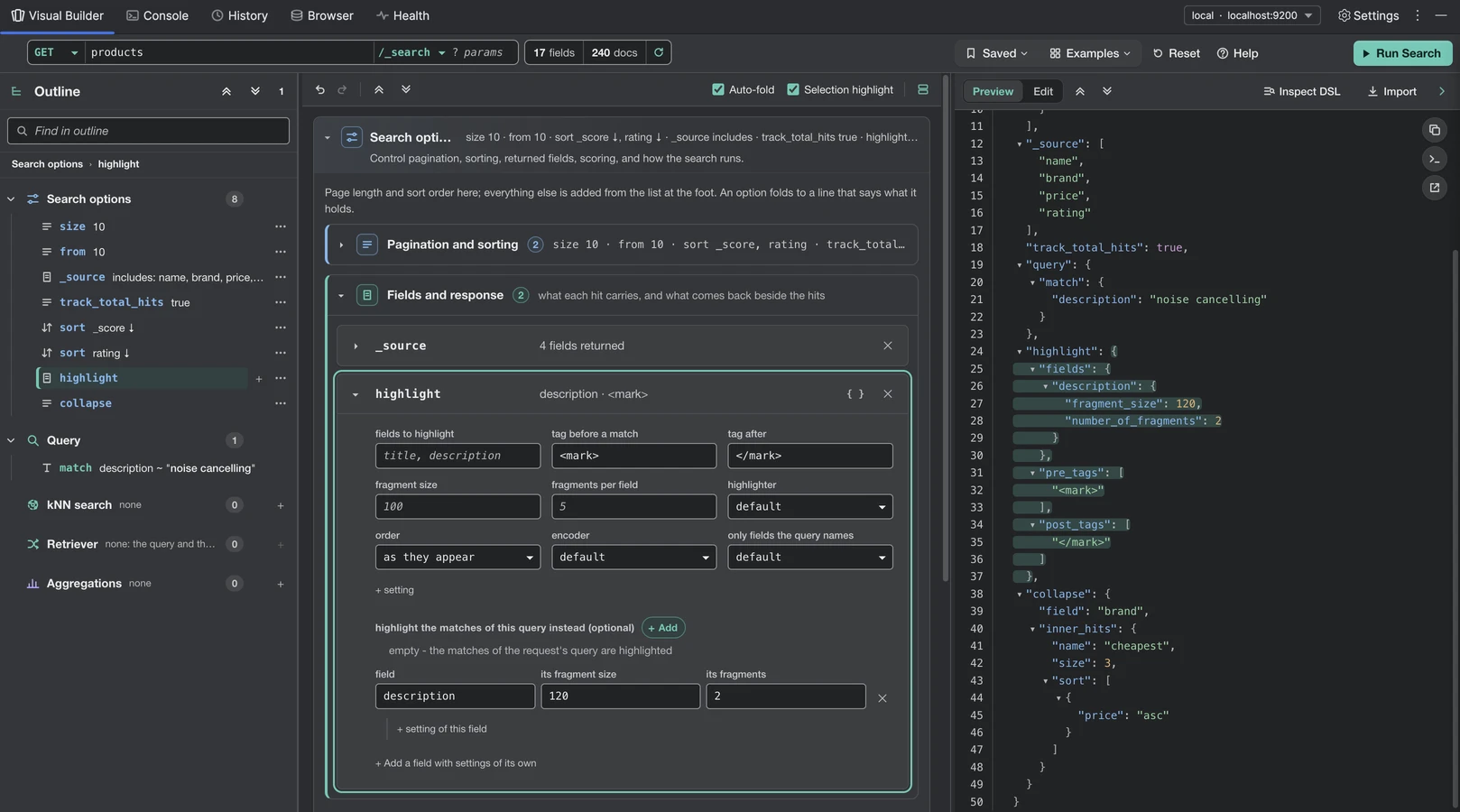
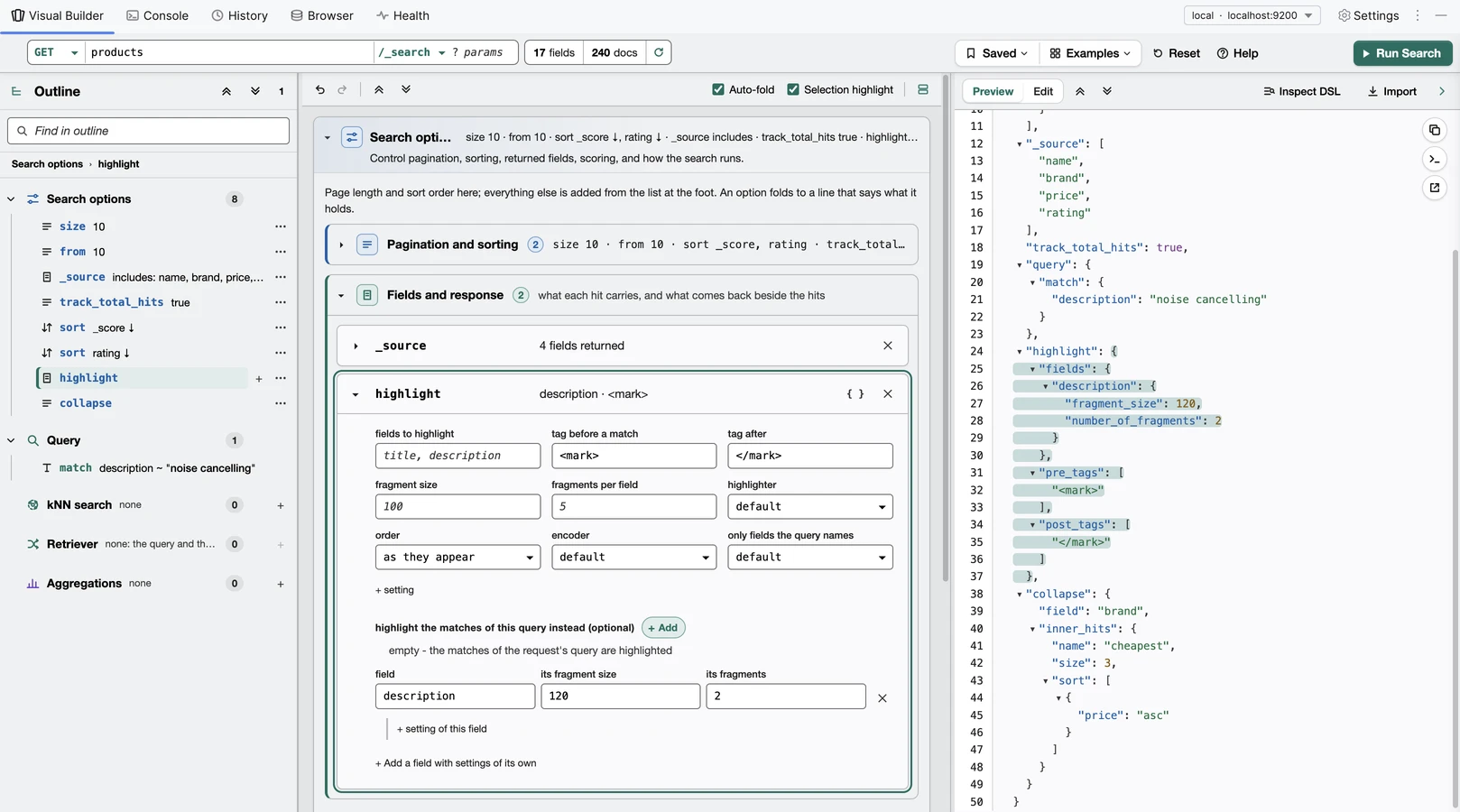
Work with cards
| To | Do this |
|---|---|
| Move a card | Drag it by its header. Esc puts it back. |
| Duplicate, move or switch off | The ⋯ on its header. Switched off, it stays in the builder and is left out of the request. A hand edit of the JSON keeps it, unless the edit removes its place. |
| Fold everything, or unfold | The double arrows over the cards. Auto-fold folds a card when you move on to the next. |
| Undo a change | Undo and Redo, top left. Reset clears the builder, and Undo brings it back. |
| Find a clause | Type a field, value or type in Find in outline. |
| Look something up | Help, in the top bar: what the buttons do and what the common query and aggregation types are for, searchable. |
Learn as you build
Look it up where you are: find a type by what it does, read what it is for, and see the JSON it writes.
- Find a type by intent
- Type what you want in a card's type menu: “over time” finds the date histograms, “group by” finds
terms. - Help
- In the top bar, searchable: what each button does, and a line on what each common query and aggregation type is for.
- A card's header
- A finished card folds to a line that says what it does, such as
price ≥ 50 and ≤ 300, and its part of the JSON is marked. - Why?
- On some notes: the engine's behavior behind the note, explained under it.
- Gray lines
- How the engine reads what you wrote, such as a
termsaggregation's 10 buckets. Not a problem, and not counted. - Examples
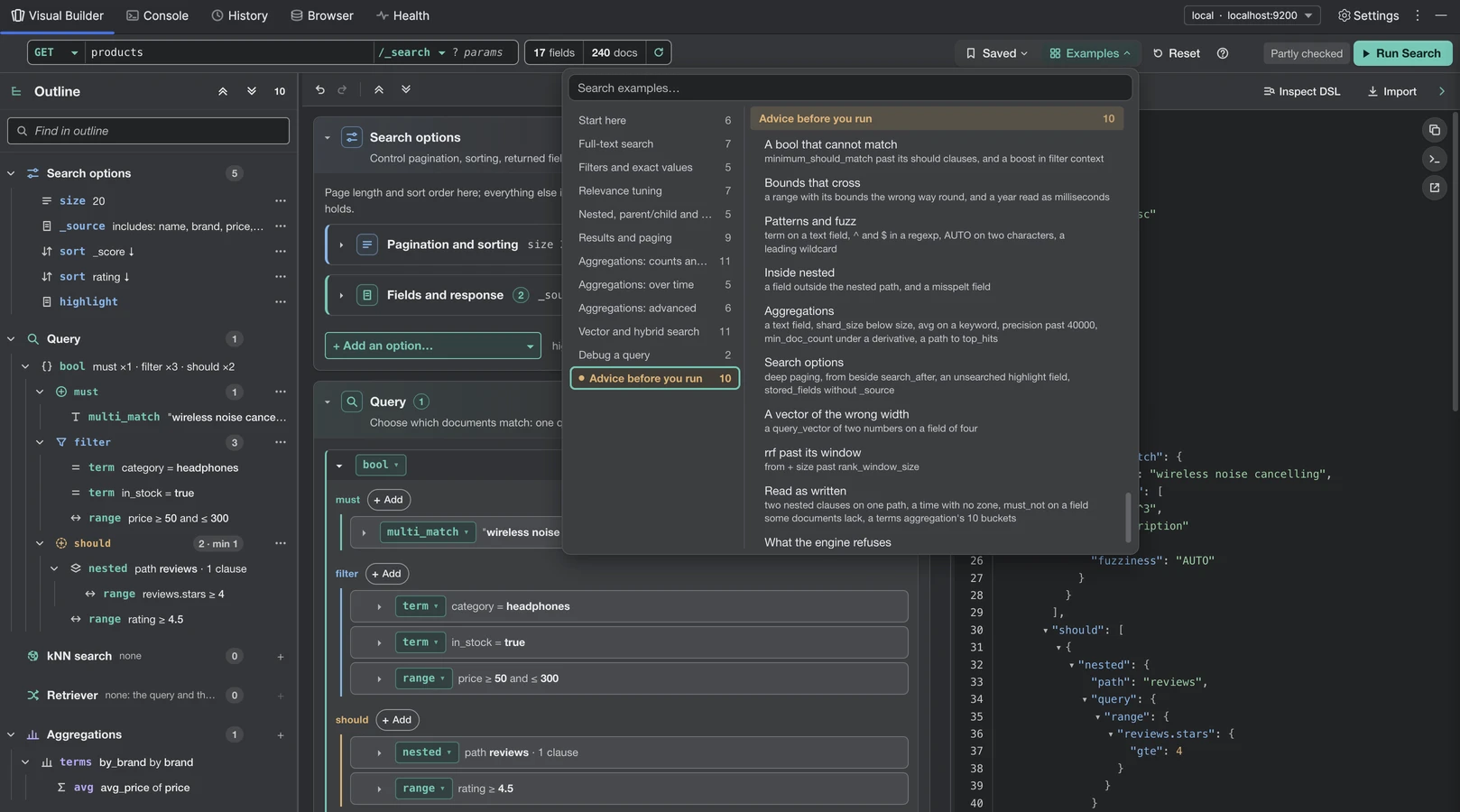
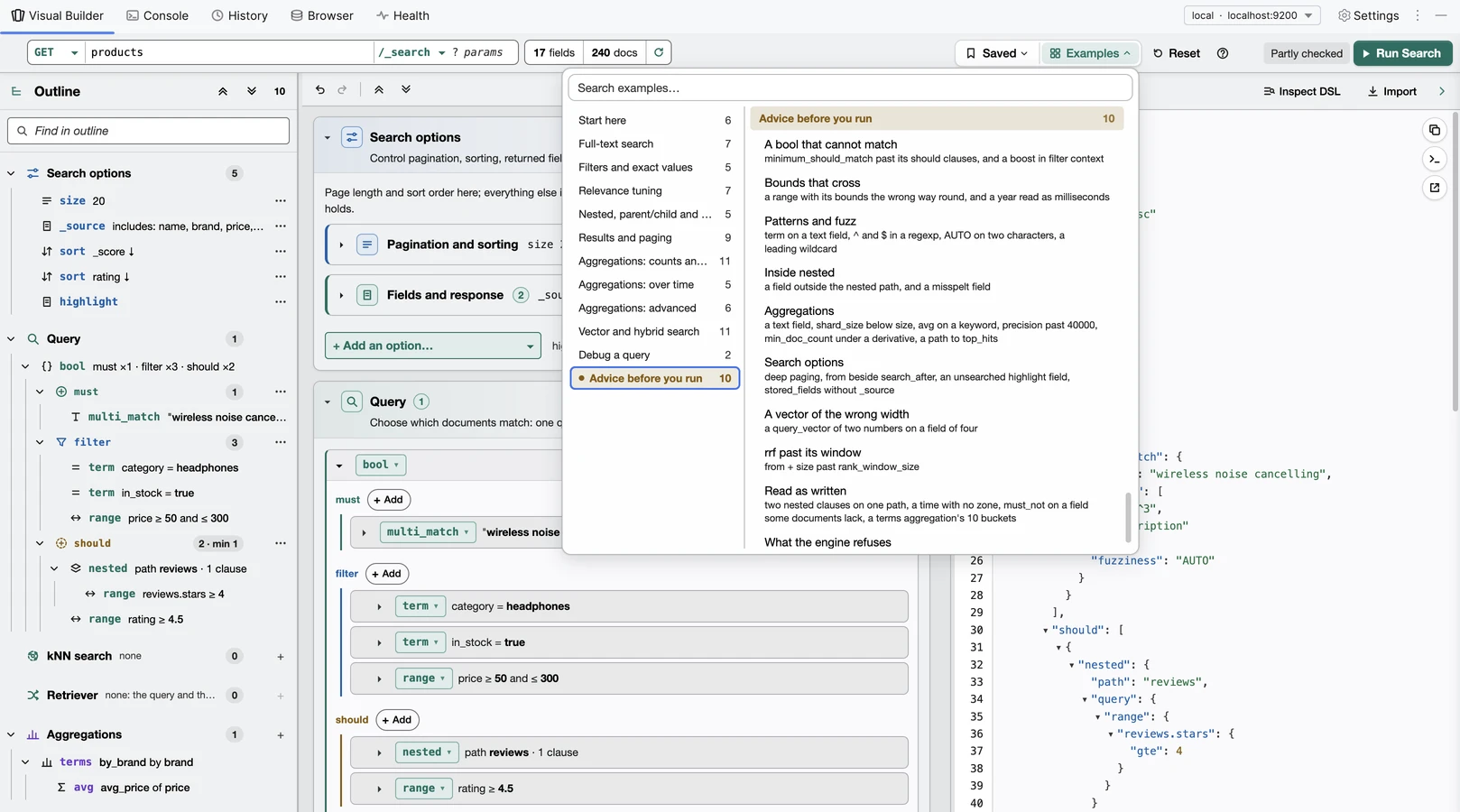
- Ready-made requests by subject, from Start here to Advice before you run.
- In the Console
- Hover a query or aggregation type for what it does, an example and a link to the official reference.
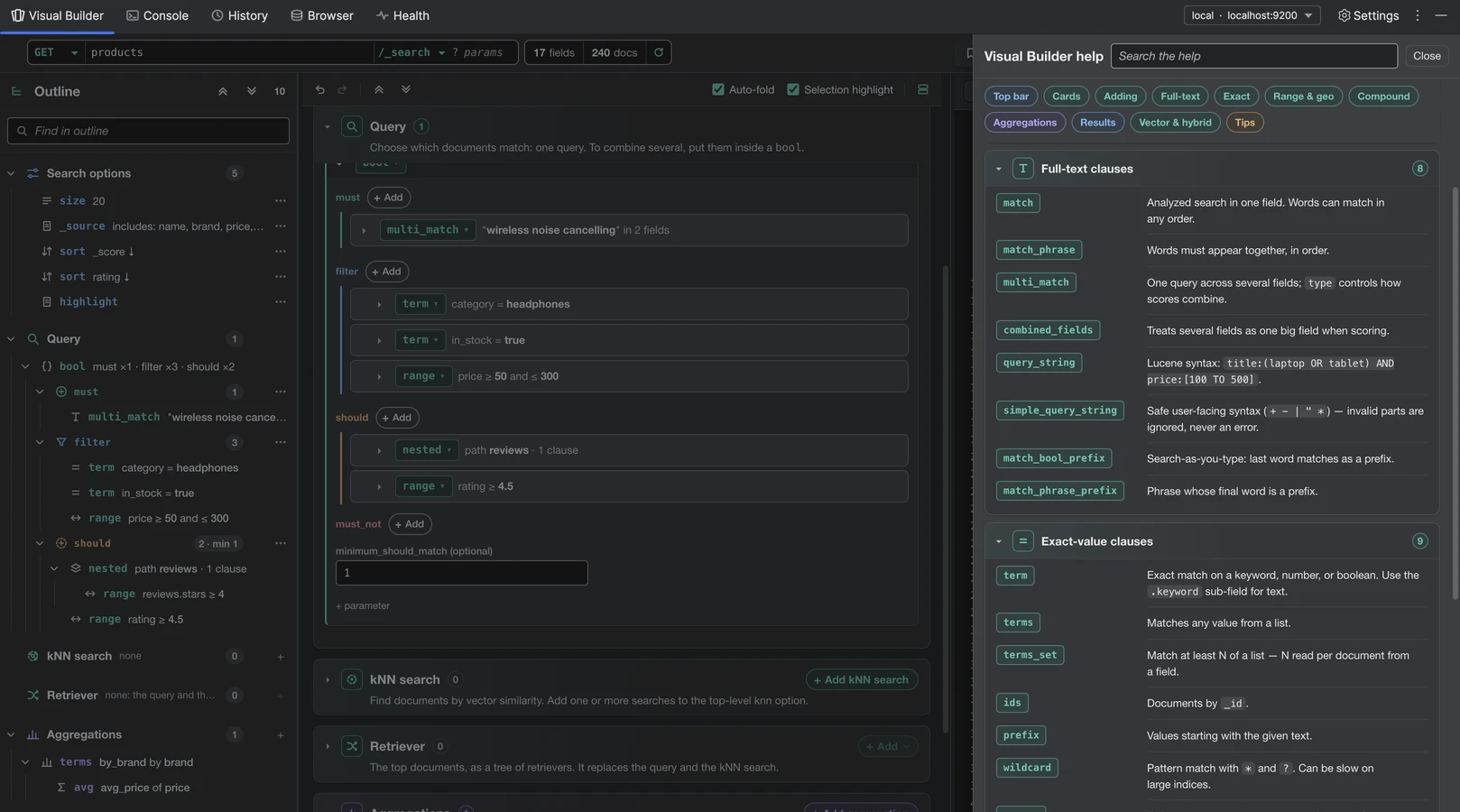
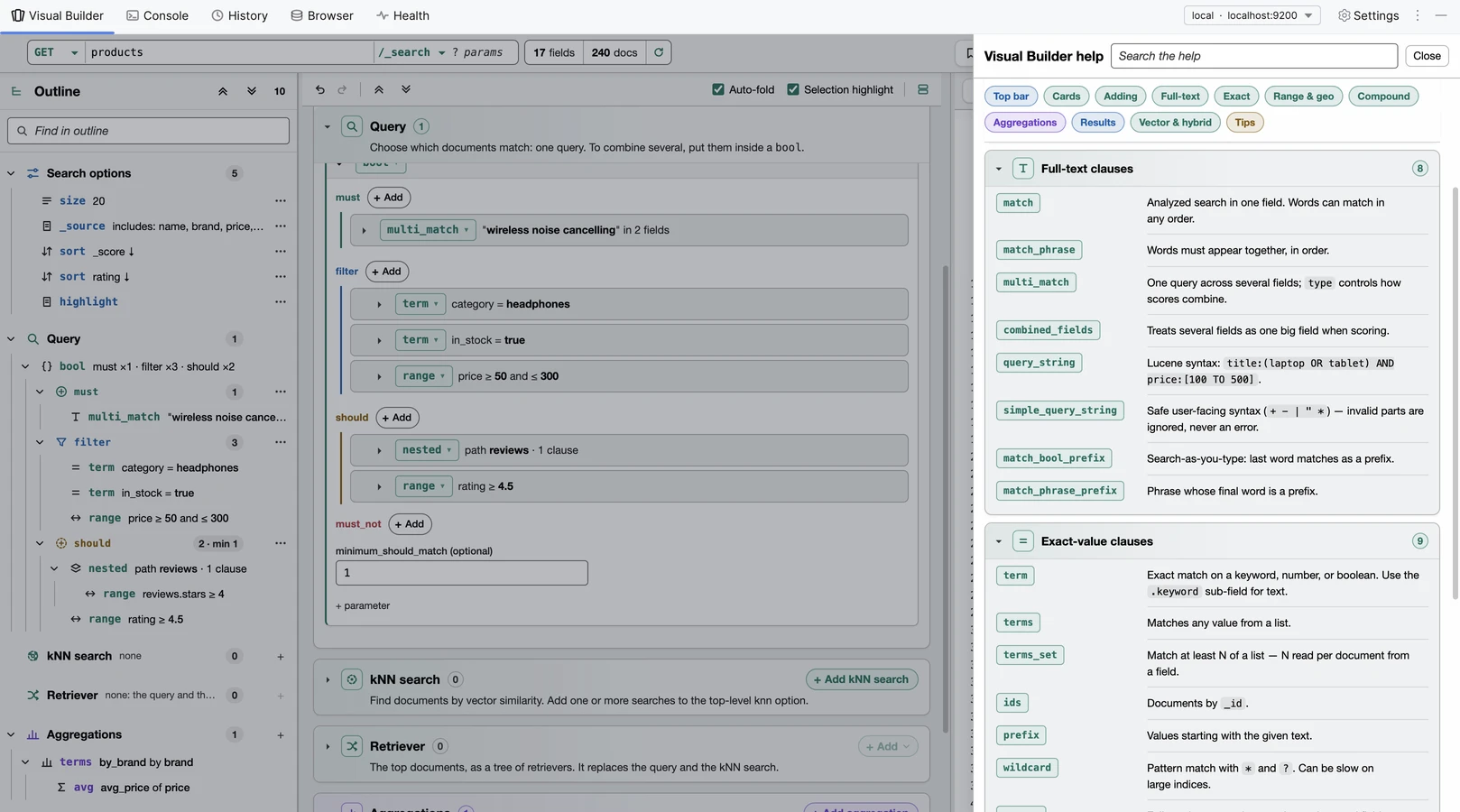
Run and read the answer
- BuildCards, or Edit the JSON
- RunRun Search
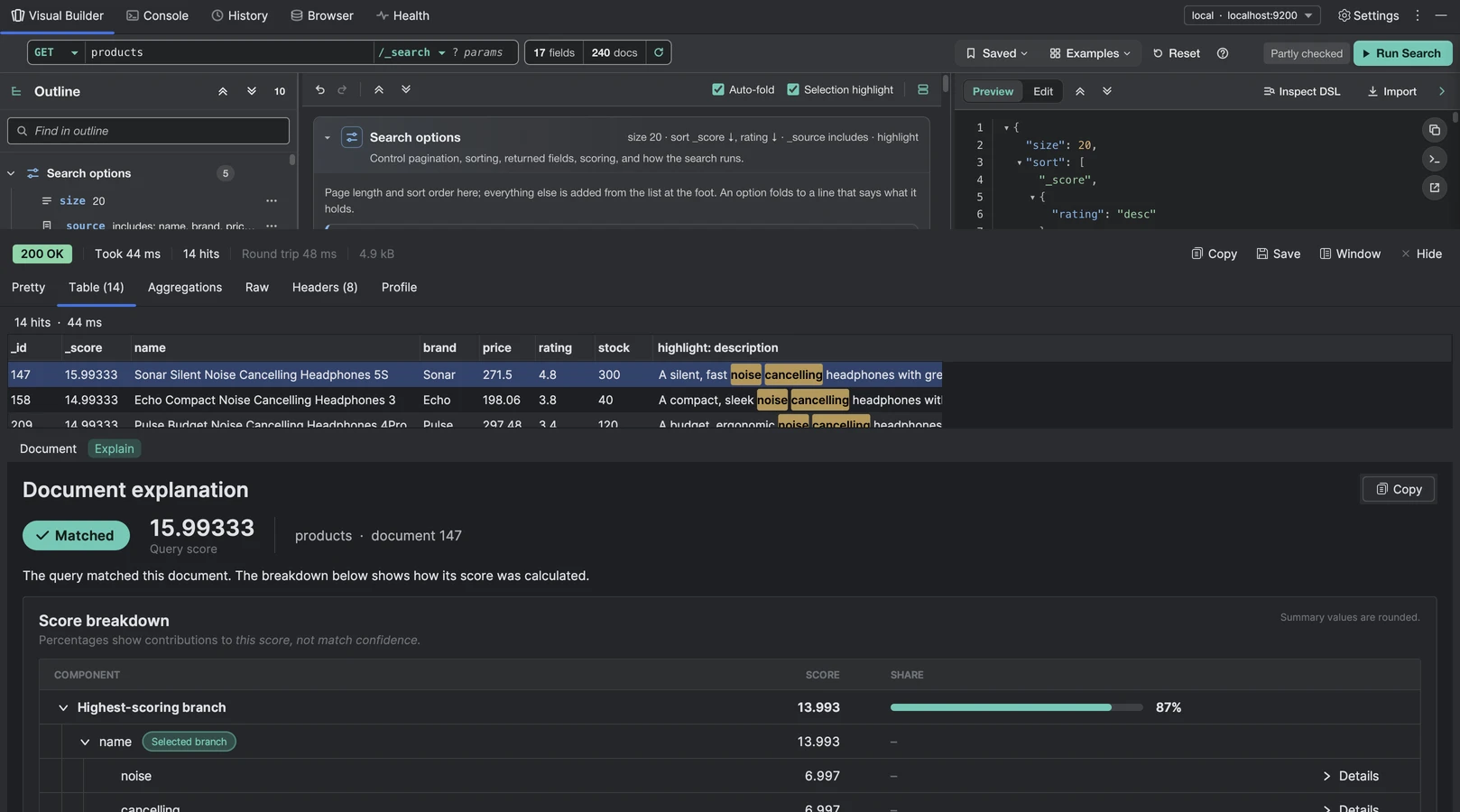
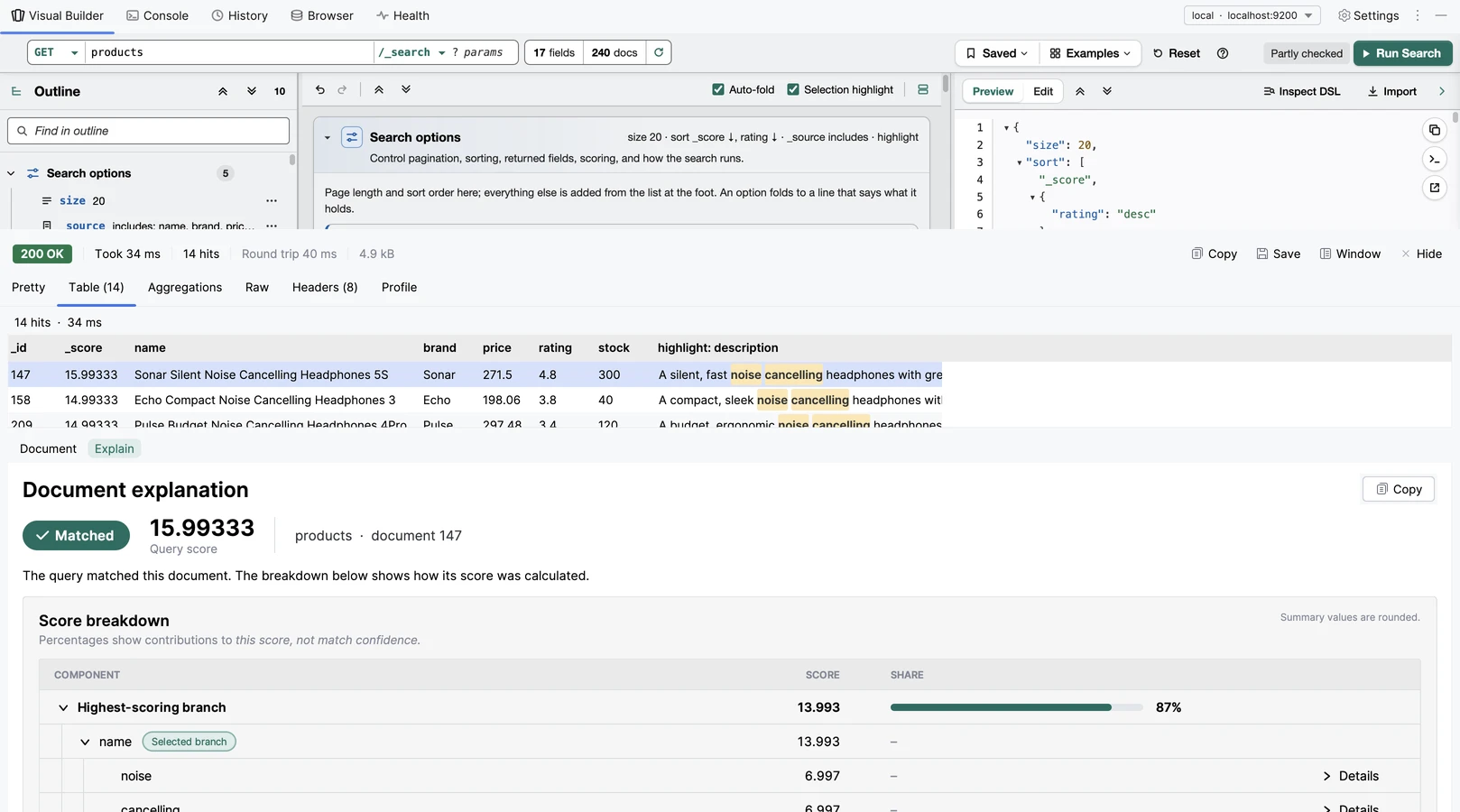
- ReadTable · Aggregations · Explain · Profile
- KeepSaved · Share · curl · Console
While a request is out, Run is Stop: it gives up waiting for the answer, and the request may still run on the cluster.
| In the answer | What it shows |
|---|---|
| Table | The hits as sortable rows, matched words marked. Select one to read its document. |
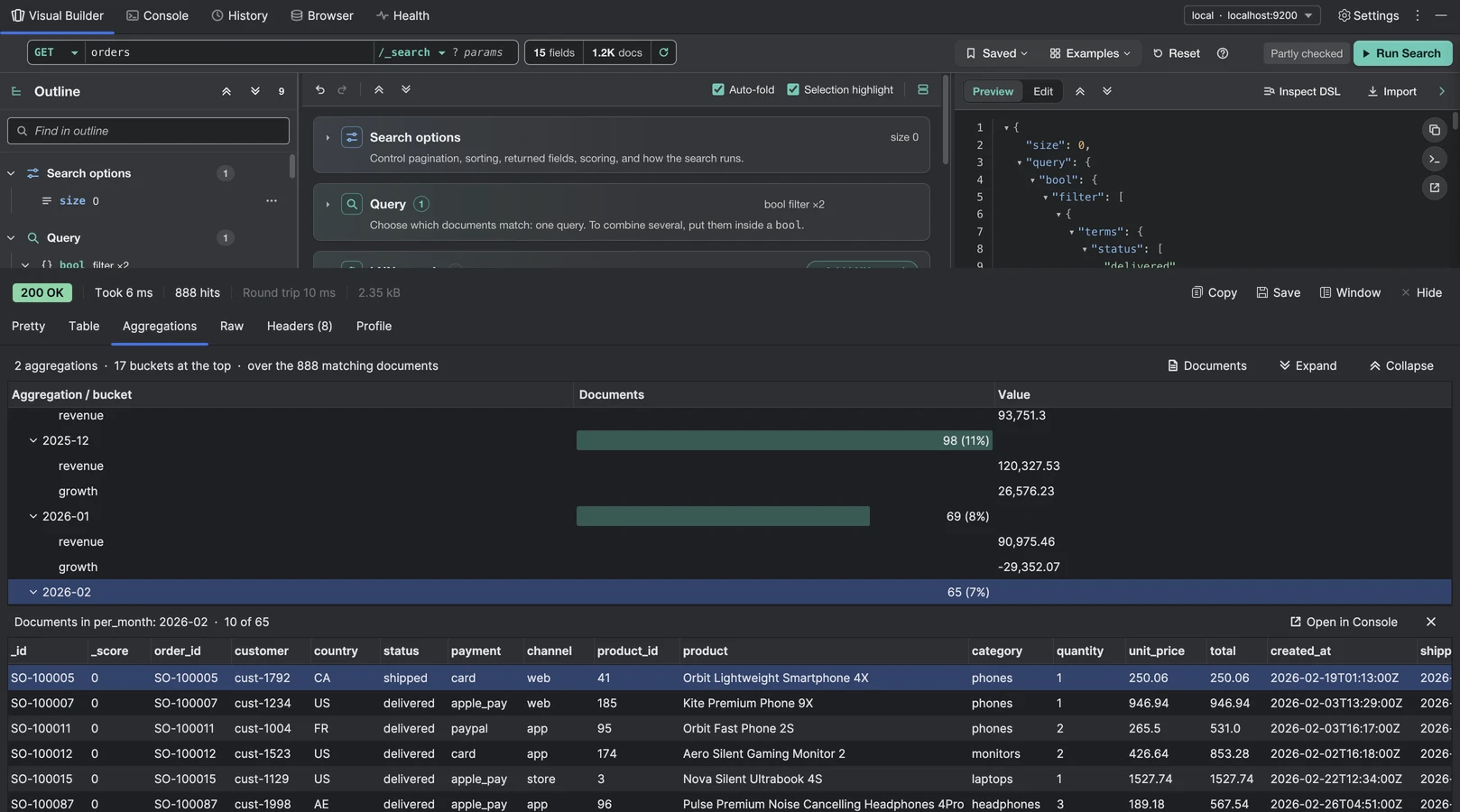
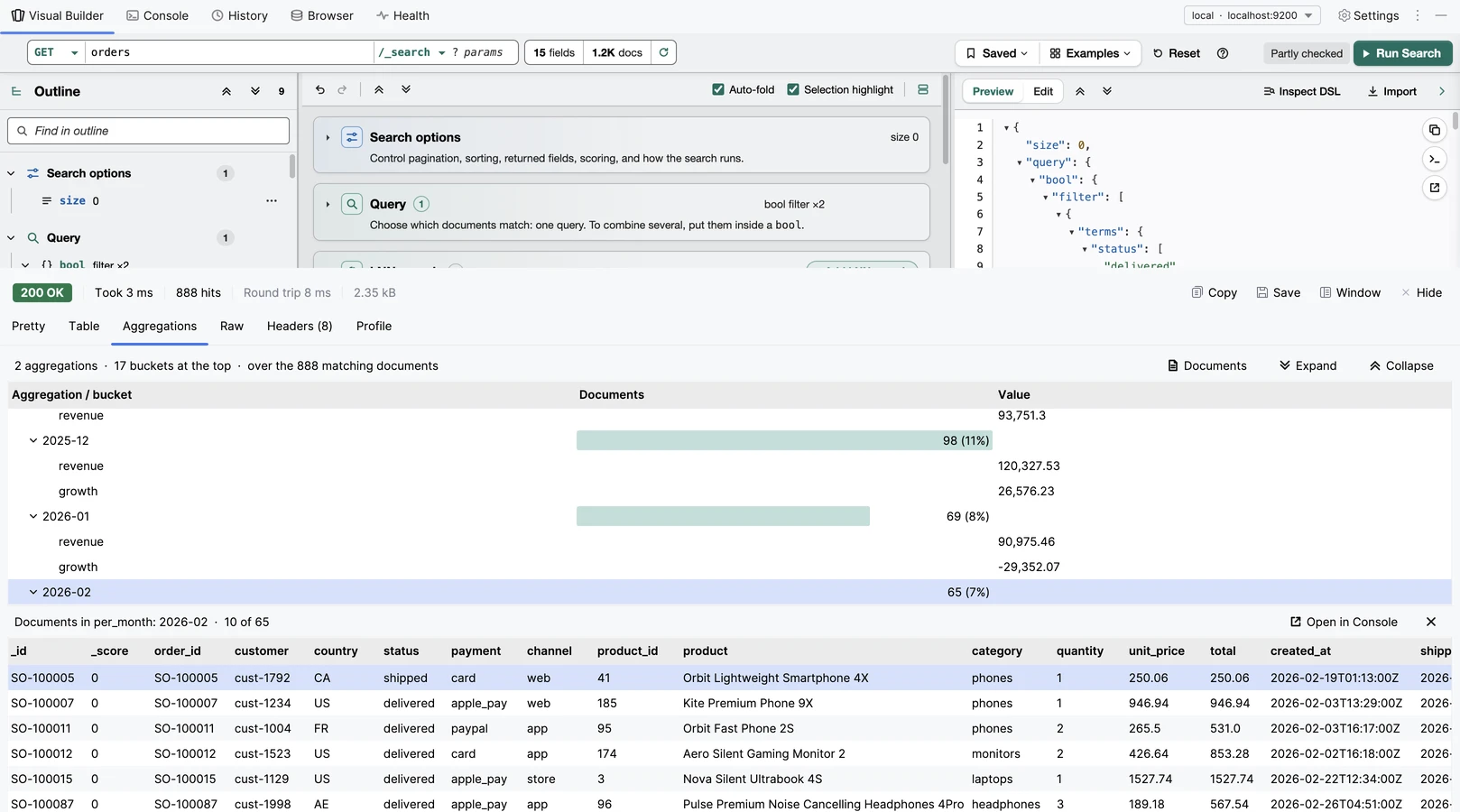
| Aggregations | Buckets with bars and each bucket's share; fold them like a tree. Documents shows the documents a bucket counted, found again exactly: terms, ranges, histograms (fixed, calendar or auto), filters, adjacency pairs, composite keys, IP prefixes, grid cells (Elasticsearch) and nested buckets; Open in Console shows the search. |
| Explain | Why the selected hit scored as it did: each part with its share of the score, the branch that counted, and under Details what a term's score is made of: how often it is here, how rare it is, the boost, a field's tuned k1 and b. Then the filters it matched, the fields the score names as the hit holds them, and the engine's own explanation. A kNN hit is explained by running the search again; a document changed since says No longer matches. Through a search pipeline, or for a hybrid query's combined score, it points to explain=true on the search. |
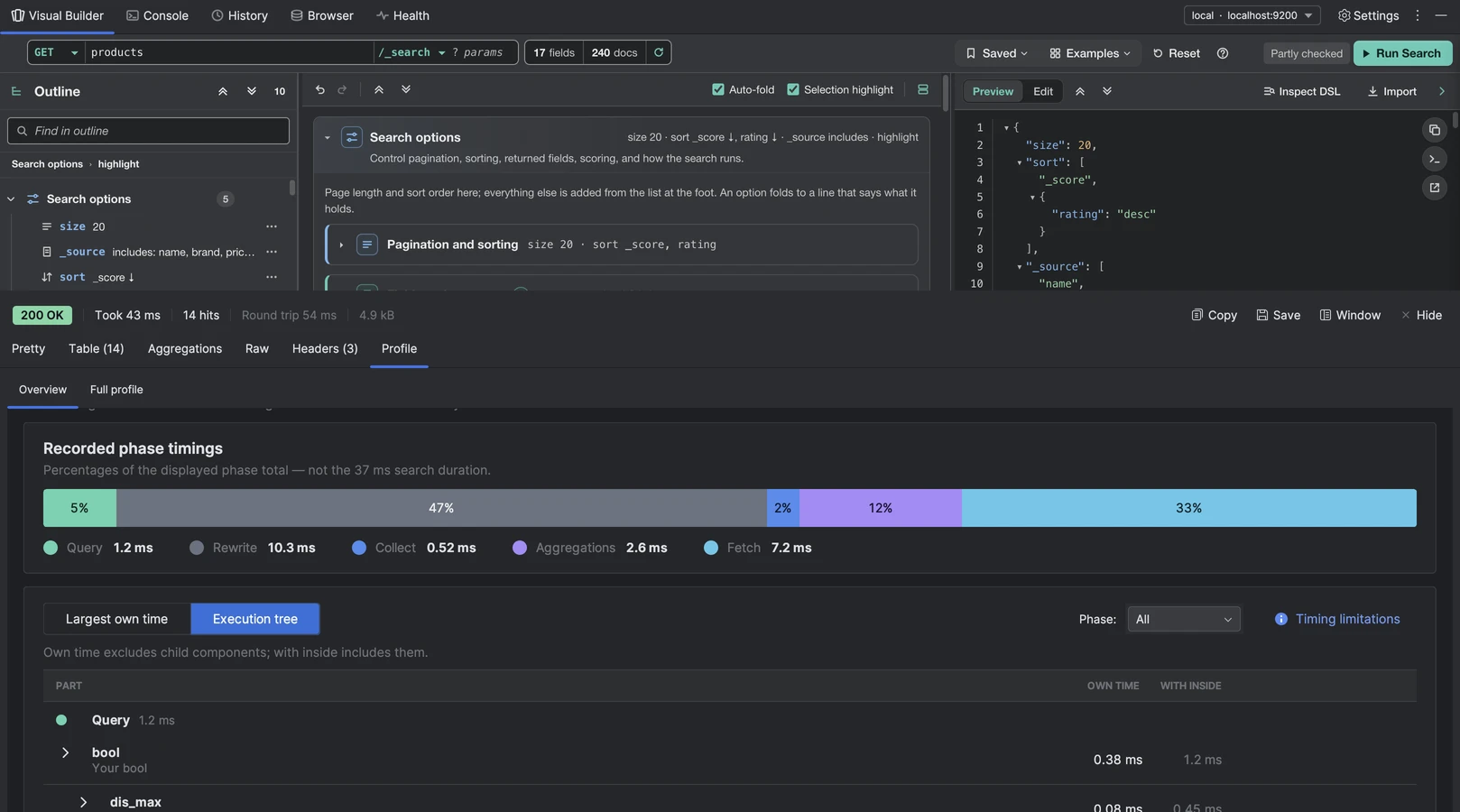
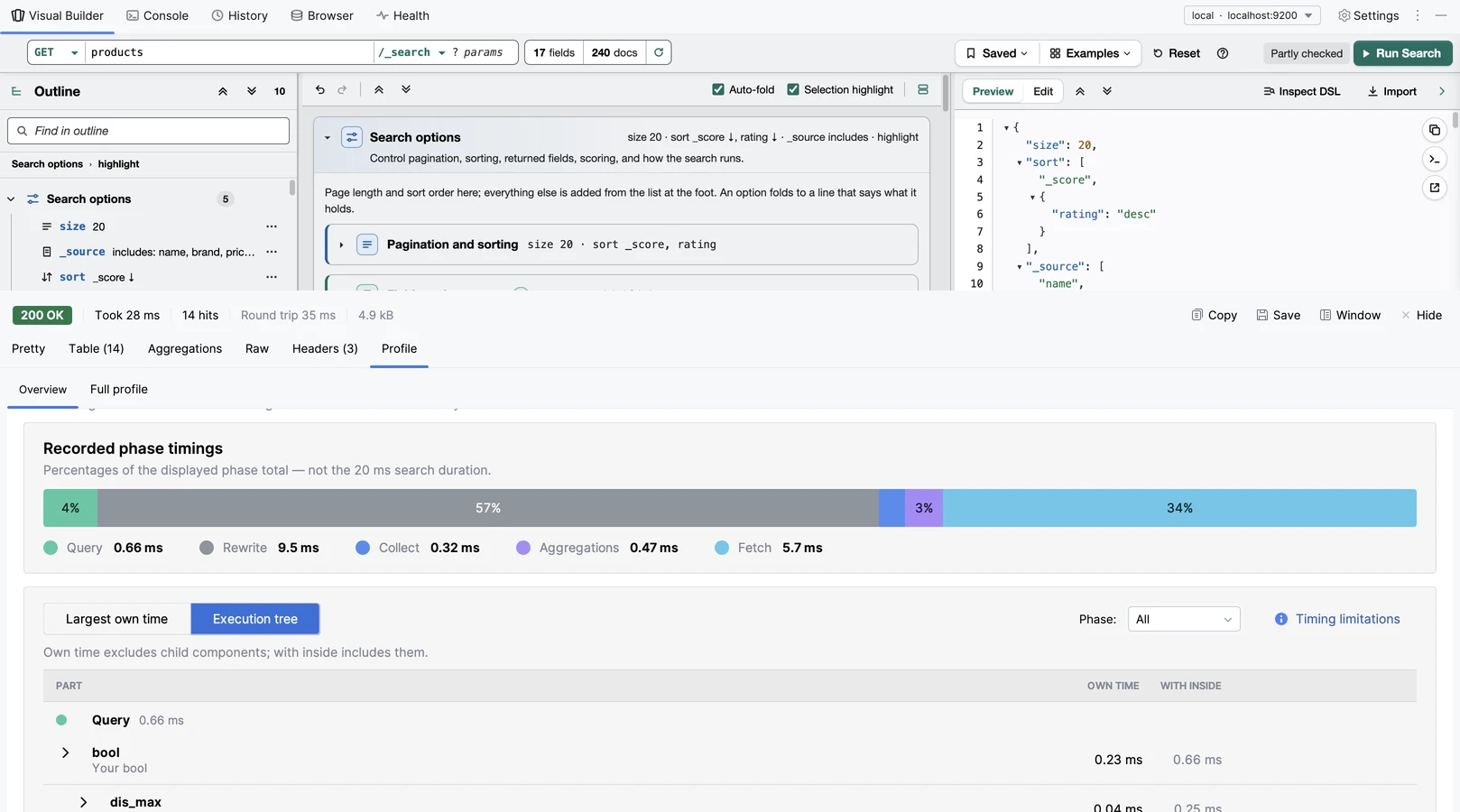
| Profile | Where the time went: the phases as a bar, then every part by Largest own time or as the Execution tree; open one for its steps. Where a part can be reliably linked to your request, its source is shown with a Show in query action. Full profile holds the engine's own profile. Rescore is a phase of its own on Elasticsearch 9.6, OpenSearch's concurrent segment search adds a slowest-slice column, and Timing limitations says what profiling does not time. Profile this search runs a search with profiling on; Profile again runs it once more. |
| Pretty, Raw, Headers | The response as it came. |
Keep, share and reuse
- Saved
- Name the query; it is kept for this project with its index and endpoint. The one you loaded is named on the button, and Save changes in the menu keeps what you changed in it.
- Share
- The share mark on a saved query puts it in
.idea/esQueryBuilderSharedQueries.xml. Commit that file and the team has it: the query and its index, never a connection or its credentials. A secret written beside the query is taken out; what the query searches for is kept. Share says when version control ignores the file. Stopping sharing, or deleting a shared query, removes it for everyone at your next commit. A file with a merge conflict in it is not written. - Copy JSON, Copy as curl
- Two of the three marks at the top right of the request: the body as JSON, or the whole request as a curl command with the key as a variable.
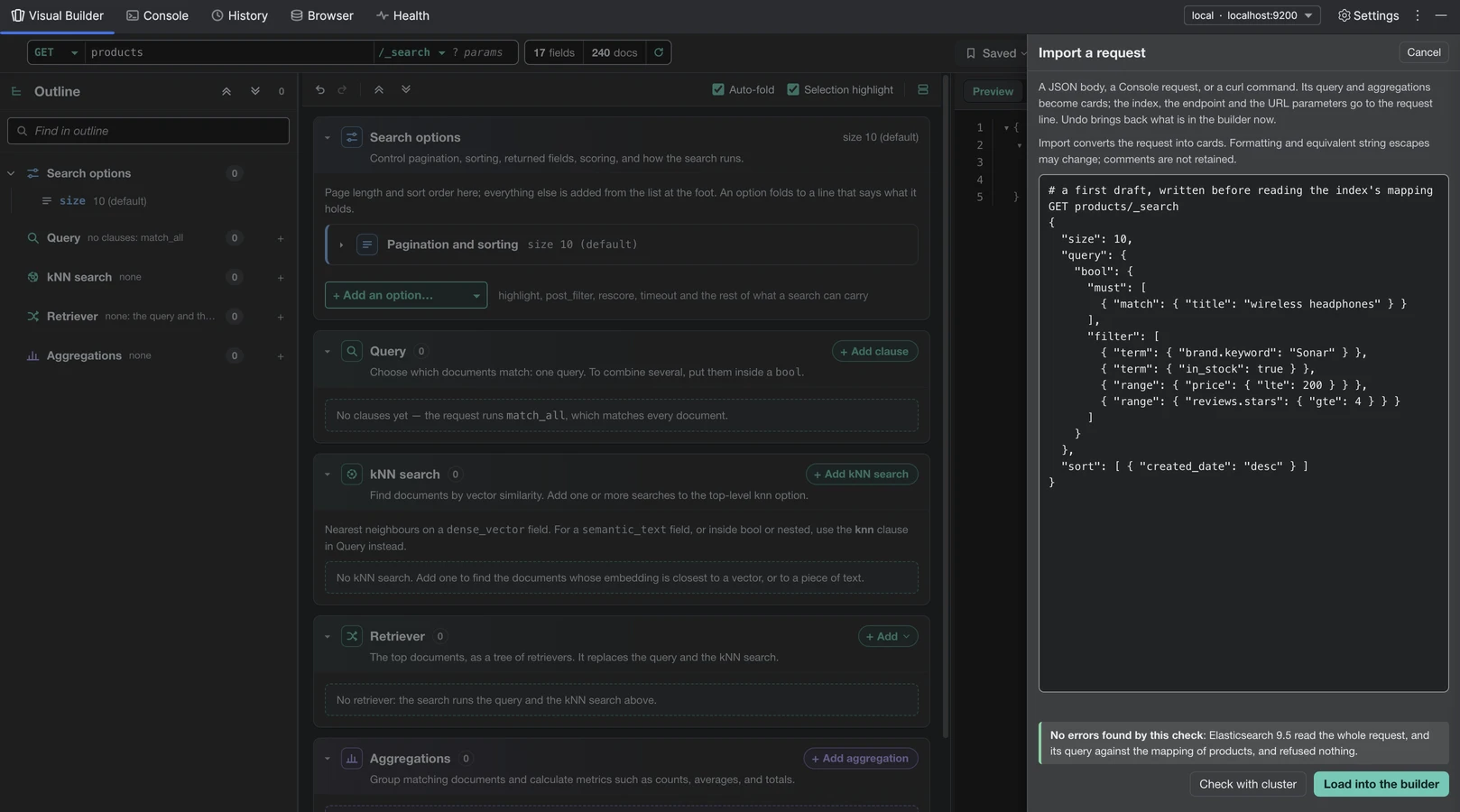
- Import
- Paste JSON, a Console request or a curl command. Comments are read past, as the engines read past them, and are not kept; a line that begins with
#, Kibana's Console comment, is left out, since the engines refuse it, and so is a#or//comment after the address; a script between"""comes in as Kibana sends it. Every number is kept as written. What the cards can't hold stays as JSON, sent as written; a key written twice too, with a note. - Not a search?
- A document, a response or a mapping is valid JSON, and loads as written. A note names the keys at the top that no engine has; a query pasted without
queryaround it gets Put it under query. The note is shown on Elasticsearch 8.0 to 9.5 and OpenSearch 2.19 and 3.0 to 3.9. - A drafted query
- From an assistant or a colleague: paste it into Import like any other request. Where the cluster check can run, the cluster reads it before you load it. Once it is loaded, the notes say what your mapping and your engine's version make of it, such as a field the index does not have.
- Examples
- Ready-made requests. Advice before you run shows the notes at work.
- Open in Console
- The third mark: opens the request in the Console tab.
What asks first
| Request | Any cluster | Production cluster |
|---|---|---|
DELETE, reindex, closing an index, restoring a snapshot, a bulk with delete actions, an alias change that removes an index | Asks first | You type the cluster's name |
| Delete or update by query | Asks first, with how many documents it would touch | You type the cluster's name |
| Cluster or index settings, reroute, force merge | Runs | Asks first |
| Suggested actions from the Browser, Health or Diagnose | Only written into the Console | Only written into the Console |
Advice before you run
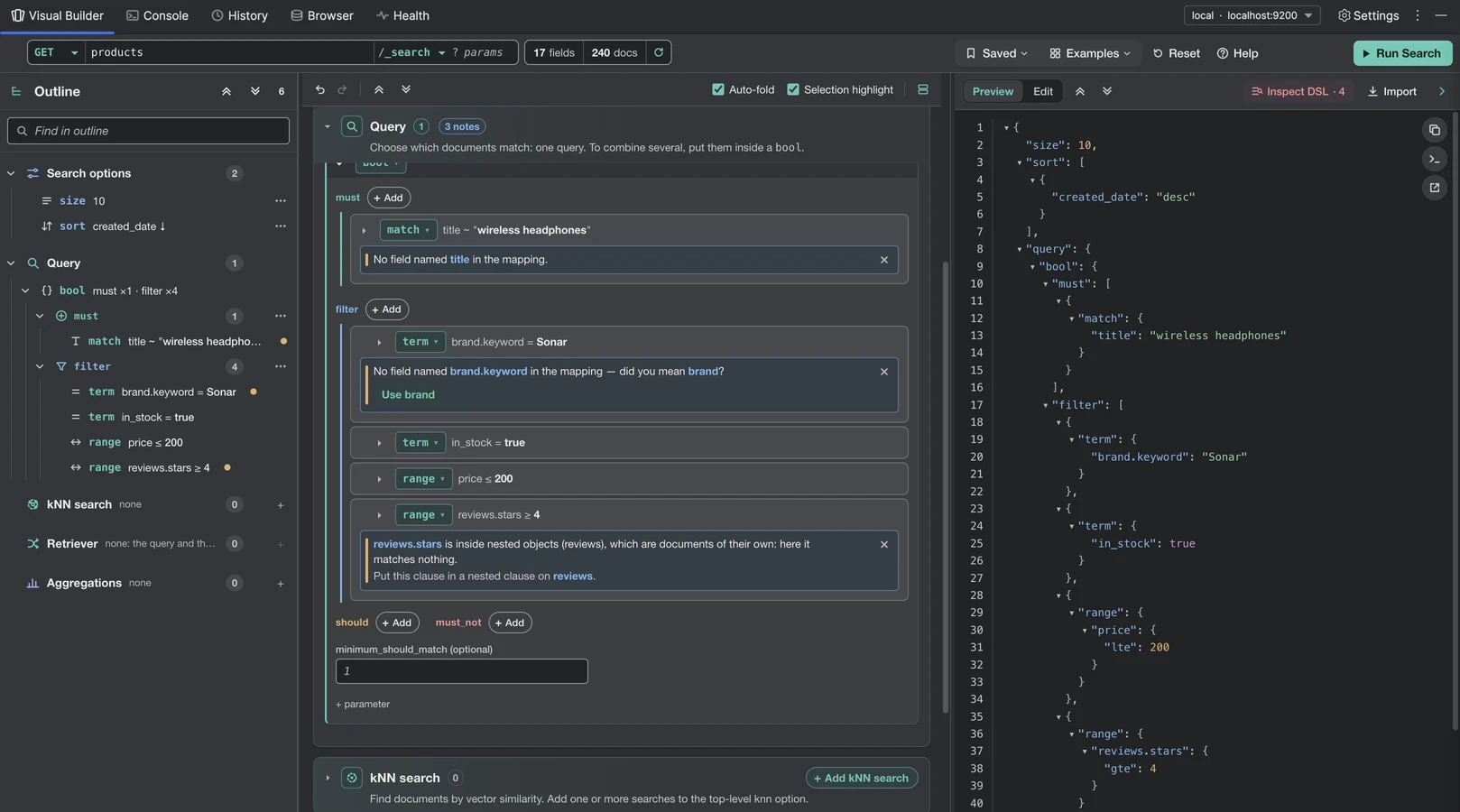
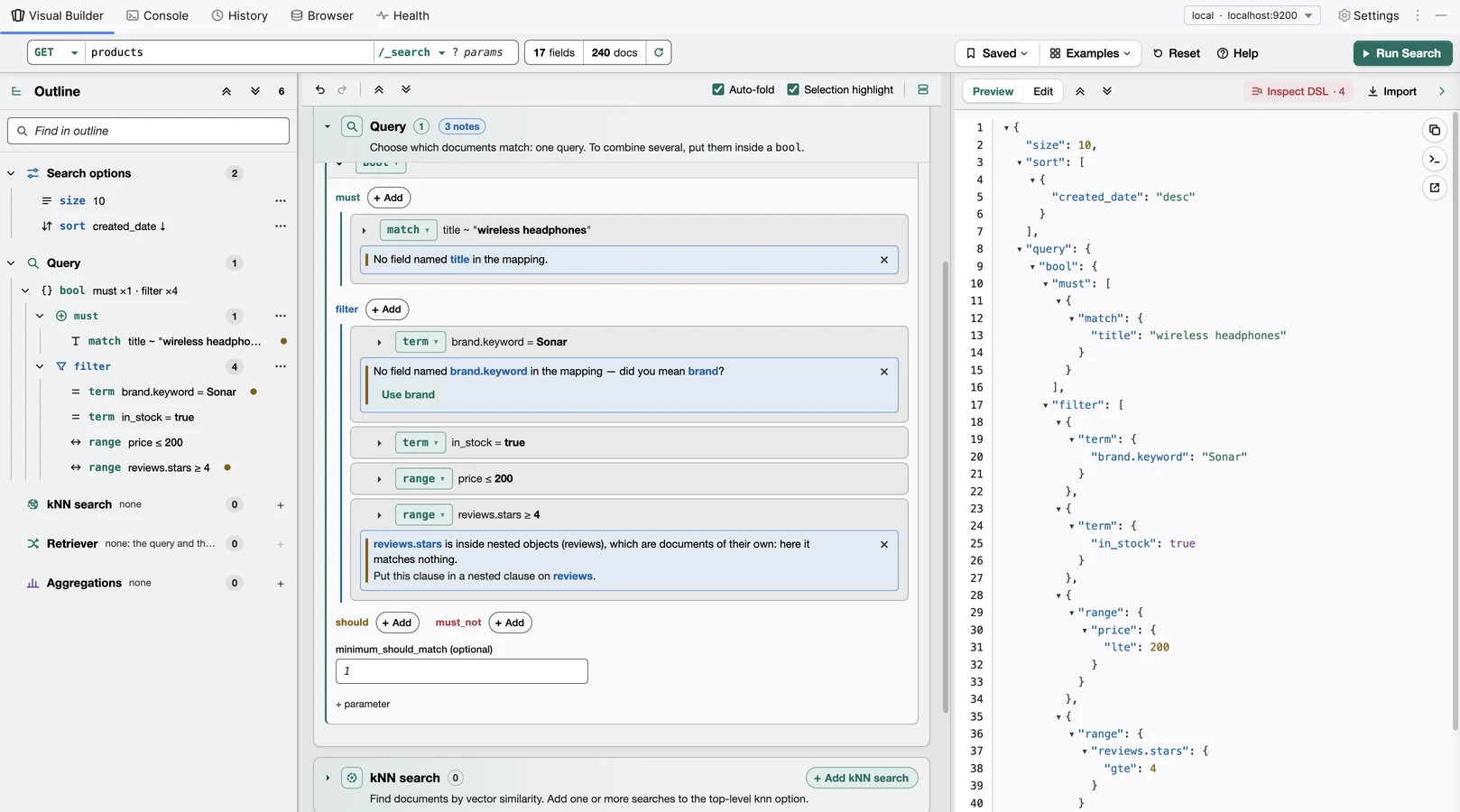
A search request can run without an error and still match nothing, skip a part, or take its time. The builder checks what you build against what Elasticsearch and OpenSearch document and do, and tells you before you press Run, with a suggested change where available.
Inspect DSL, over the request beside Import, lists every note on the request in one place, a built-in query DSL linter: Errors (refused, or left out of the request, and unfinished cards), Behavior (matches nothing, is ignored, or is not what it reads as), Performance (may be slow on a large index) and the Cluster response, the cluster's own answer. Go to shows a note where it is; its suggested change and Hide work from the list. It says what it can see from the request, the index's mapping and the engine's version.
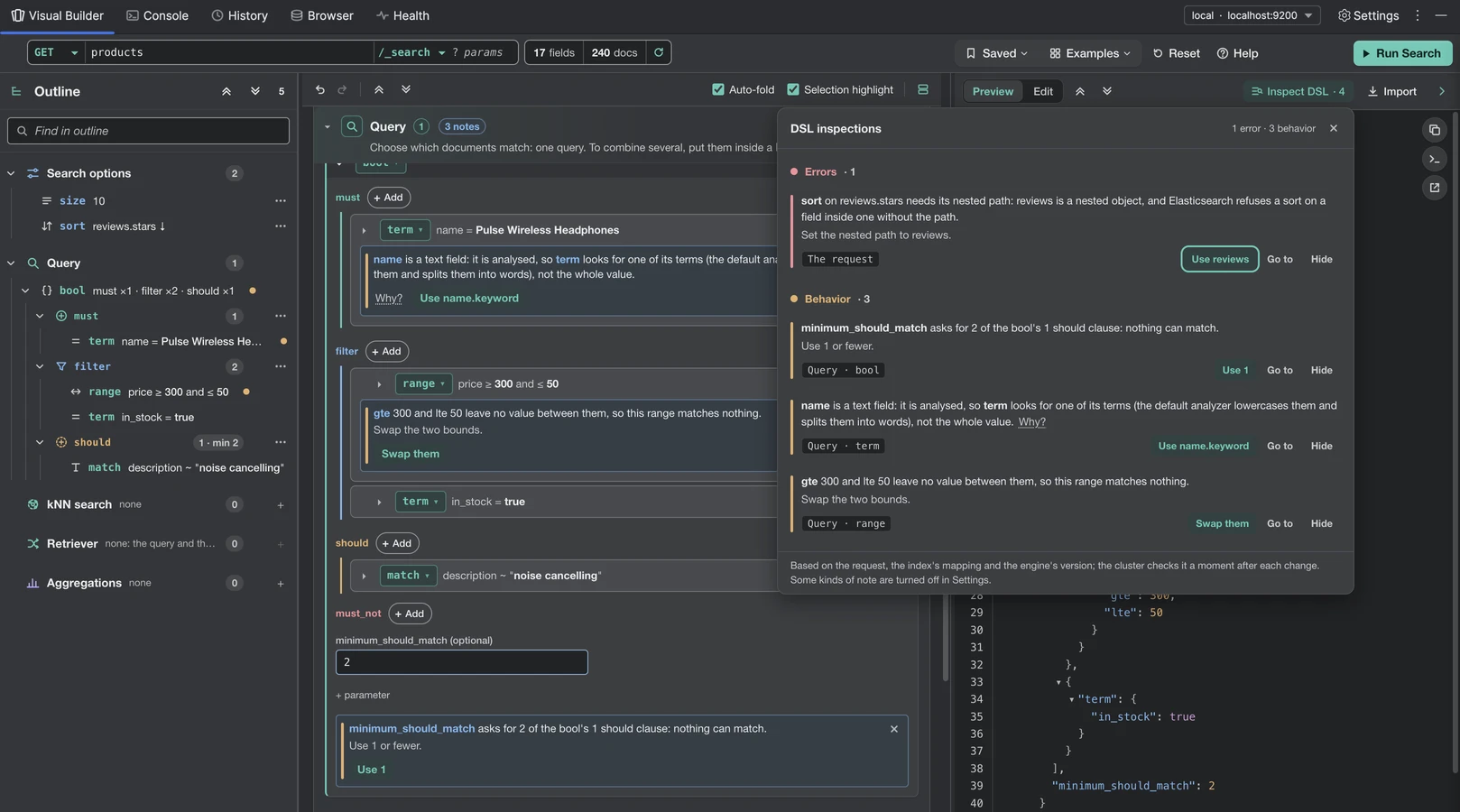
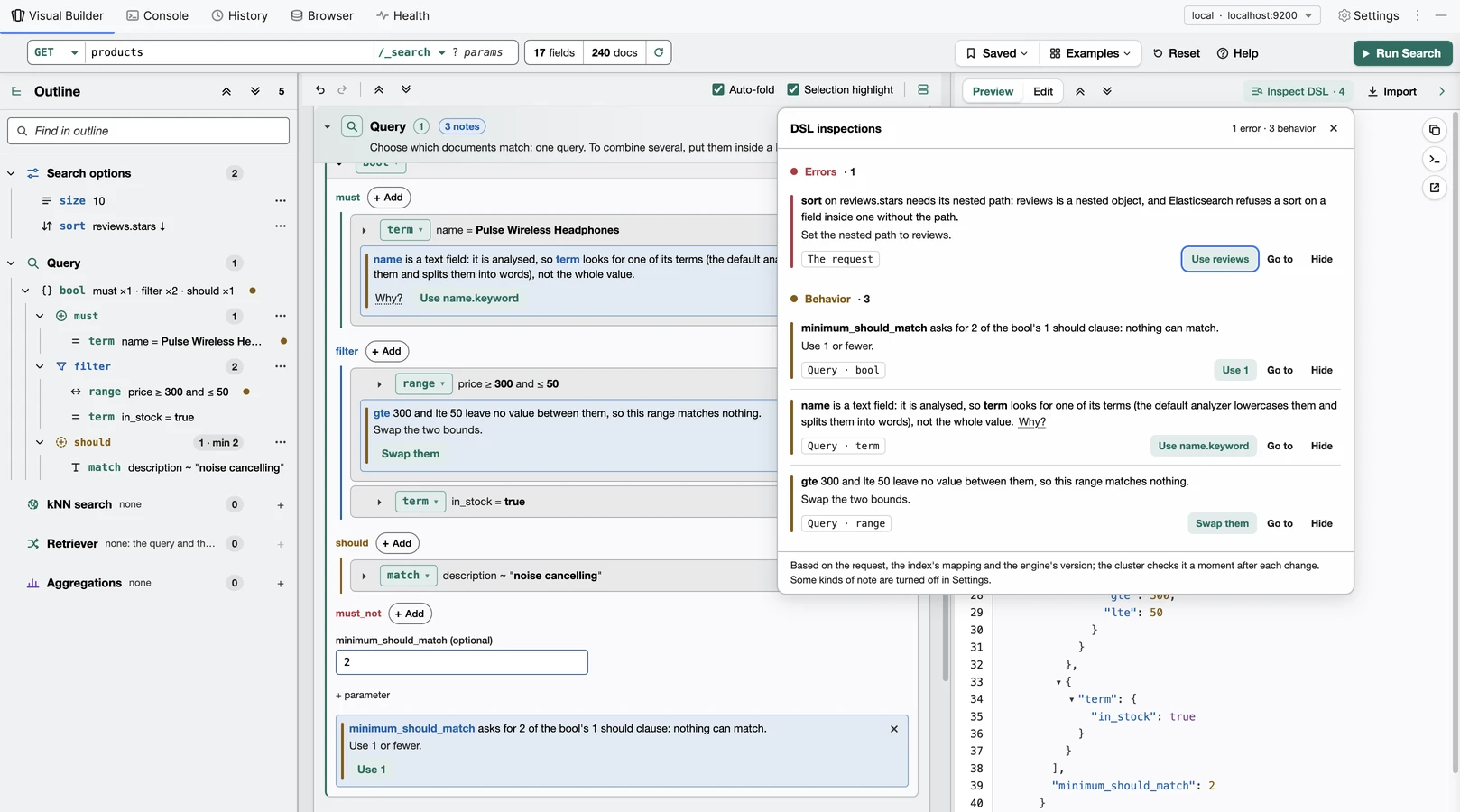
- 160+DSL checks as you type
- 4kinds: errors, behavior, performance and the cluster's answer. See them ↓
- 1 clickto apply most suggestions; Undo takes it back
- 2 search enginesElasticsearch and OpenSearch, asked live on 8.19, 9.5 and Serverless, and on 2.19 and 3.9
- Cluster responseThe cluster's own answer, when the cluster check has it read the request.Example
Refused by Elasticsearch 9.5The engine's words, not a prediction - ErrorsRefused by the engine, left out of the request, or unfinished.Example
a vector of 2 on a field of 4Can't be turned off - BehaviorRuns, but matches nothing, is ignored, or isn't what it reads as.Example
minimum_should_match 3 of 2Suggestion: Use 2 - PerformanceMay be slow on a large index.Example
"*Headphones*"A leading wildcard may check every term.
How a note works
gte 300 and lte 50 leave no value between them, so this range matches nothing. Swap the two bounds.
2Swap them- What is wrong, and why, in the engine's own terms, under the card that holds it.
- The suggested change, where there is one value to set. Undo takes it back.
- × hides the note for this request, or turns that kind of advice off everywhere (Settings | Tools | Elasticsearch DSL Builder brings it back). A note on what the engine refuses, or on a part left out of the request, cannot be turned off.
- Said in gray: how the engine reads what you wrote. Not a problem, and not counted.
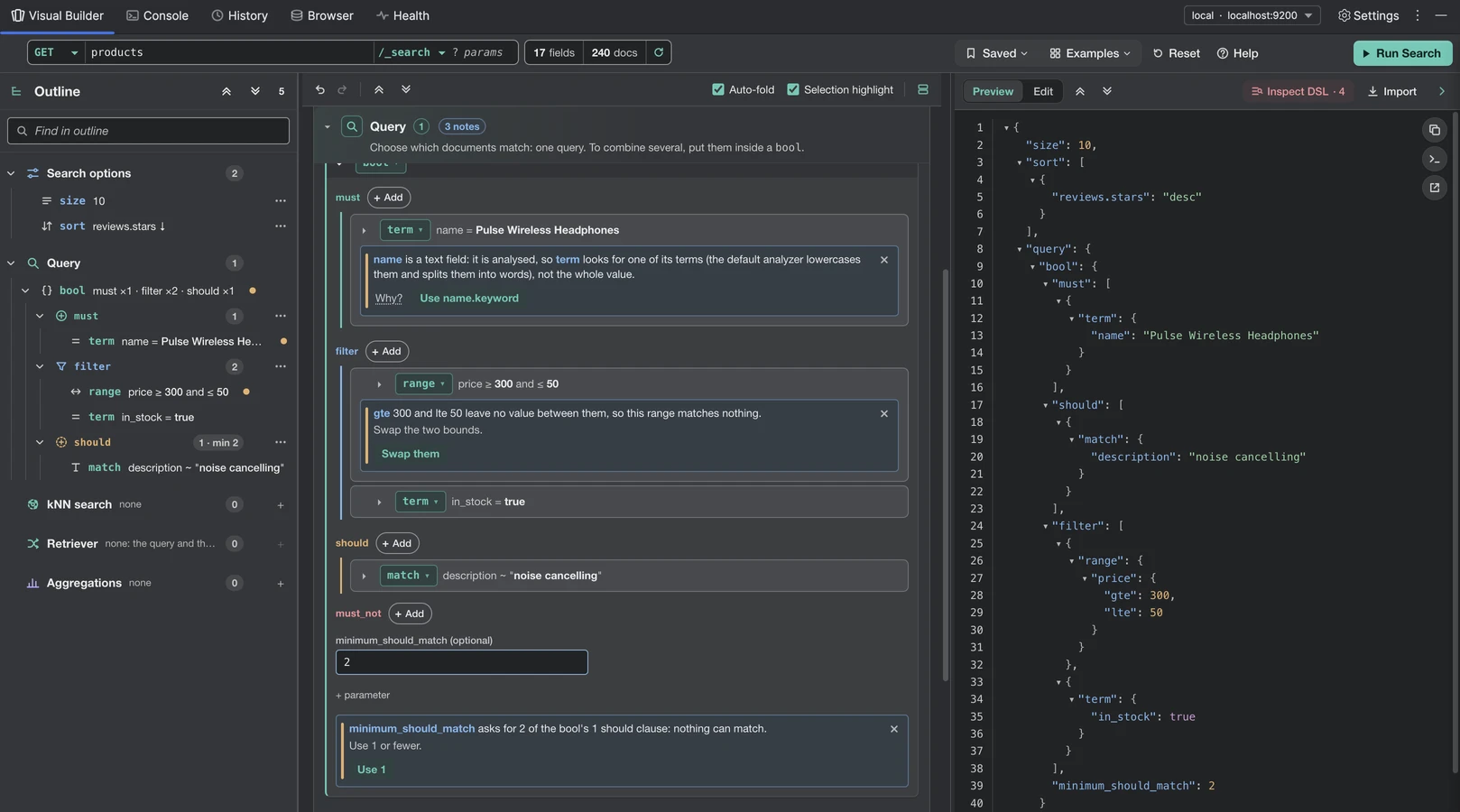
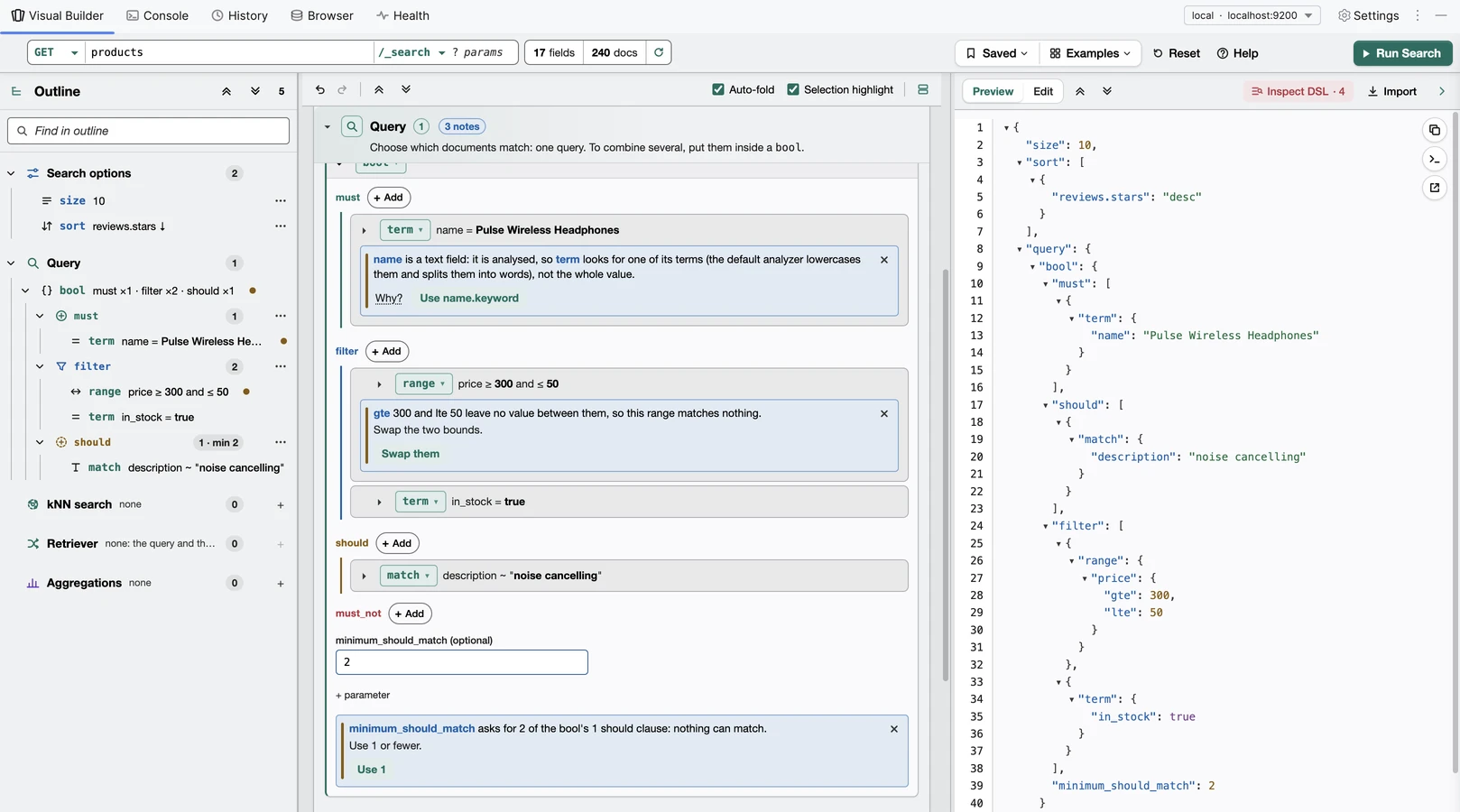
Checked by the cluster
A moment after each change, the cluster itself reads the request and says what it would refuse, so a mistake shows the moment it is made, not when you run.
- How
- The request, unchanged, is sent to a target that is empty whatever the cluster holds: every index, then every index taken away. The cluster reads all of it and searches nothing: no document is read or changed. An answer that shows a shard reached stops the check for that connection, and says so; switching it off and on starts it again. A refusal never stops it.
- Against the mapping
- Where the request names one index or alias, its
queryandpost_filterare also checked against that index's mapping by the engine's own_validate/query, which searches nothing: a word where a number goes, a date in another format, a query on a field of the wrong type. An alias is answered index by index (Refused for 2 of 5 indices). Not for a pattern, several indices, runtime or derived fields, a retriever, knn, a script or a regular expression, nor where the index has asemantic_textfield or a default search pipeline; on OpenSearch, a refusal a date range could let the search skip is not said. Run's tooltip says why. A refusal shown is checked again each minute while it stands. - Where it shows
- Refused by beside Run (over the request JSON in a narrow window), which goes to the note in the cluster's own words; and in Inspect DSL. A note only: the request is never held back or changed. When the cluster has not checked the request, Not checked by the cluster, beside Run, says why.
- Before you load
- Import asks the cluster as you paste, and Check with cluster asks once where the check is off. It says No errors found, Refused with the reason, Partially checked with what was left out, or Not checked with why. A delete or update by query has its query checked as a search; the write is never sent.
- Never checked
- A request the cluster would prepare by fetching a document, calling a model, running a pipeline or keeping a point in time (a lookup, a
wrapper, vectors and models, rules,ext), and anything but a search, a count, or the query of a delete or update by query. The IDE reads every key of the body before it sends it, and sends nothing it cannot read. - Engines
- Elasticsearch 8.10 and later; OpenSearch 3 and later when the connection has it On. Off when the cluster's version cannot be read (a user without the
monitorright), and on Serverless. Proved on 8.10, 8.19, 9.5 and OpenSearch 3.9 over thousands of requests: no note for a request the cluster takes. - On and off
- For each connection: edit it in Settings | Tools | Elasticsearch DSL Builder, then Cluster check. Automatic is on for Elasticsearch and off for OpenSearch, since its Query Insights (on by default in 3.x, kept 7 days) may keep each check among the searches it records. An audit log may keep each check too.
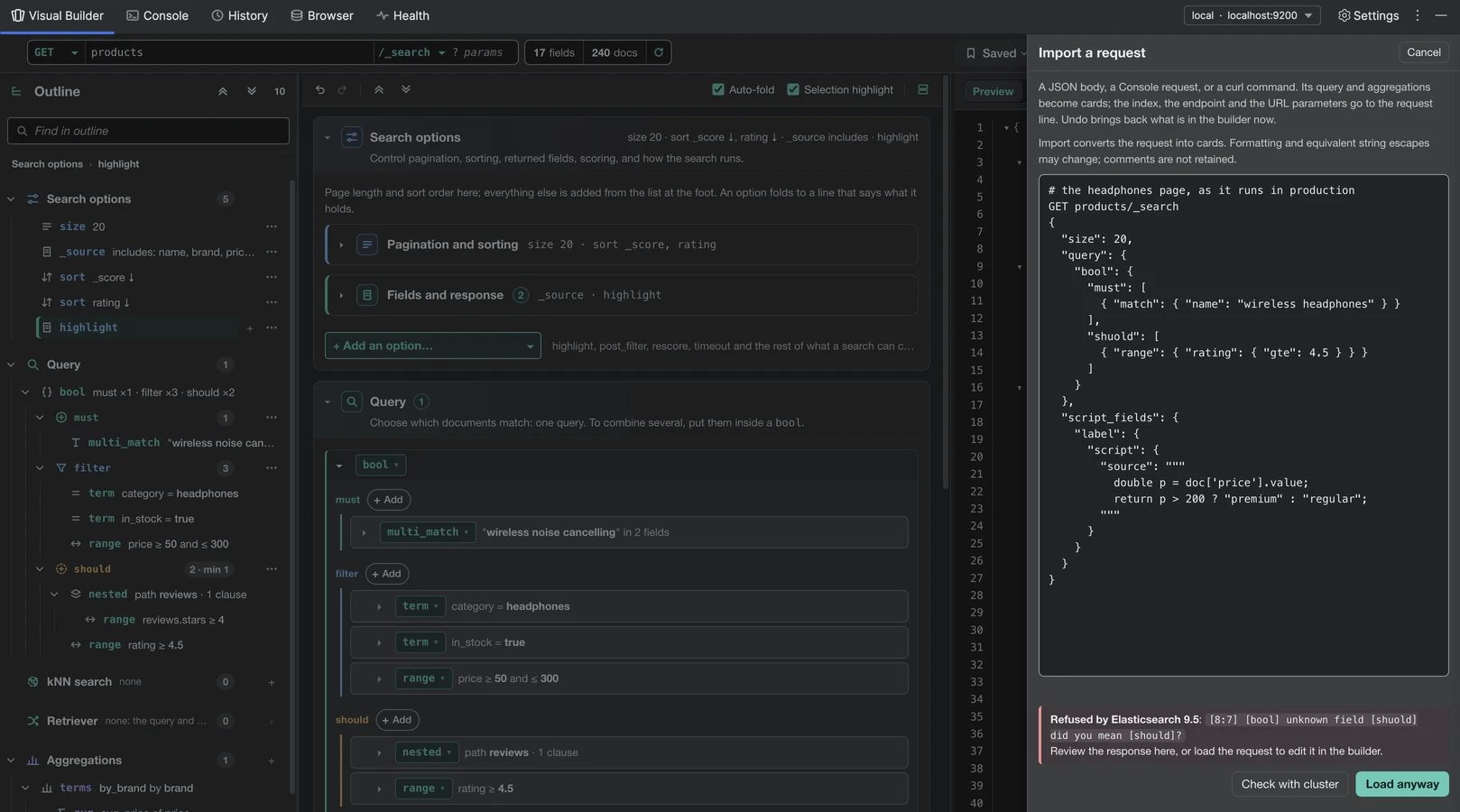
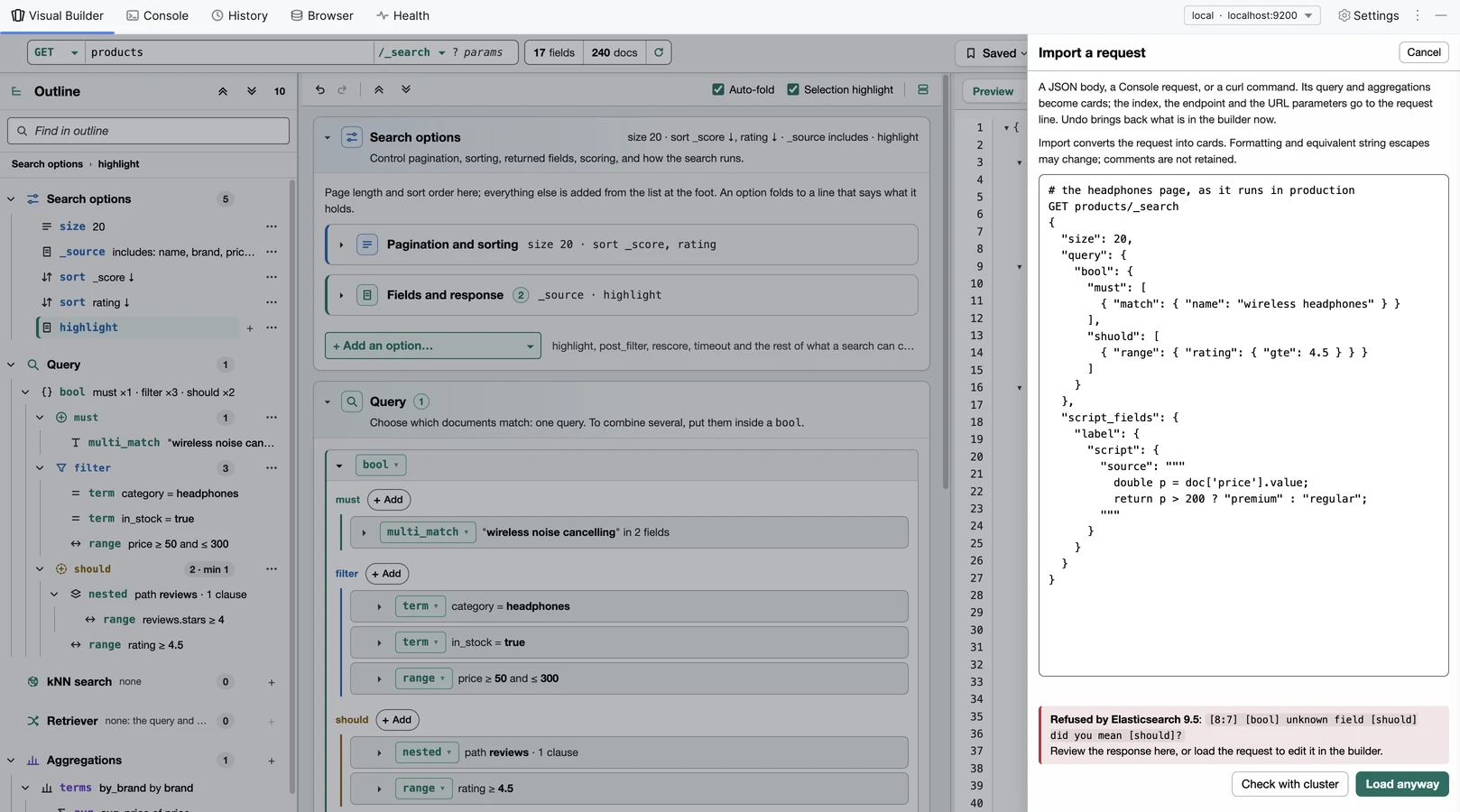
should before you load it.What the checks help you spot
160+ DSL checks help you understand a request before you run it. Here are a few examples of what they look for; the notes in the builder explain what applies to your request.
- Unexpected matches
- A range whose bounds cross, an exact query on an analyzed text field, or a value longer than the field's
ignore_above, which is never indexed. A note explains why the results may differ from what you intended. - Query behavior
- Optional clauses that affect scores without narrowing the results, a
minimum_should_matchpercentage that rounds down to 0, nested conditions that may match different objects, or afunction_scorewhose filter-only query makes every score 0. - Pages past a limit
- A later page past the rescore window, which keeps the first query's order, or a page larger than the kNN search's
k. - Potentially expensive searches
- A leading wildcard, for example. These notes identify patterns worth considering; they do not measure your request's actual performance.
- Unsupported combinations
- Parameters, field types or search options that do not work together, with engine and version context where available.
- Incomplete requests
- Unfinished clauses and parts left out of the generated request, so you can review what will actually be sent.
Open Inspect DSL to see the notes for your current request, jump to the relevant clause, or apply a suggested change when it matches your intent. You can hide a note for that request; optional advice can also be turned off in Settings. Notes never stop a run.
A check is not a guarantee. Coverage depends on the engine, version and mapping information available. A request with no notes is not necessarily correct, fast or safe to run. The cluster check reports separately what it could check and what it could not.
Gray information lines explain defaults and behavior, such as how many buckets an aggregation returns. They are not warnings.
Console
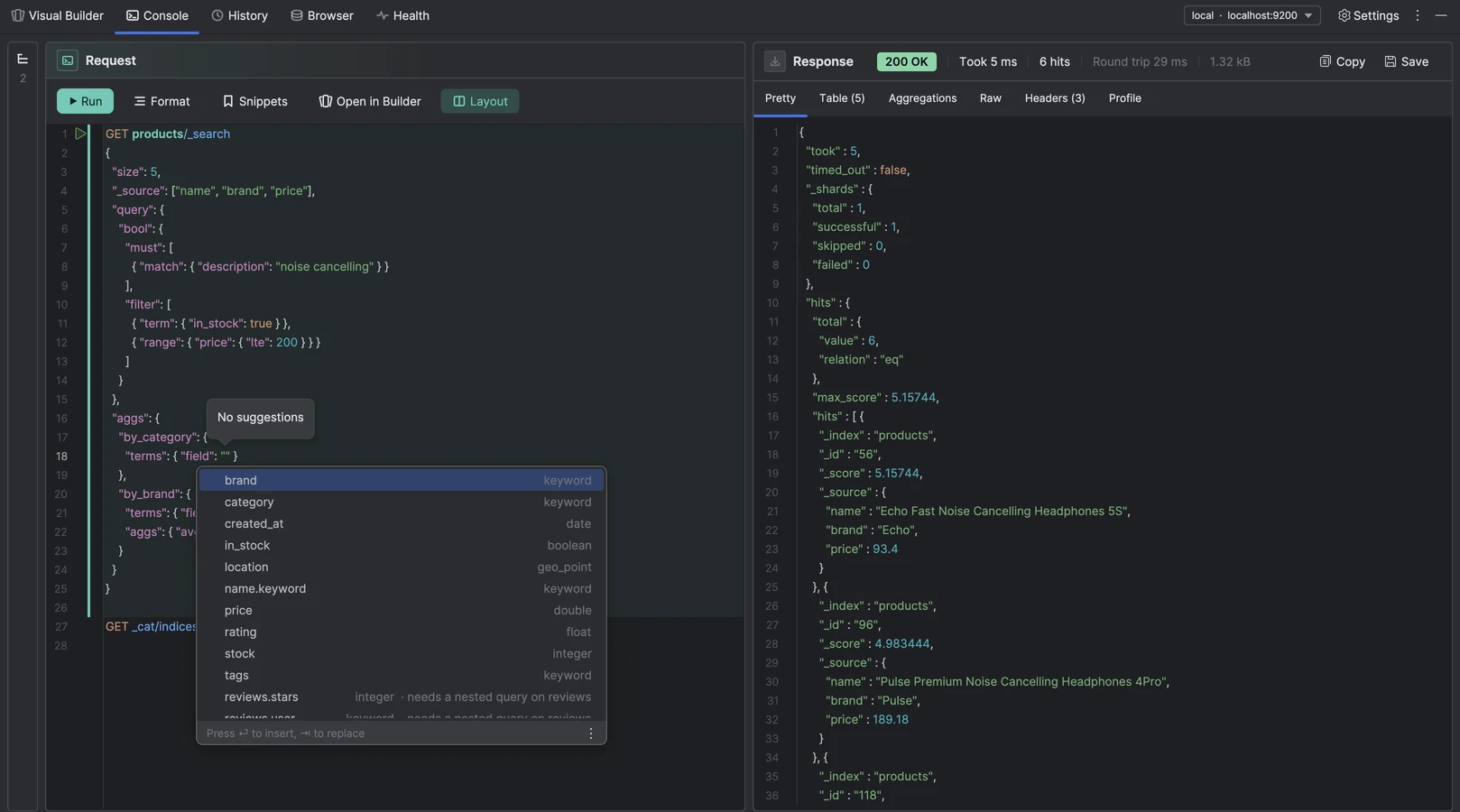
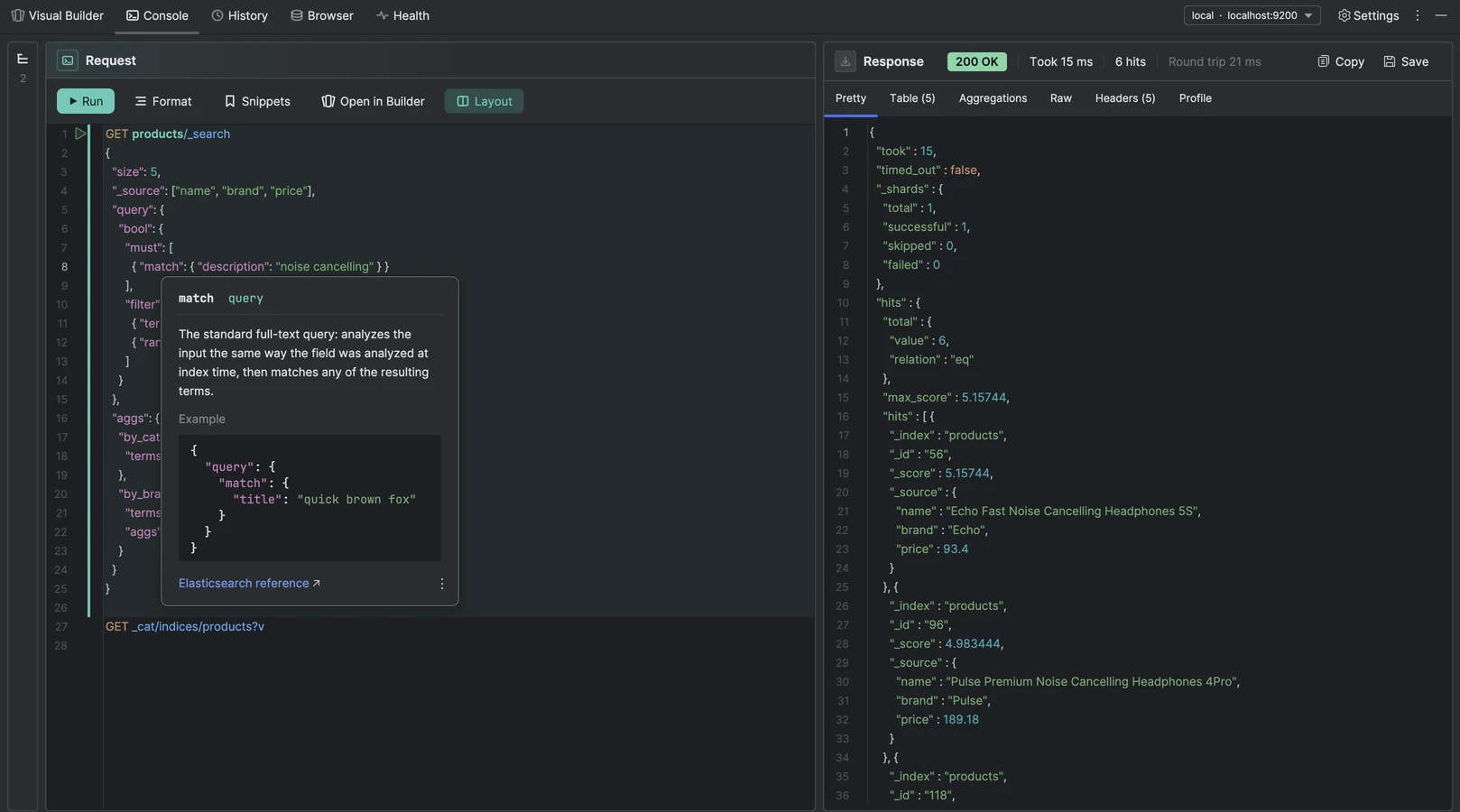
Write requests as text, as in Kibana Dev Tools, and run the one the caret is in.
1GET products/_search { 2"query": { "match": { "description": "noise cancelling" } } }
- Method and path on the first line; the index stands out in its own color. The ▶ beside it runs it.
- The body, optional. Ctrl+Enter (Cmd+Enter on macOS) runs the request the caret is in. Select several to run them in order; Stop gives up.
- Autocomplete
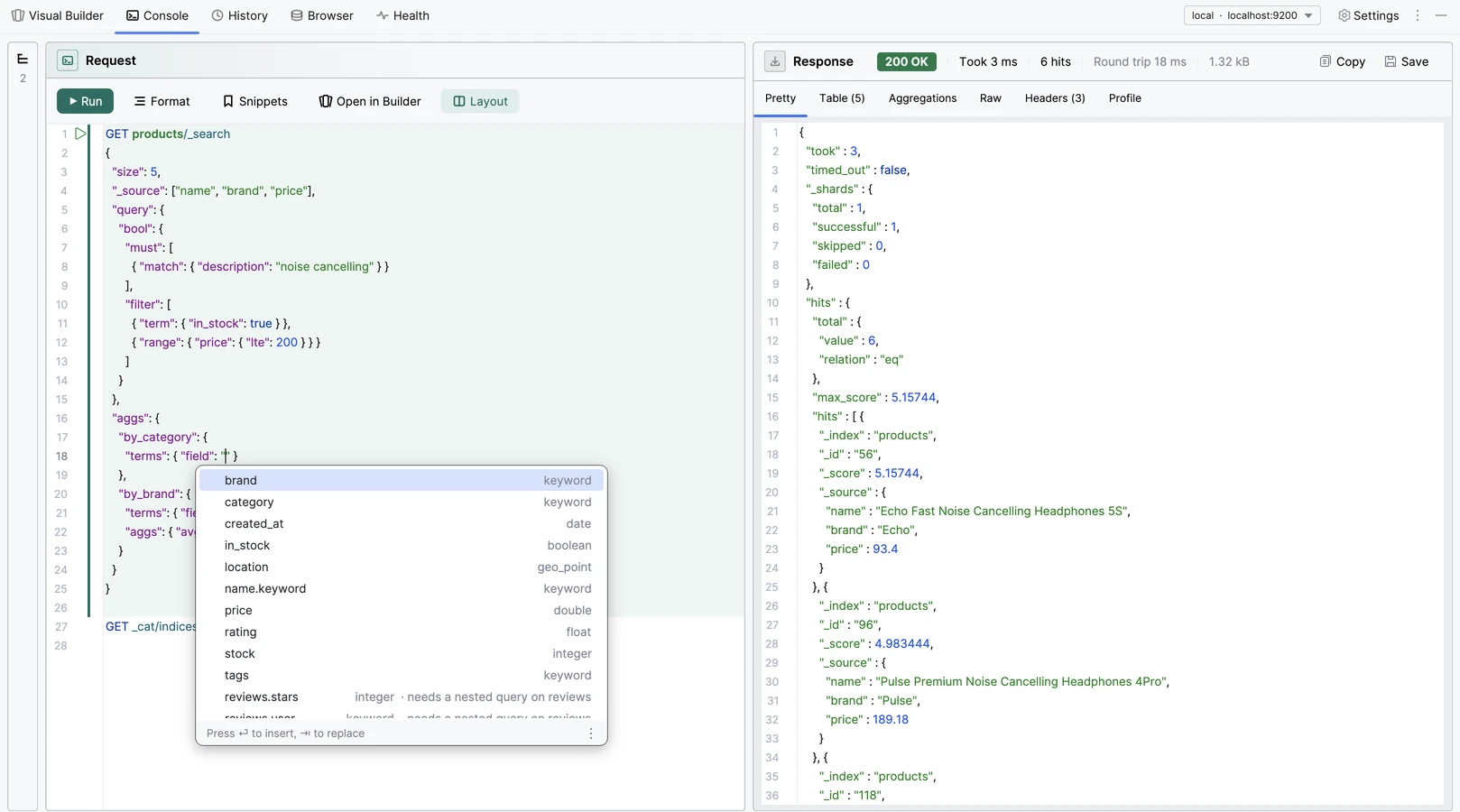
- Indices, query and aggregation types, the fields that fit where you are, common values from the index, and the endpoints and URL parameters of your engine's own API specification. What Elasticsearch or OpenSearch has deprecated (a query, a parameter, an old path such as
_template) is struck through, from the version that deprecated it. - Scripts in """
- A string over several lines between triple quotes, as Kibana writes a script, is sent as the JSON string Kibana sends. Format leaves it as written.
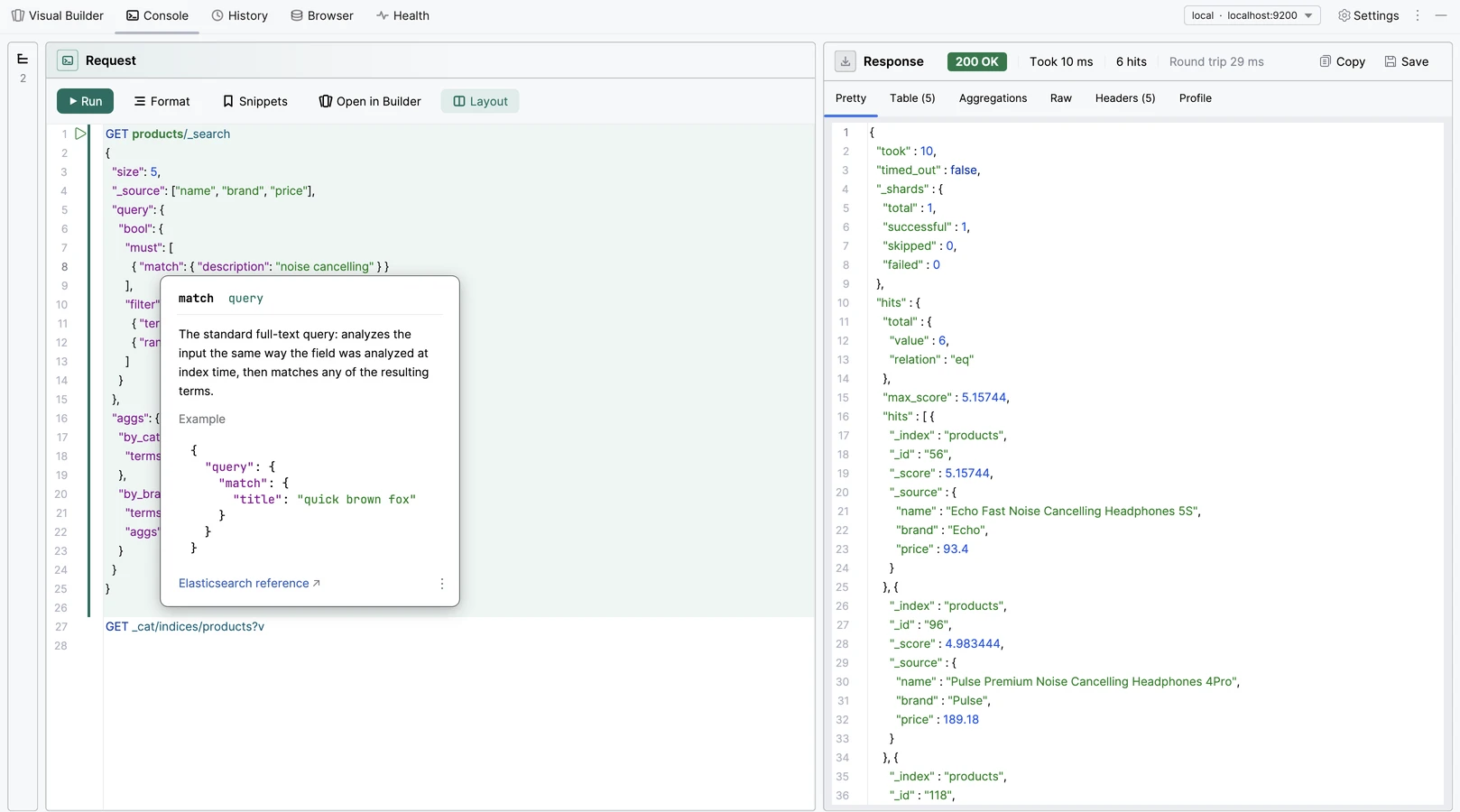
- Hover
- What a query, an aggregation or a search option does, with an example and a link to the official reference.
- Format
- Re-indents the request at the caret. Alt+Enter offers suggested changes.
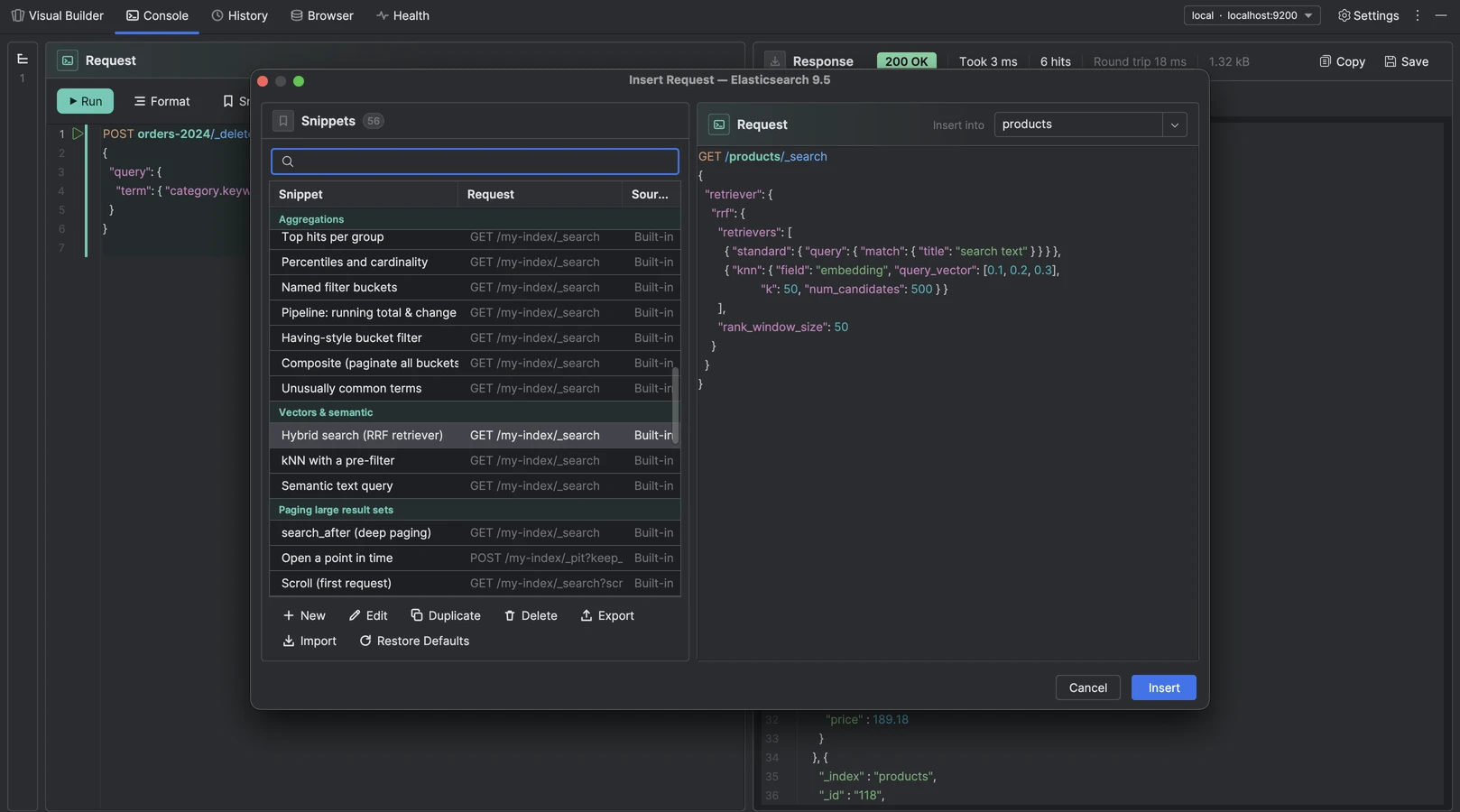
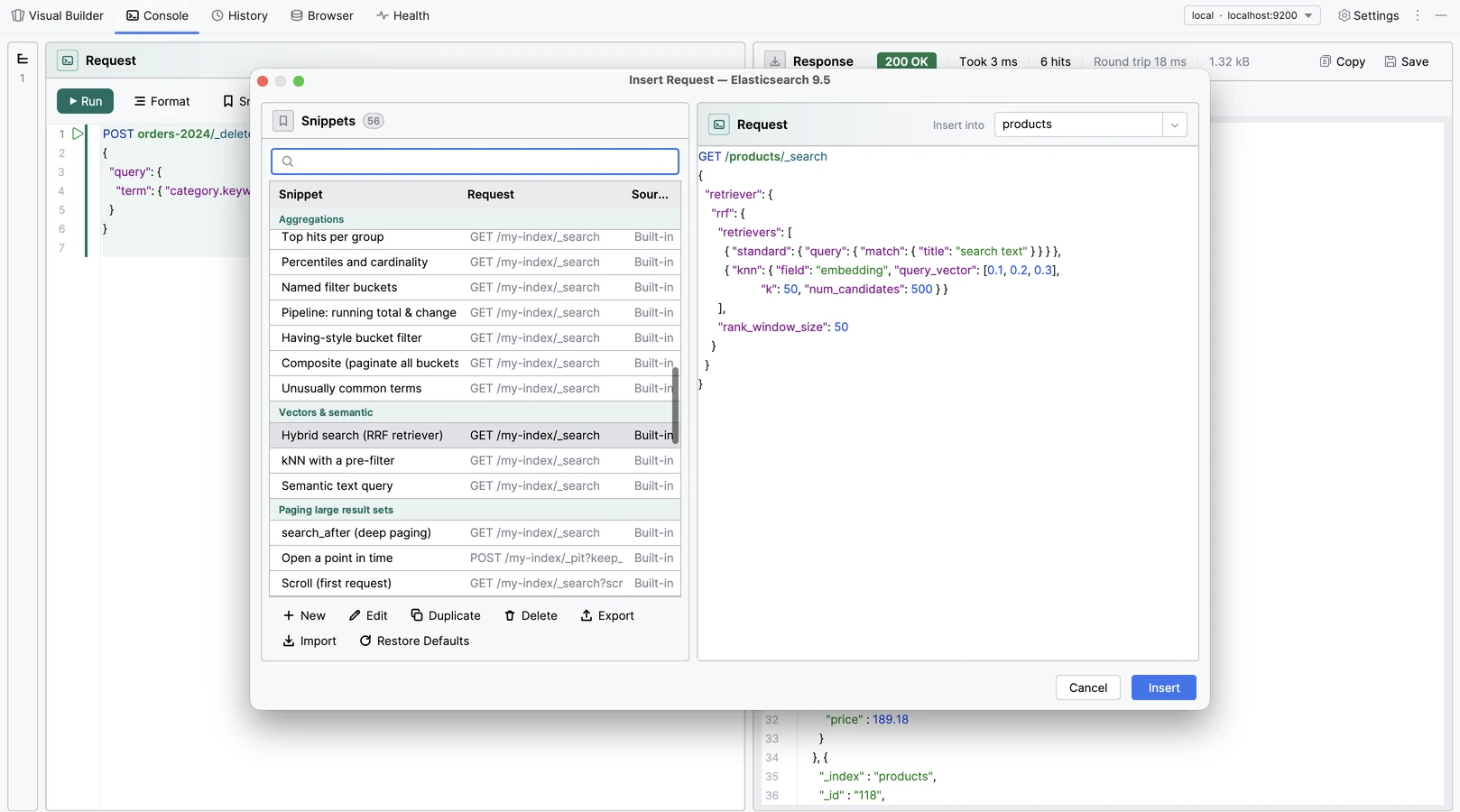
- Snippets
- Ready-made requests for your engine and version, with your own beside them.
- Requests sidebar
- The requests in this editor, the recent runs and your saved snippets.
- Open in Builder
- Loads the request at the caret as cards.
- Layout
- The answer below the editor, or beside it.
What you write is kept with the project. Passwords in it are saved as <secret-taken-out>, and a request that still says so is not sent until you put the value back.
History
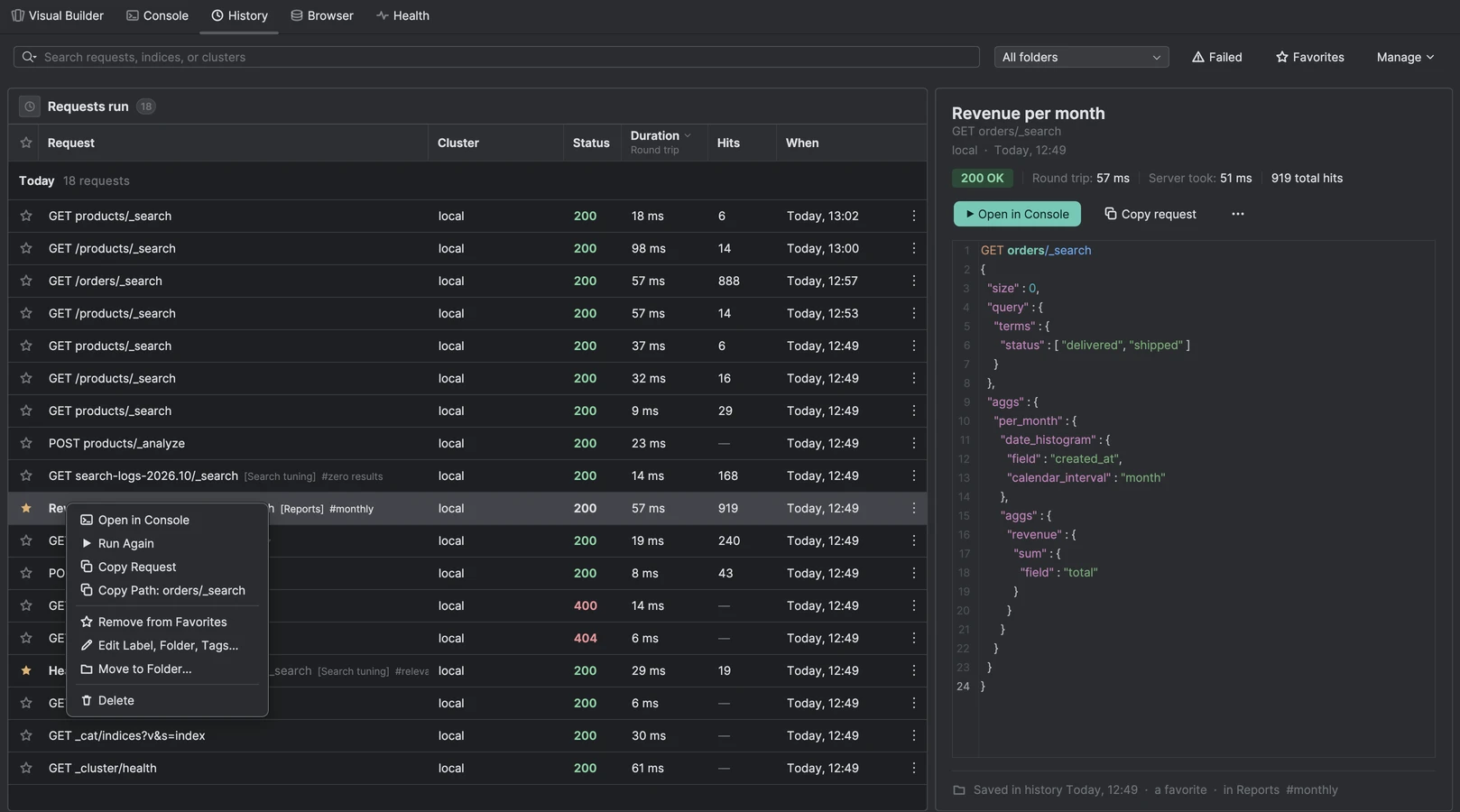
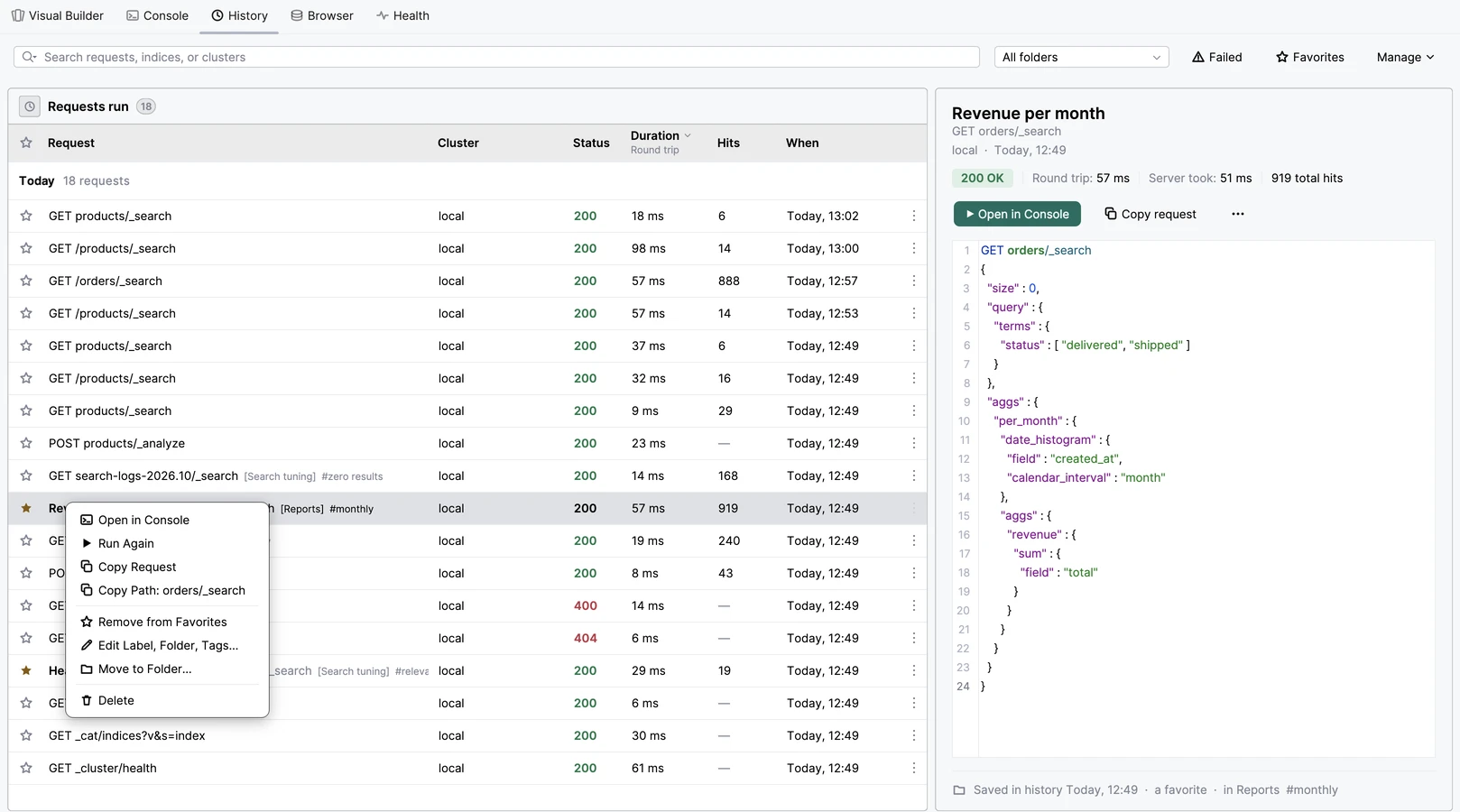
The requests you run, by day, to find again and run again.
- Each row
- The request, its cluster, the status, how long it took and how many hits. 1 s or more is amber, 5 s or more red.
- Find
- Search, or filter by folder, cluster, favorites, or failed only.
- Run again
- Double-click or Enter opens it in the Console. Run Again asks first if another cluster is selected now.
- Keep
- Star favorites, sort into folders, add tags. Manage exports and imports JSON.
- How many
- The last 500, and any you starred, labeled, filed or tagged. The same request run again straight after, on the same cluster, is one row.
Browser
What is on the cluster, without writing a request.
- Indices
- Aliases
- Index templates
- Ingest pipelines
- Data streams
- Snapshot repositories
- ILM policies
- Nodes
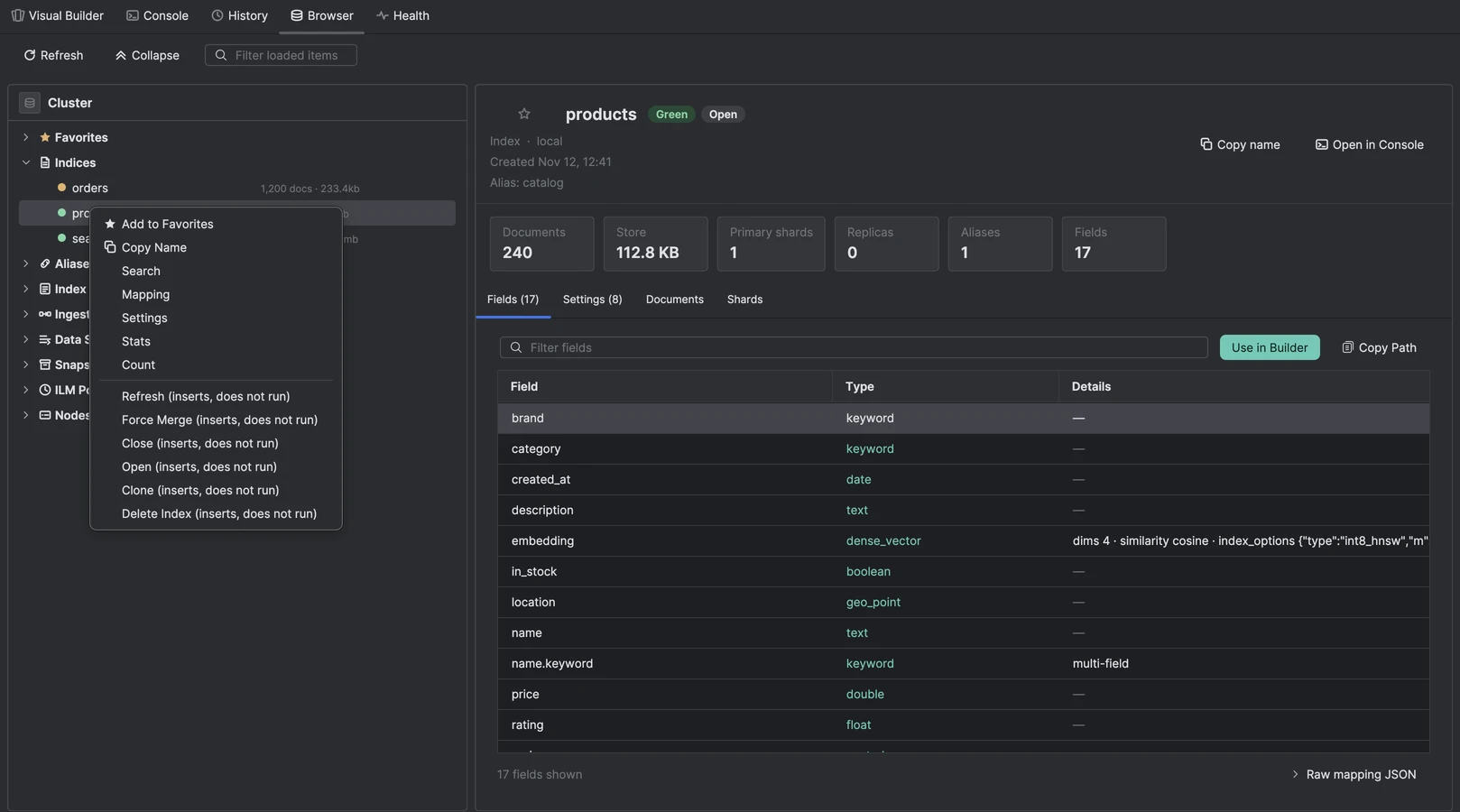
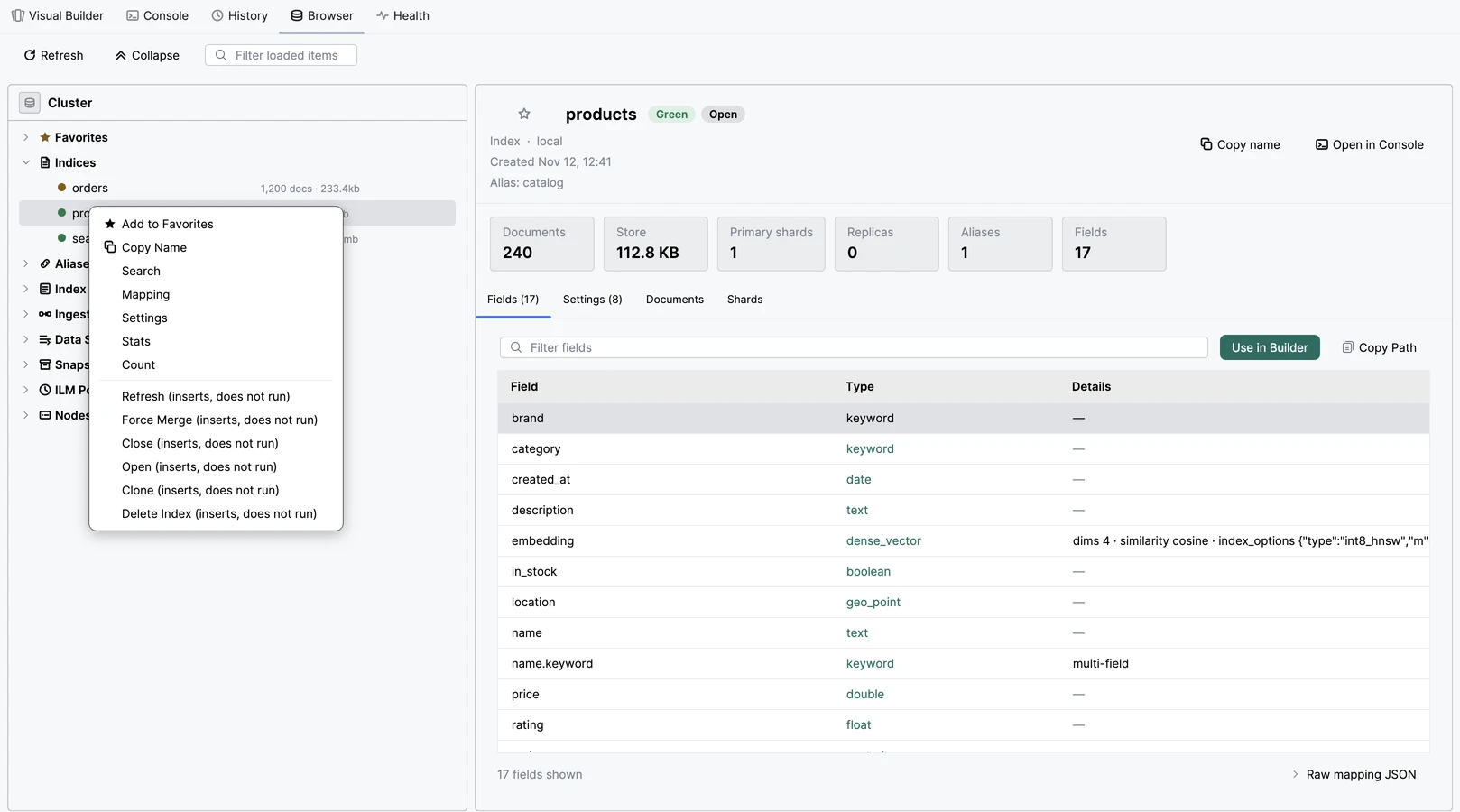
- Select an index
- Its health, its figures as tiles, and tabs for Documents, Shards, Fields and Settings.
- Fields
- Every field with its type and what is not the default; filter by name or type.
- Use in Builder
- Double-click a field: a clause on it opens in the builder, chosen by the field's type (match, term, range, geo_distance, nested, or exists for the rest).
- Right-click
- Writes the usual requests into the Console: refresh, force merge, close, open, clone, delete. They are only written there, never run for you.
What each kind shows
- Index template: patterns, priority, its fields, settings, aliases, components and the indices it matches
- Data stream: template, policies, lifecycle, generation and backing indices
- Ingest pipeline: its processors in order, with field and condition, and its on-failure steps
- ILM policy: its phases in order, the age each starts at, its actions, and what uses it
- Snapshot repository: type, location, and its snapshots newest first
- Snapshot: state, when and how long, its indices and any failures
- Node: roles, whether it can be master, heap, memory, CPU and disk
- Each has a JSON tab with the definition as the cluster gave it
Health and Diagnose
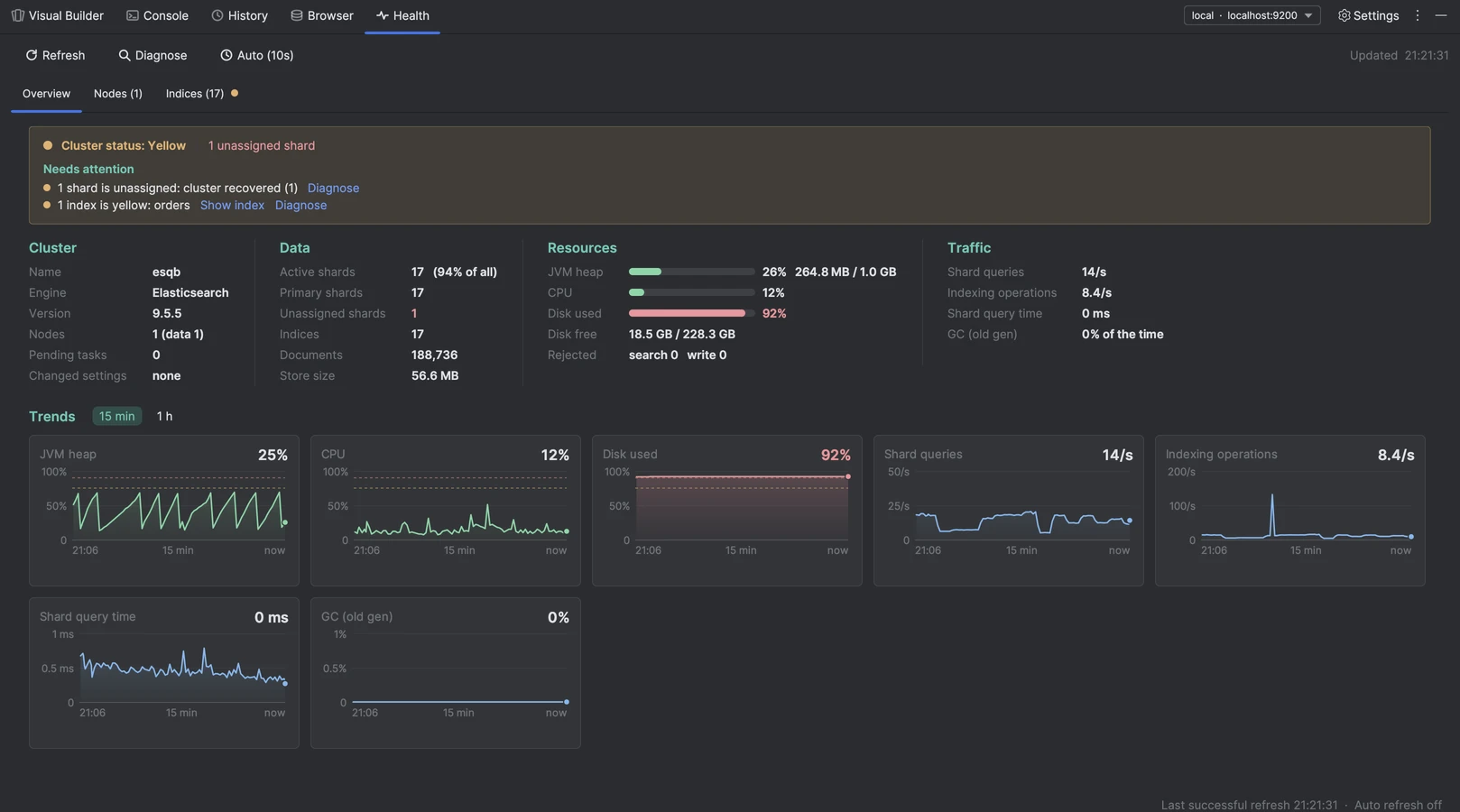
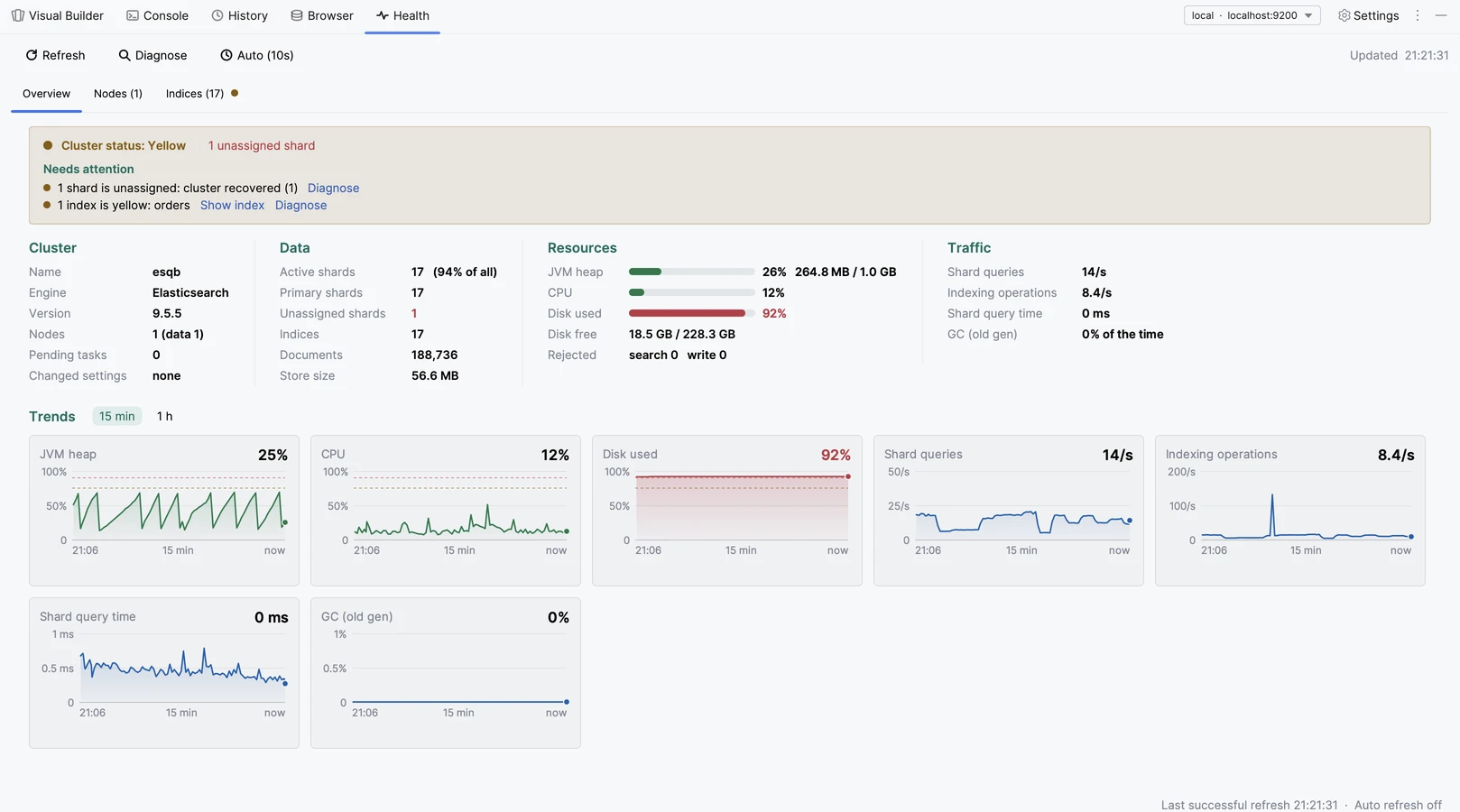
How the cluster is, in words and charts, read when you open the tab and, with Auto on, every 10 seconds.
- Status in the cluster's color, with its unassigned shards.
- Needs attention, in sentences: each with a link to the node or index, and to Diagnose.
- Figures: nodes, shards, documents, heap, CPU, disk, shard queries and indexing operations a second.
- Trends over the last 15 minutes or hour, a line for each of the five highest nodes.
- Nodes
- CPU, heap, RAM, disk and shards per node. Select one for its own trends.
- Indices
- Every index by health. Only red and yellow narrows it; right-click for Why is it yellow?
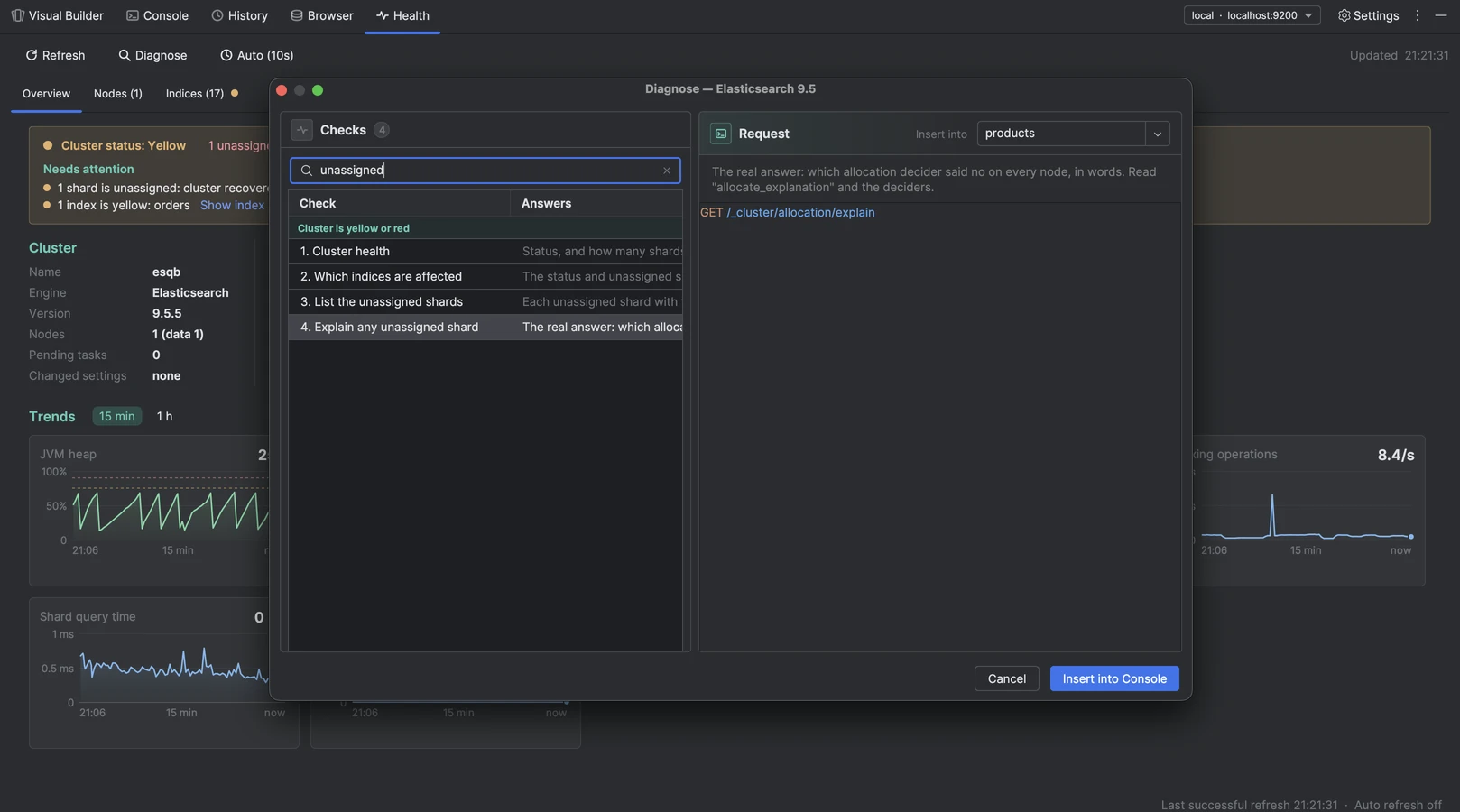
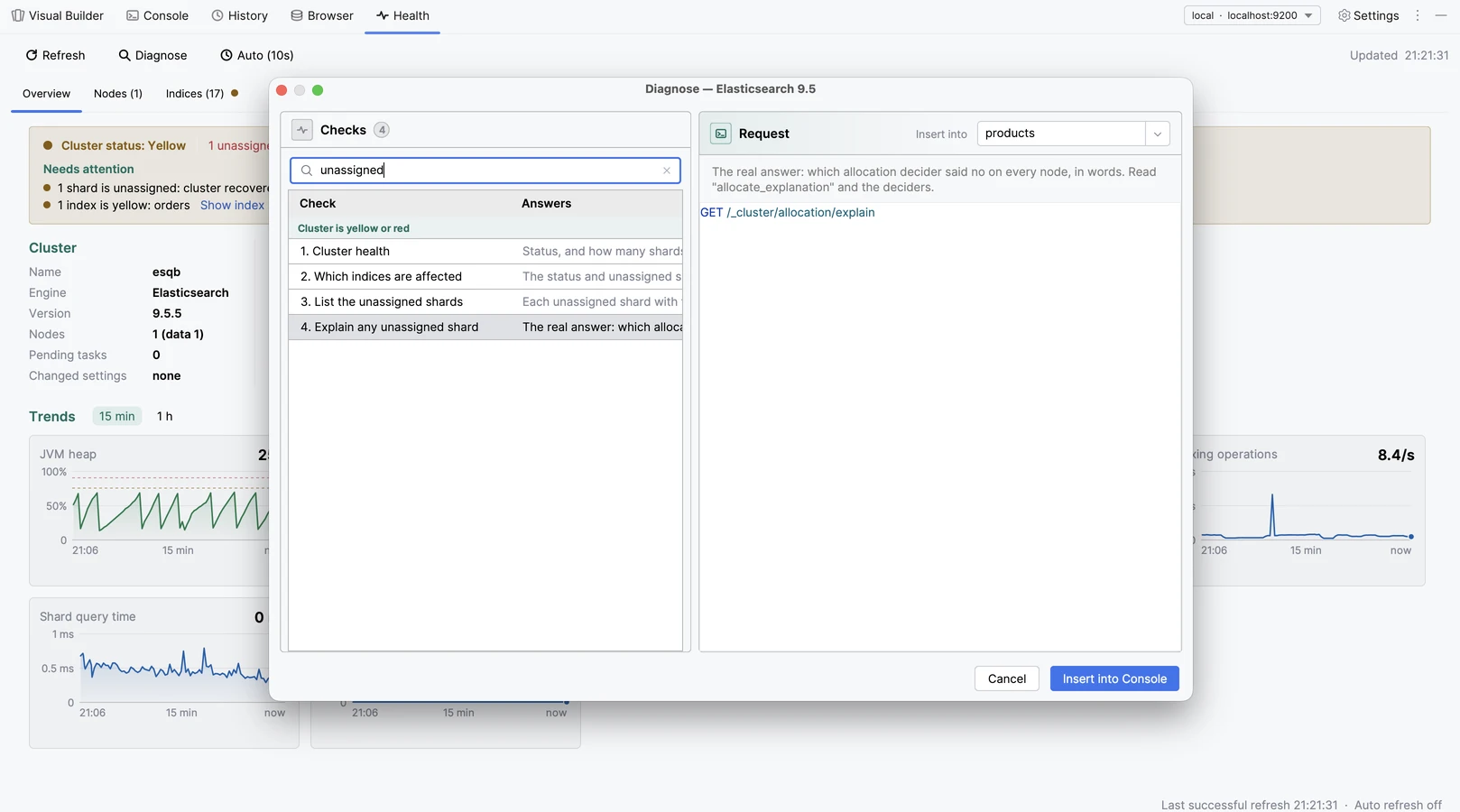
- Diagnose
- Checks by symptom, such as unassigned or slow, inserted into the Console. They only read; the suggested changes at the end are only inserted.
| When | Health reads |
|---|---|
| You open the Health tab | Once |
| Auto is on | Every 10 seconds (30 on a cluster of more than 50 nodes) |
| Another tab is showing | Only what the charts need |
| The IDE is in the background for 10 minutes | Nothing |
| A Serverless project | The totals of its indices; there are no nodes |
Too much for a very big cluster? Switch the tab off under Settings | Tools | Elasticsearch DSL Builder. Nothing is read for it then.
Shortcuts
| Action | Windows and Linux | macOS |
|---|---|---|
| Run the request at the caret | Ctrl+Enter | Cmd+Enter |
| Format the request | Ctrl+Alt+L or Ctrl+I | Cmd+Option+L or Cmd+I |
| Suggested actions | Alt+Enter | Option+Enter |
| Open a History entry | Enter | Enter |
| Delete a History entry | Delete | Delete |
Compatibility
| Supported | |
|---|---|
| IDE | IntelliJ IDEA 2025.2 or later, Community 2025.2 included, and other JetBrains IDEs on the same platform. Tried in GoLand, PyCharm and WebStorm 2026.2. Checked by JetBrains' Plugin Verifier on IntelliJ IDEA 2025.2 to 2026.3. |
| Elasticsearch | 8 and 9: what is offered follows the version connected to, checked against every minor version from 8.0 to 9.5. Retrievers, sparse_vector and rule queries included where the version has them. |
| OpenSearch | Tested on 2.19 and 3.9, with each change between them checked on 3.0 to 3.7. OpenSearch-only clauses are labeled. |
| Serverless | Tested on Elasticsearch Serverless. |
| Visual Builder | Needs JCEF, which ships with the JetBrains Runtime. The other tabs work without it. |
Security and privacy
- The passwords, API keys, tokens and AWS secrets of your connections are kept in the IDE's password safe, never in settings files.
- Requests go only from your IDE to the clusters you add.
- No telemetry, and no AI service: the plugin sends nothing to its developer or to a model.
- A connection's credentials are not sent over plain HTTP to another machine unless you allow it for that connection. This covers the connection's sign-in, not a secret typed into a request body. An address with
user:password@is refused. - Redirects are followed only to the same host and port, at most five.
- History stores requests with recognized secrets replaced by
<secret-taken-out>; a secret in a field of your own may not be recognized. Review a request before you share it. - A response over 50 MB is not shown. Shared queries are checked before they load.
Troubleshooting
| Test Connection says | Check |
|---|---|
| refused the connection | The URL and port, and that the cluster is listening |
| could not be resolved | The host name in the URL |
| did not accept a connection, or did not answer, within 10s | A firewall or VPN in the way, or the cluster being down |
| answered 401 Unauthorized | The username and password, or the API key |
| answered 403 Forbidden, with a message | The message comes from a service in front of the cluster, such as AWS: check the region, service and keys |
| TLS certificate was not trusted | When the IDE asks, choose Show Details, then Save as Trusted (Test Connection asks again), or add it under Settings | Tools | Server Certificates; for a development cluster, tick Ignore SSL certificate errors |
| No API key (password, token) is saved | The IDE's password safe has none for this connection: enter it again in the connection |
| The proxy asks for a sign-in | The IDE's own HTTP Proxy settings; a SOCKS proxy is not used |
| Connected, but may not read name and version | Nothing: the key lacks the monitor privilege, which searches do not need |
| A run or the builder says | Check |
|---|---|
| did not answer within 30s, on a cluster that is up | A slow request: raise Timeout on the connection, up to 600 seconds |
| fields unknown, or field names from the field capabilities API | The mapping could not be read: credentials that may search but not read mappings, or an index on a remote cluster. Names are still suggested; the checks that need the mapping are off |