
 Elasticsearch DSL Builder
Compose, then refine.
Combine must, filter, should and must_not. Nest groups, duplicate clauses, or switch a clause off while keeping it in the builder.
Explore the builder ↗Build Elasticsearch and OpenSearch requests from cards inside your IDE, see the JSON as you go, and run them in place.
160+ DSL checks highlight potential errors, unexpected behavior, and performance concerns before you run.
Coming to the JetBrains Marketplace · paid plugin, trial available · what the plugin offers
ONE REQUEST, THREE CONNECTED VIEWS
Select a clause. Follow the glow from the outline to its card and the exact JSON it generates.
Follow nested clauses in the outline. Jump straight to the part you want to change.
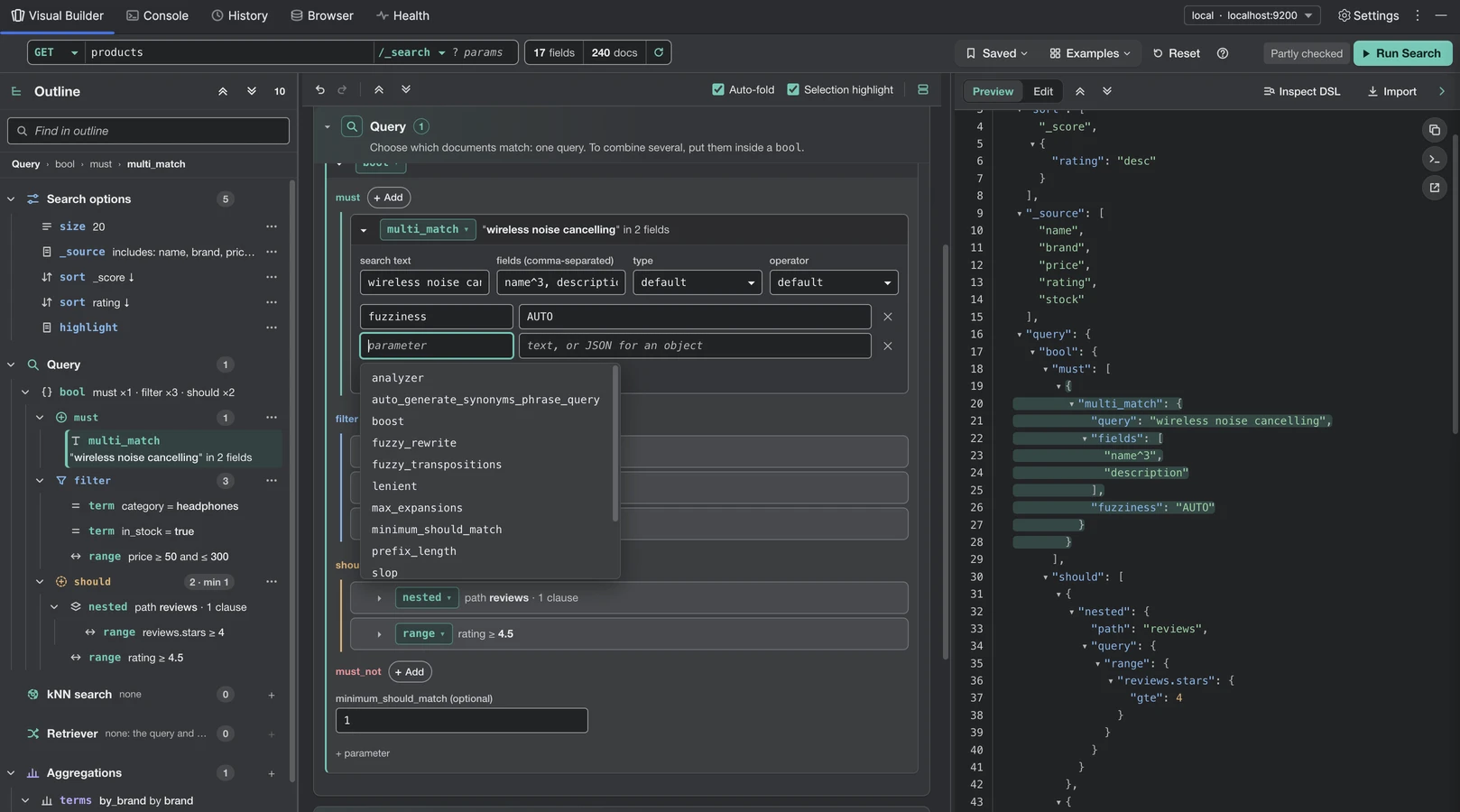
Build clauses with forms and field suggestions from your cluster. Add parameters as you need them.
Read the generated request alongside your cards, or switch to Edit to work directly with JSON.
LEARN THE QUERY DSL AS YOU BUILD
Find a clause by what you want it to do, fill in its form, and watch the JSON it writes. A finished card says what it does in plain words, and Help says what the common query and aggregation types are for. Read about learning as you build ↗
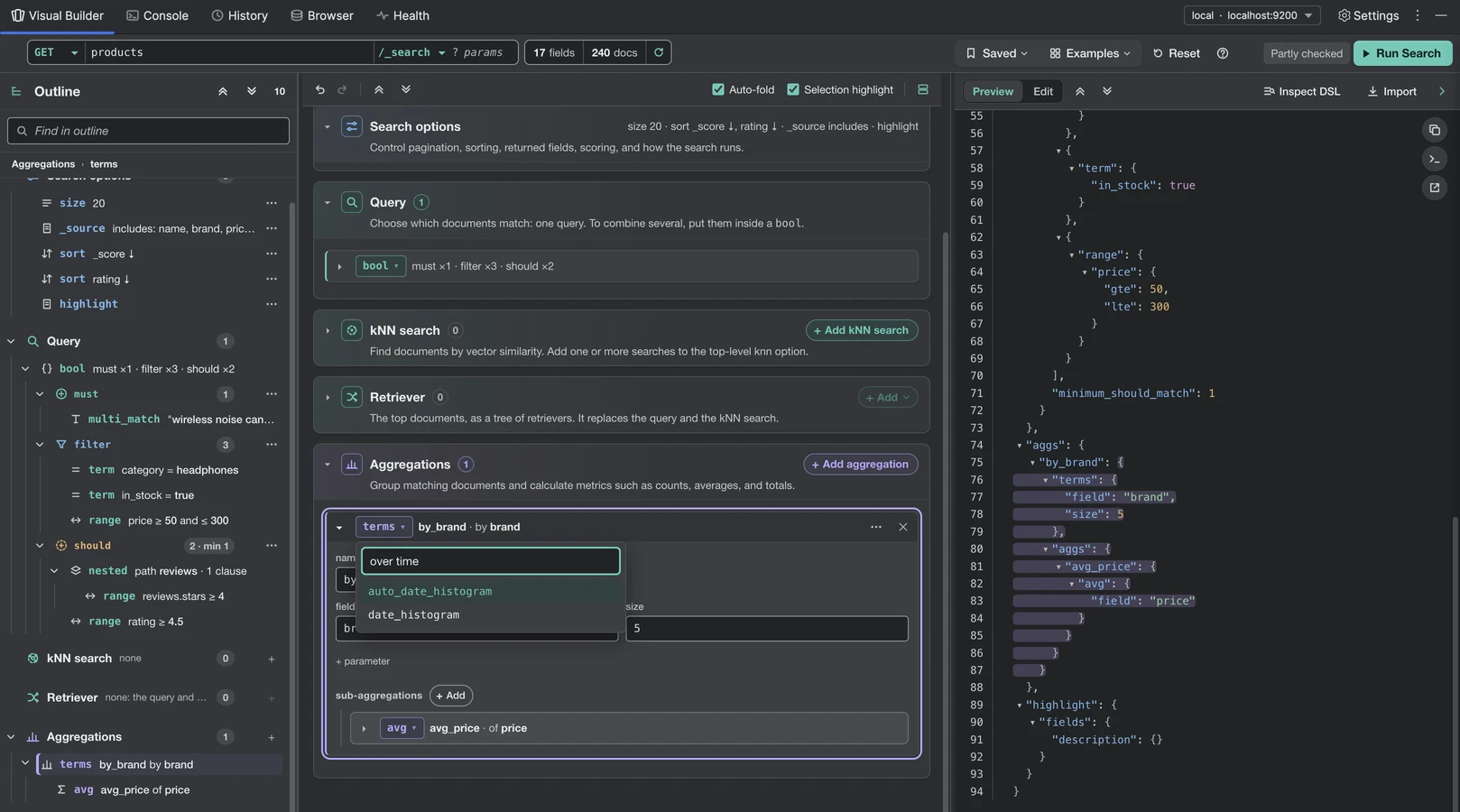
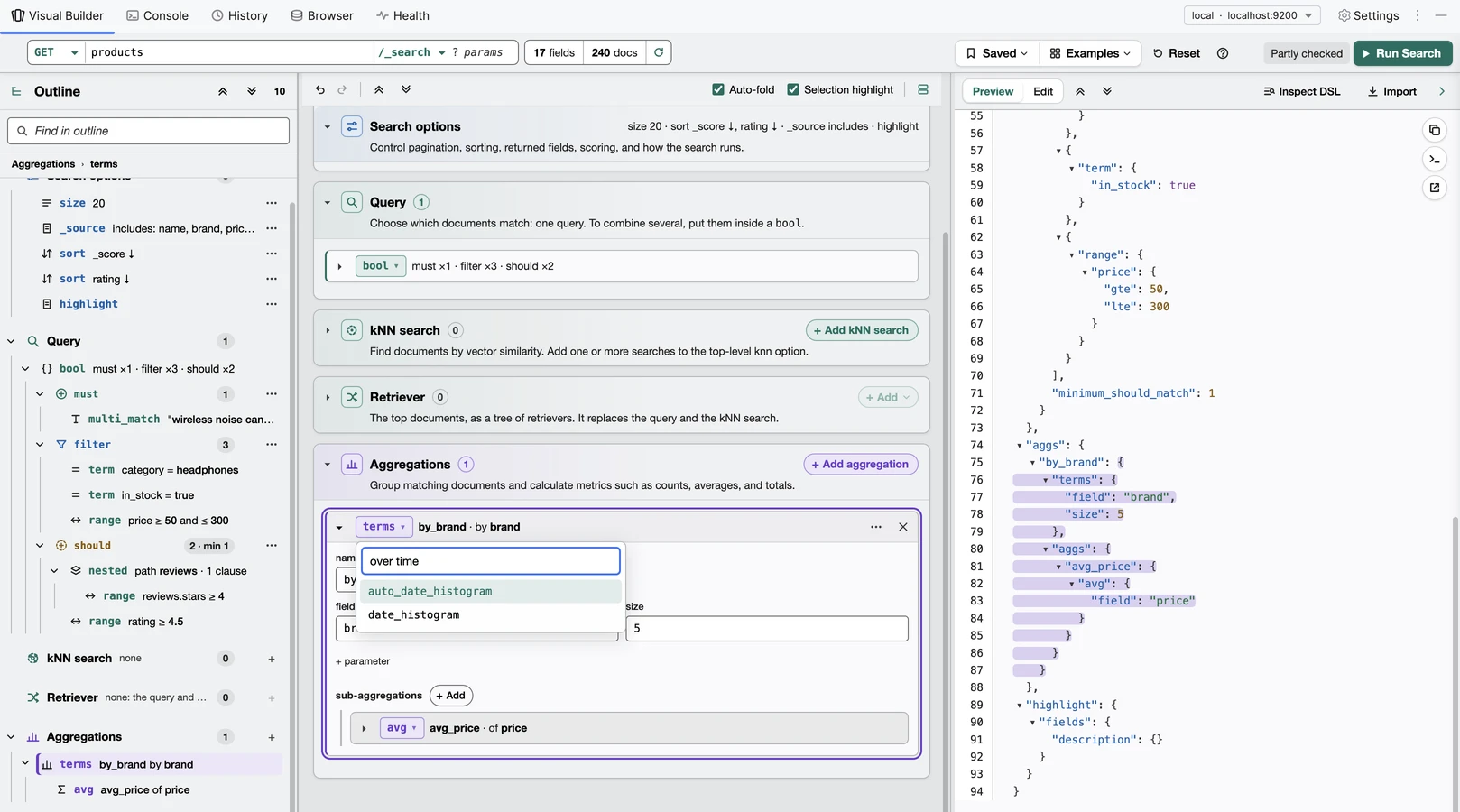
Type “group by” or “over time” to find terms and date_histogram.
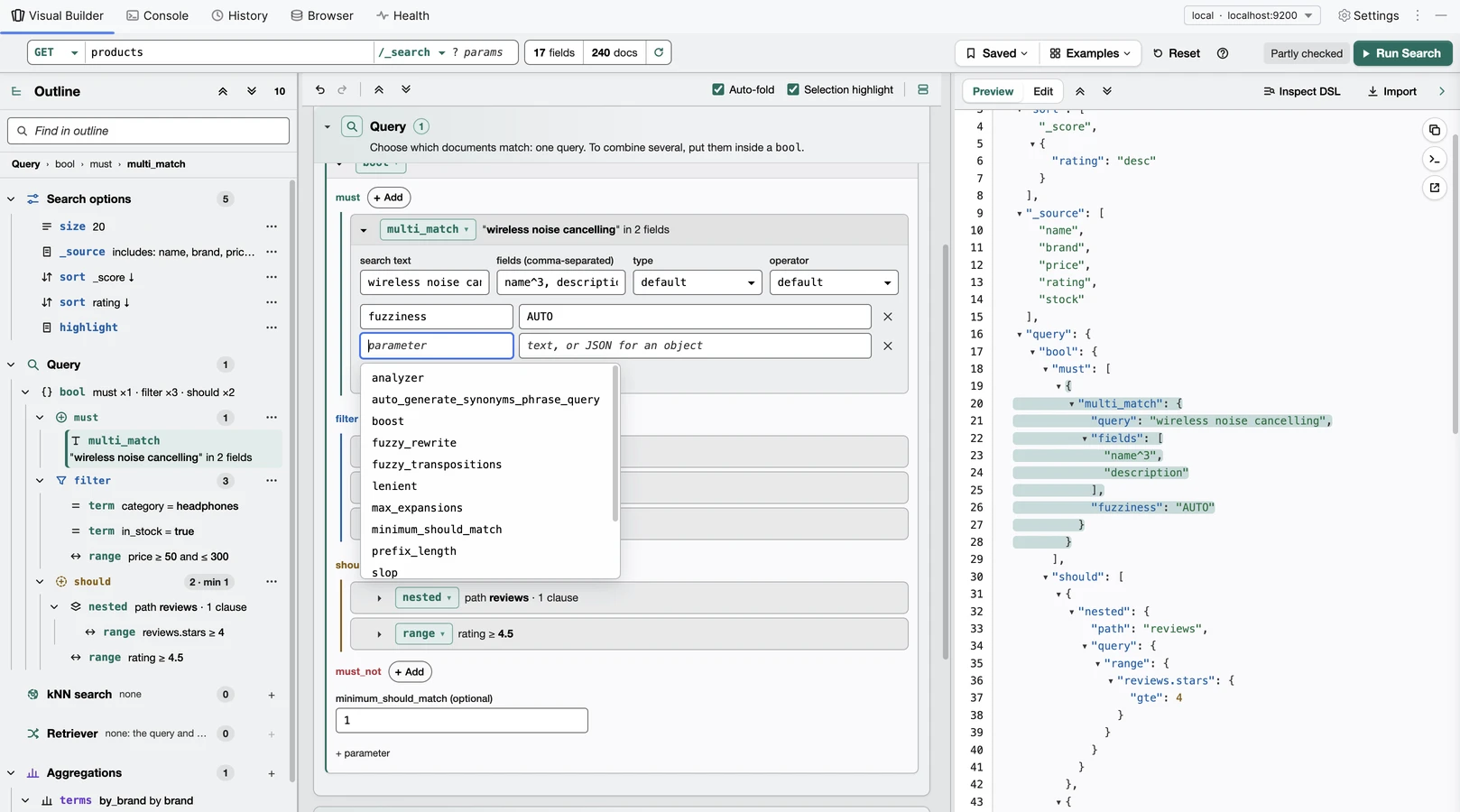
Each clause lists the parameters it takes, and a parameter's box fits its value: a choice, a number or common values.
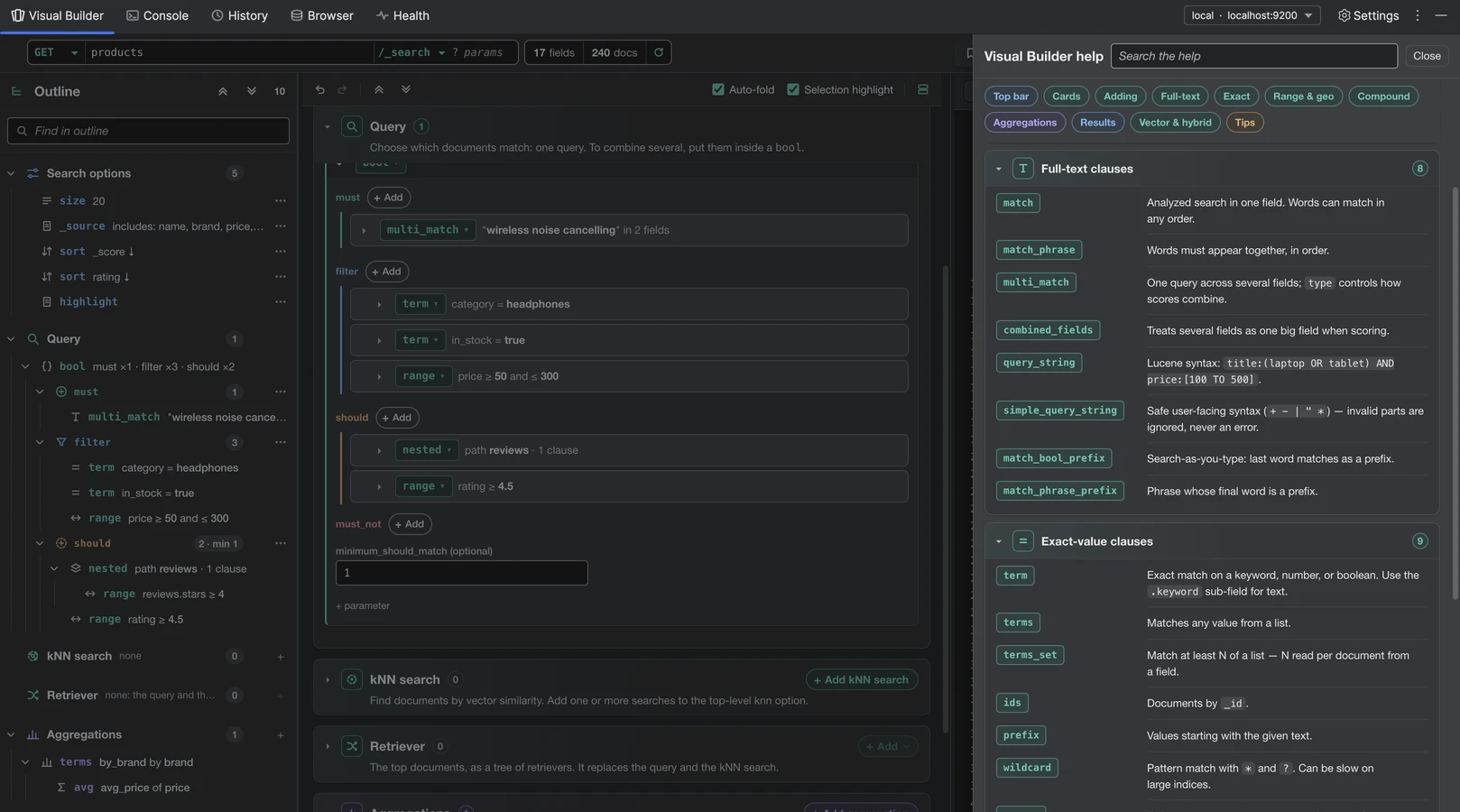
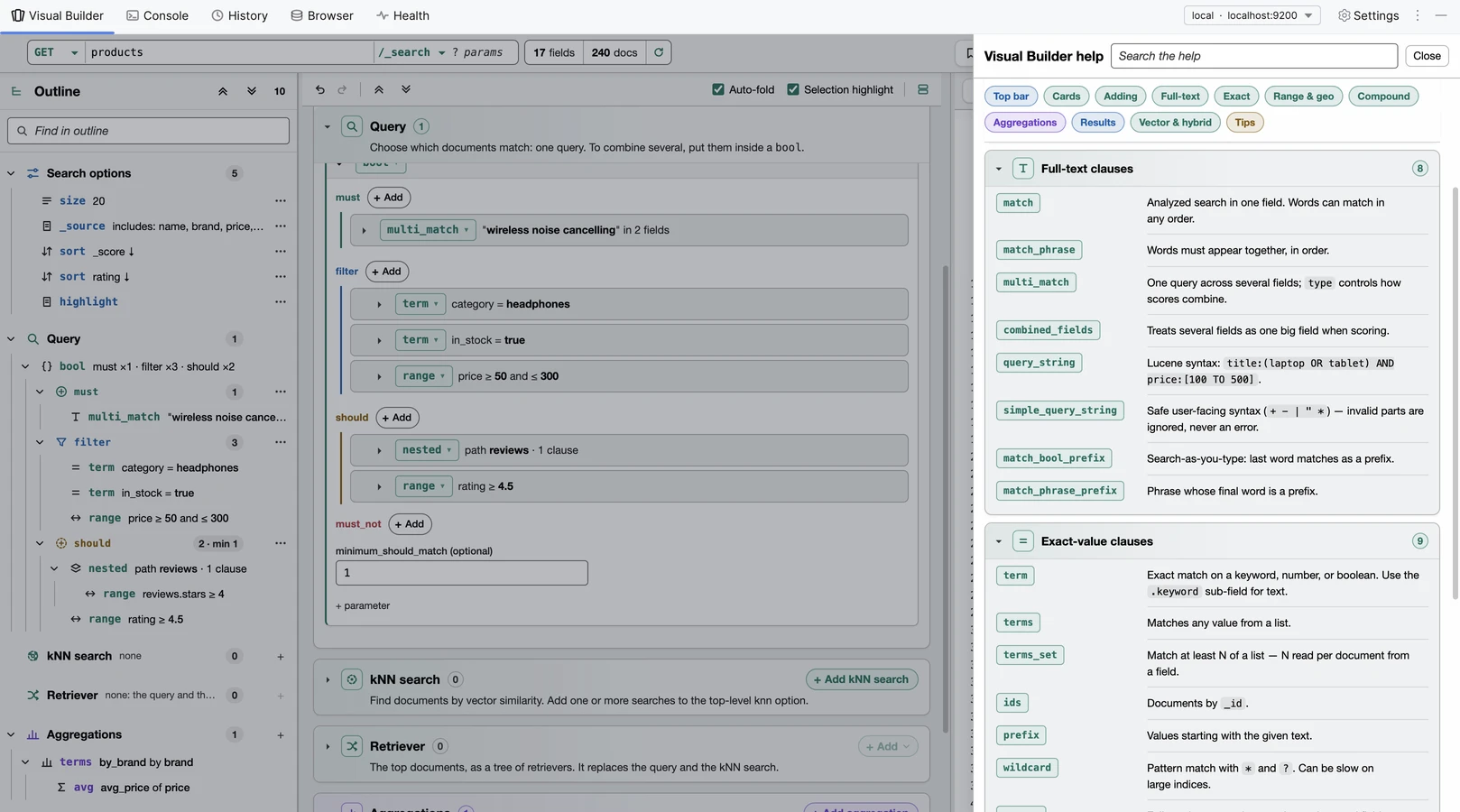
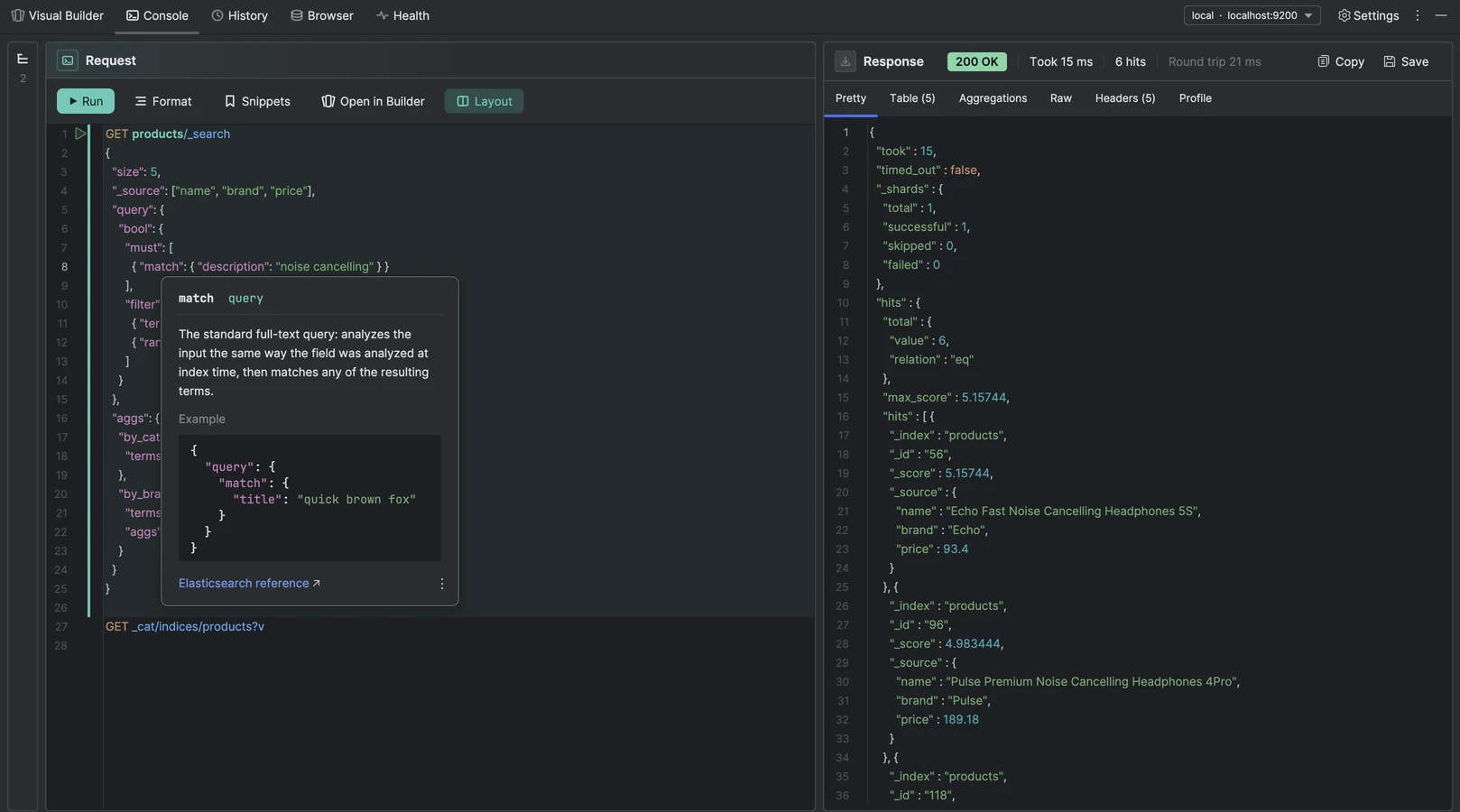
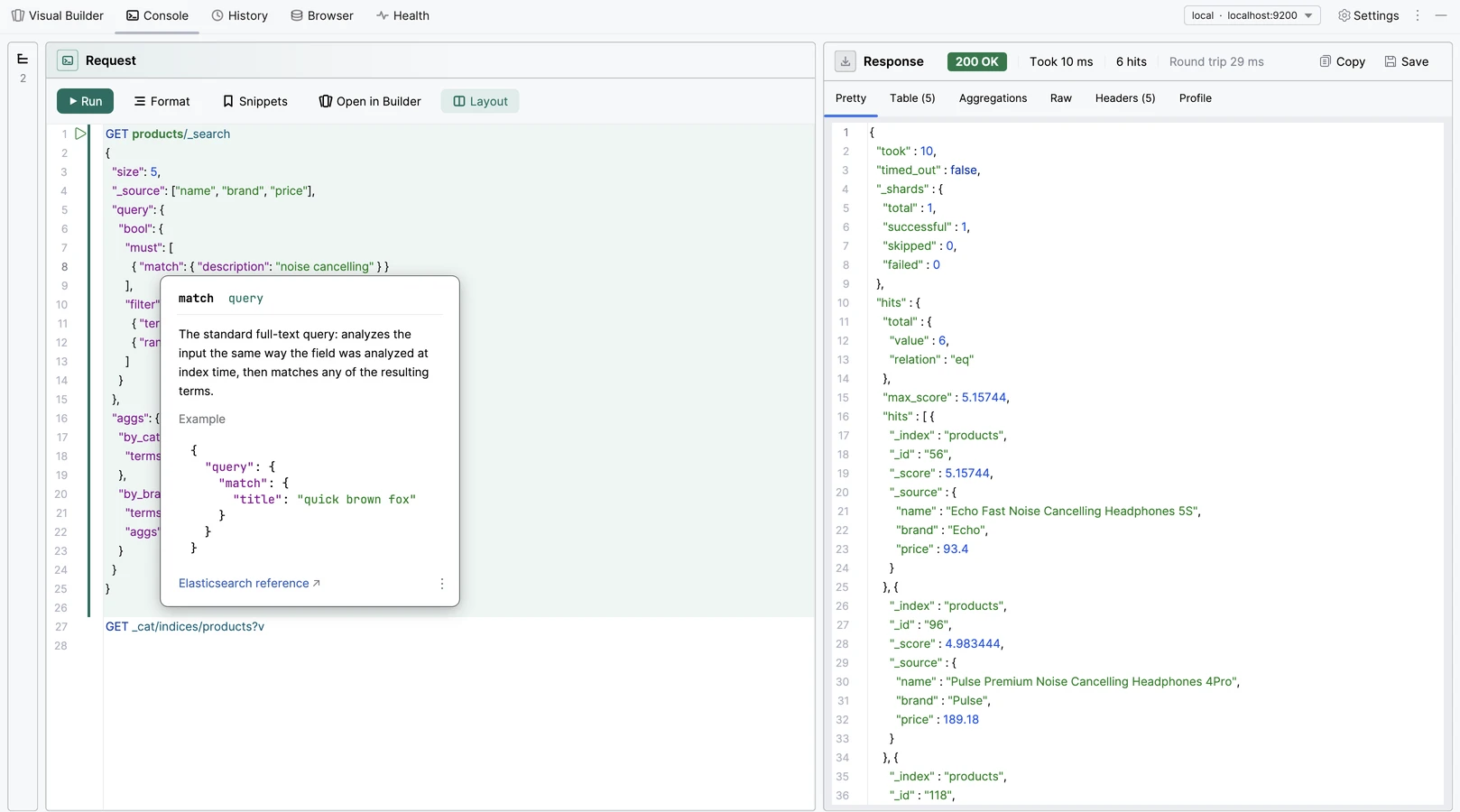
Help covers the common types. Some notes have a Why? that explains the engine's behavior, and in the Console a type's documentation links to the official reference.
Paste one from a ticket or your code and read it as cards, or start from 80+ ready-made examples (70+ on OpenSearch).
MAPPING-AWARE
The builder reads the mapping of the indices you search. It offers the fields that fit each clause, and notes a field that is missing, is of the wrong kind, or can't be searched, sorted or aggregated as mapped. Explore the checks ↗
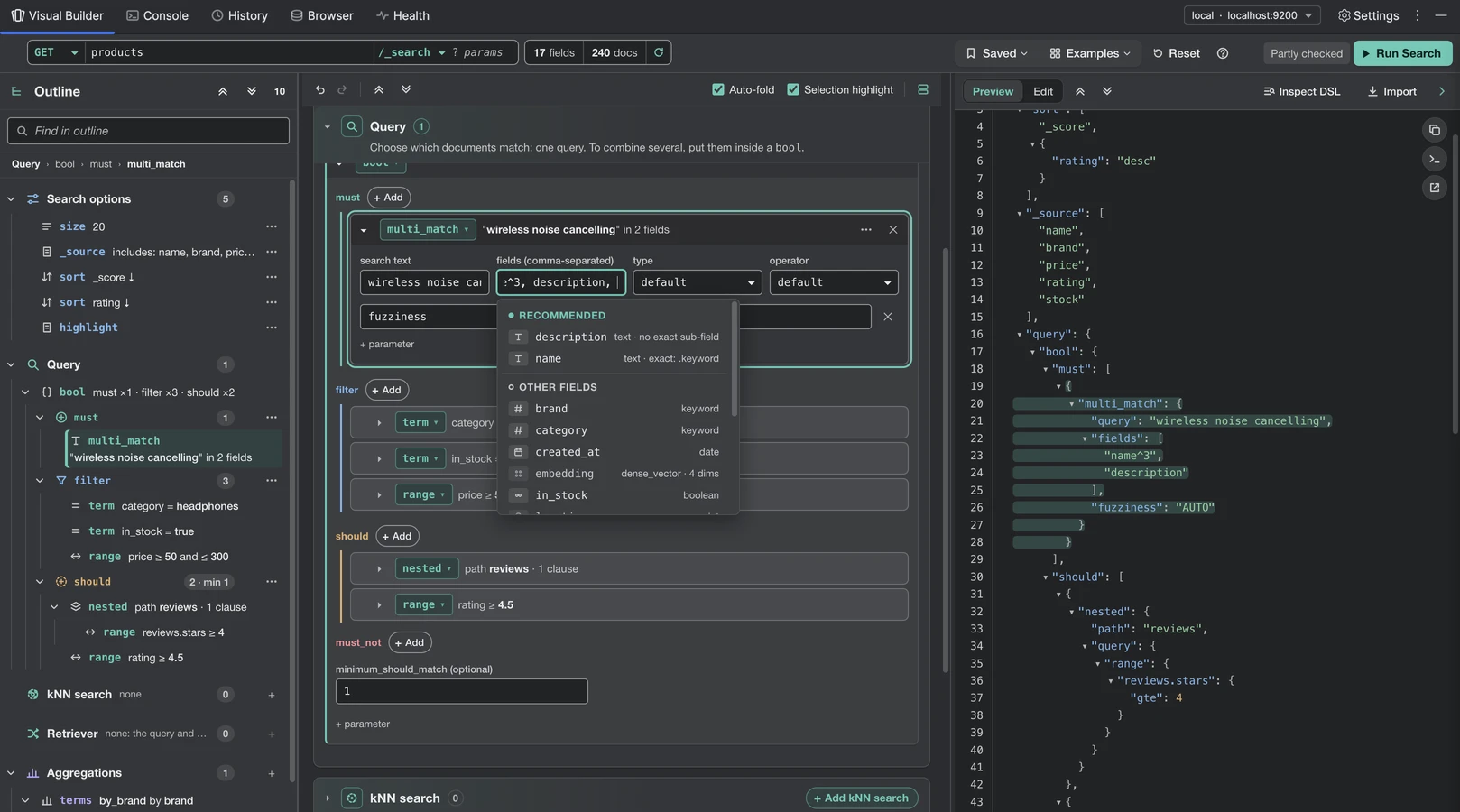
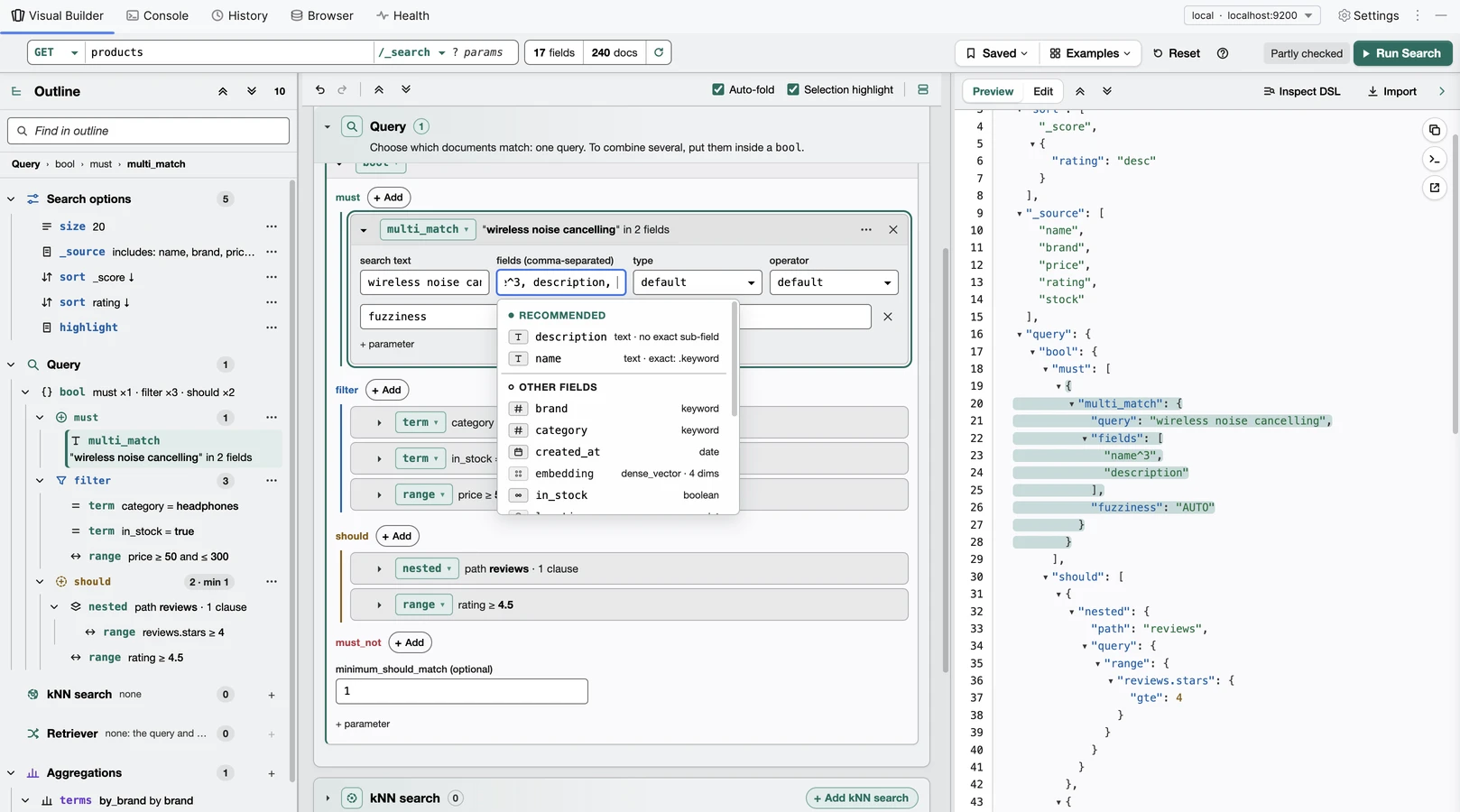
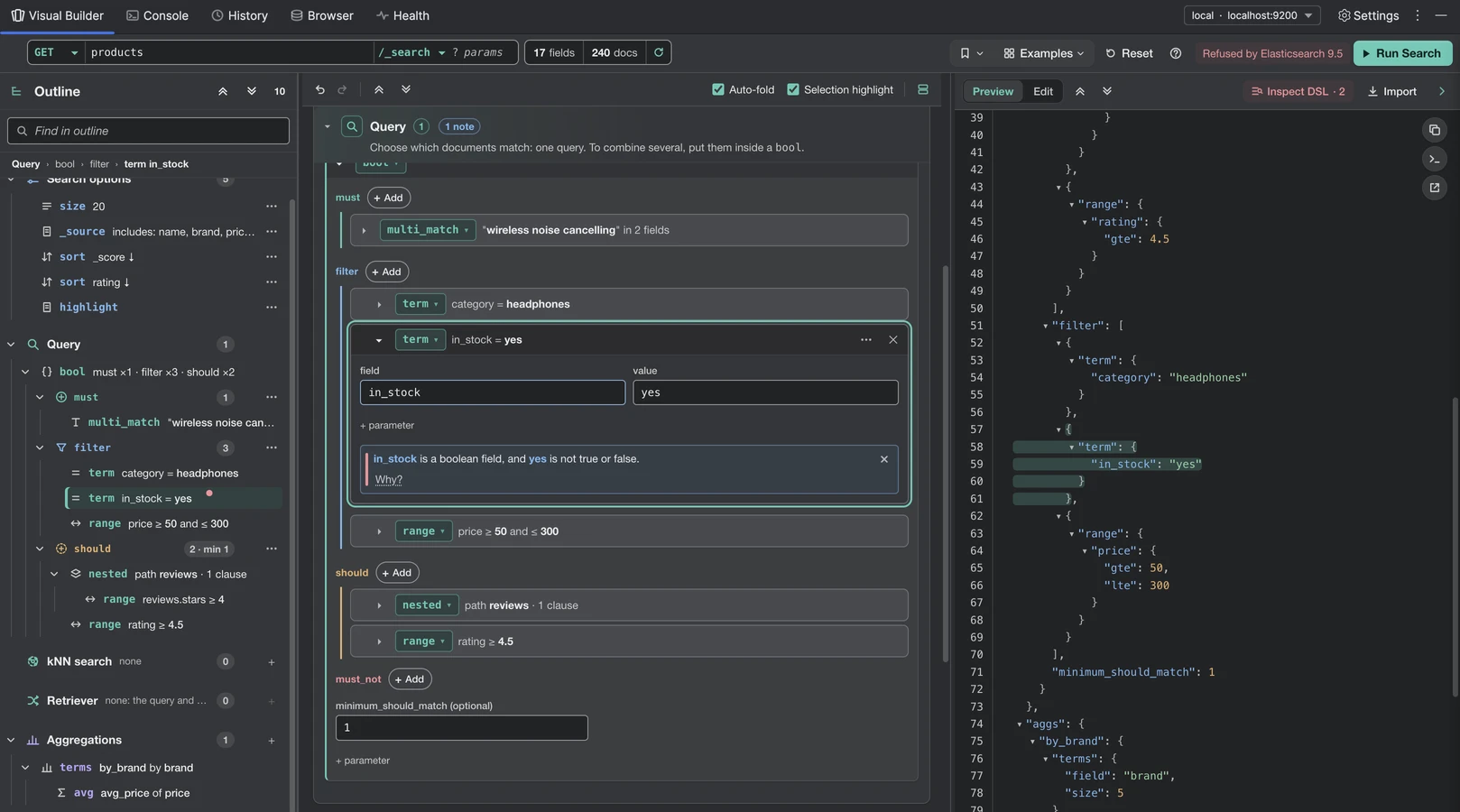
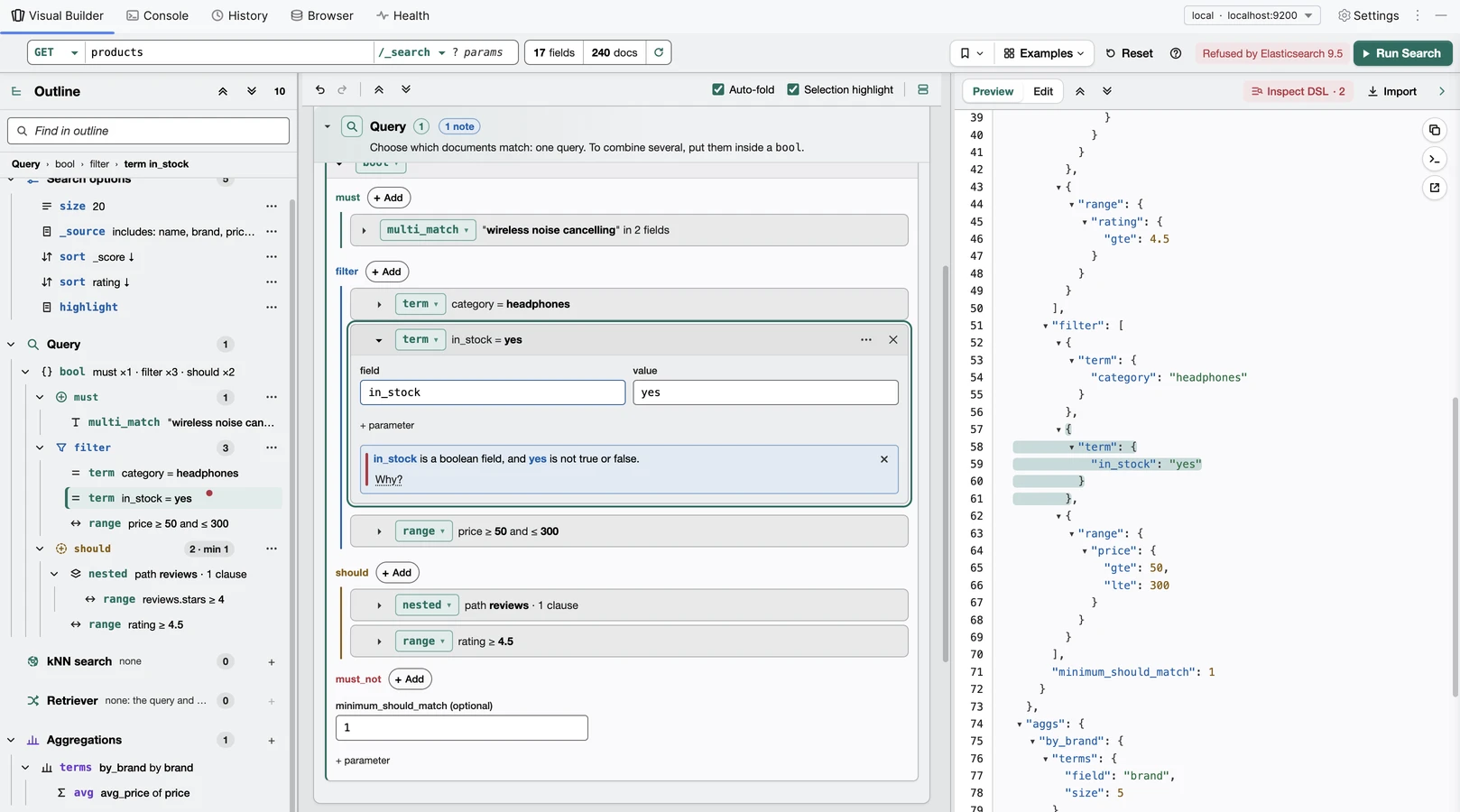
Each field is shown with its type, and those that fit the clause come first.
Text where a number, a date or true/false belongs, or a vector of the wrong width, is noted before you run.
When the indices you search disagree about a field, or some lack it, the builder holds back the notes it can't be sure of instead of guessing.
The value box suggests values found in the index, such as the categories a keyword field holds.
BUILT-IN QUERY DSL LINTER
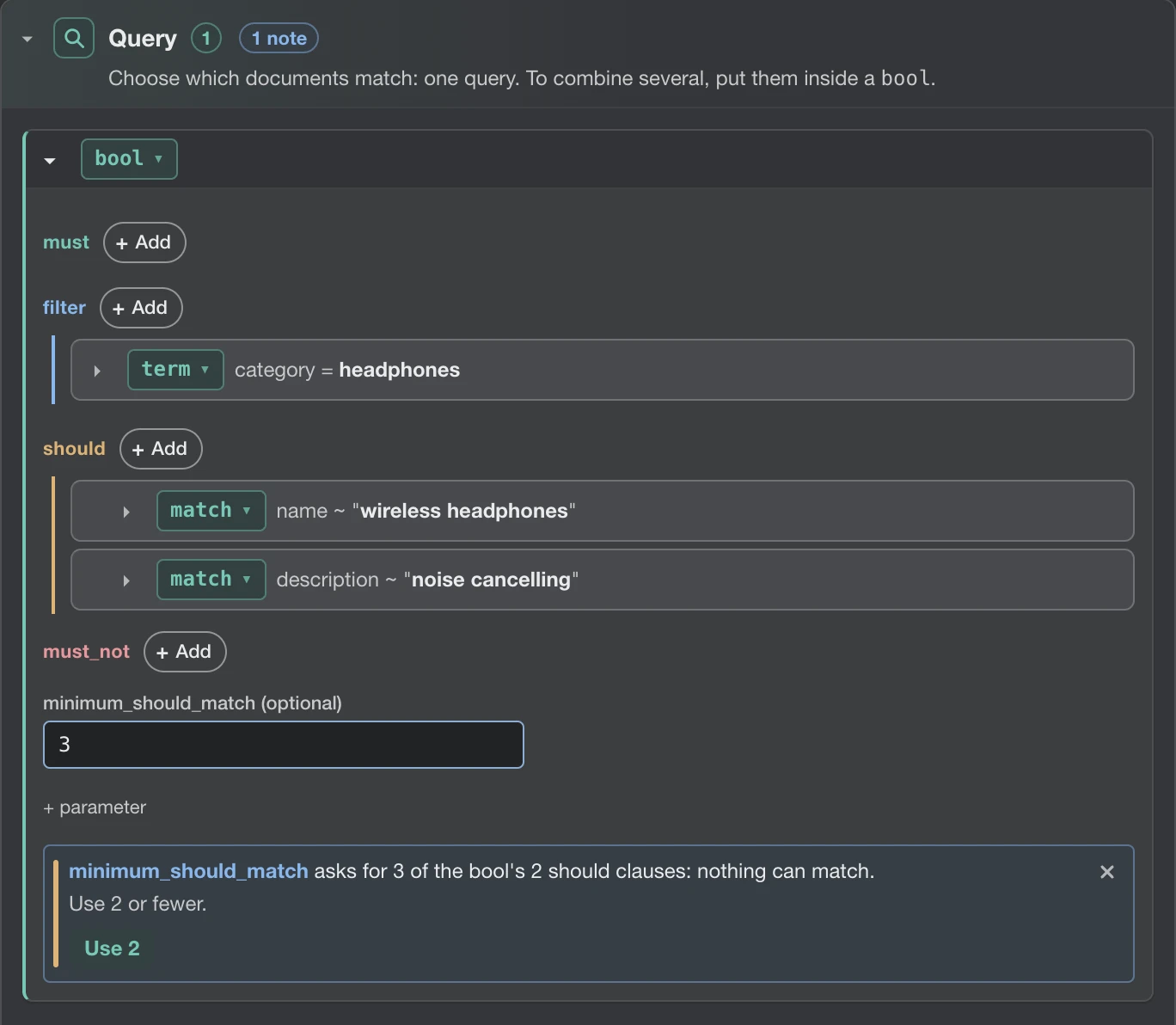
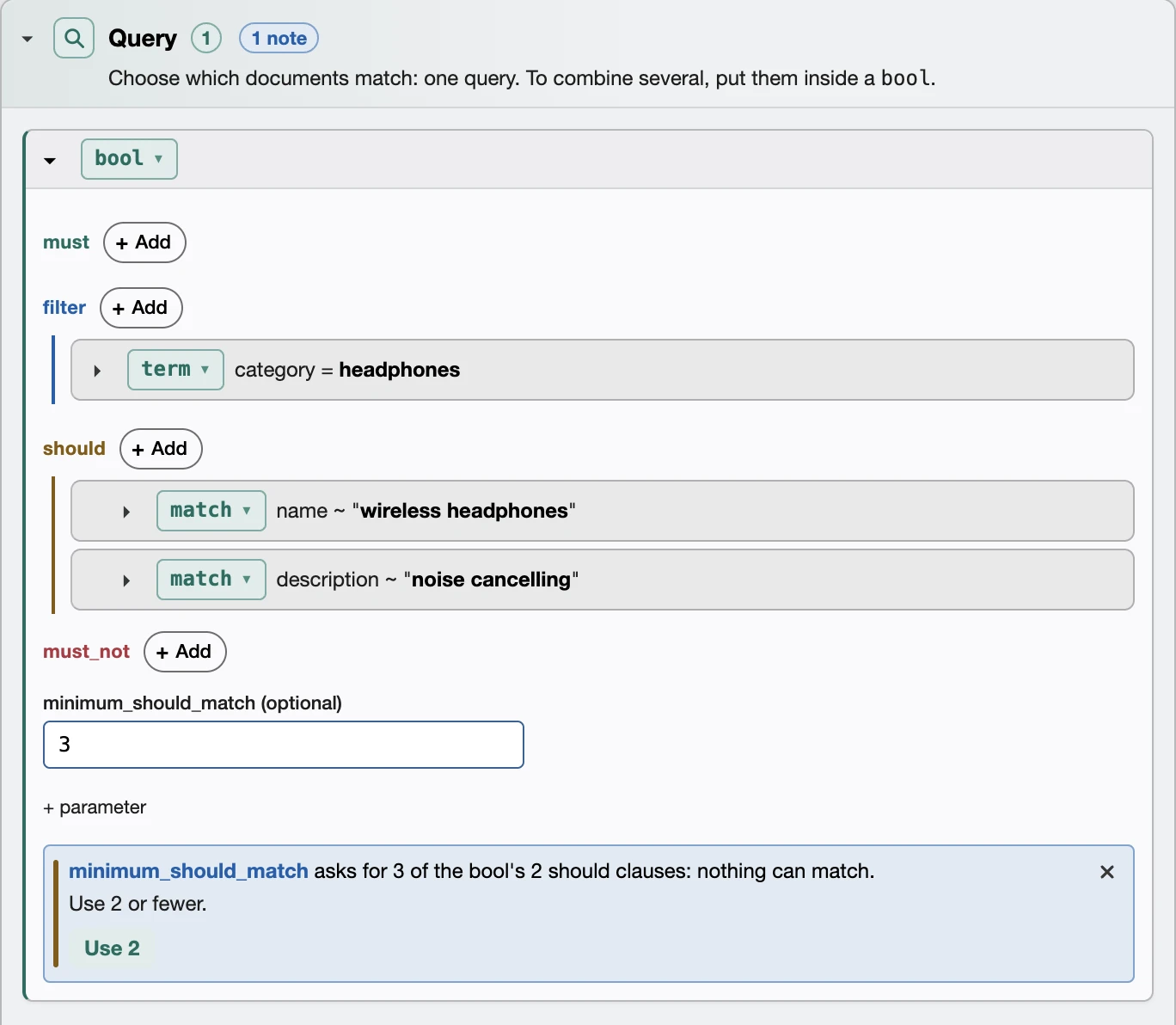
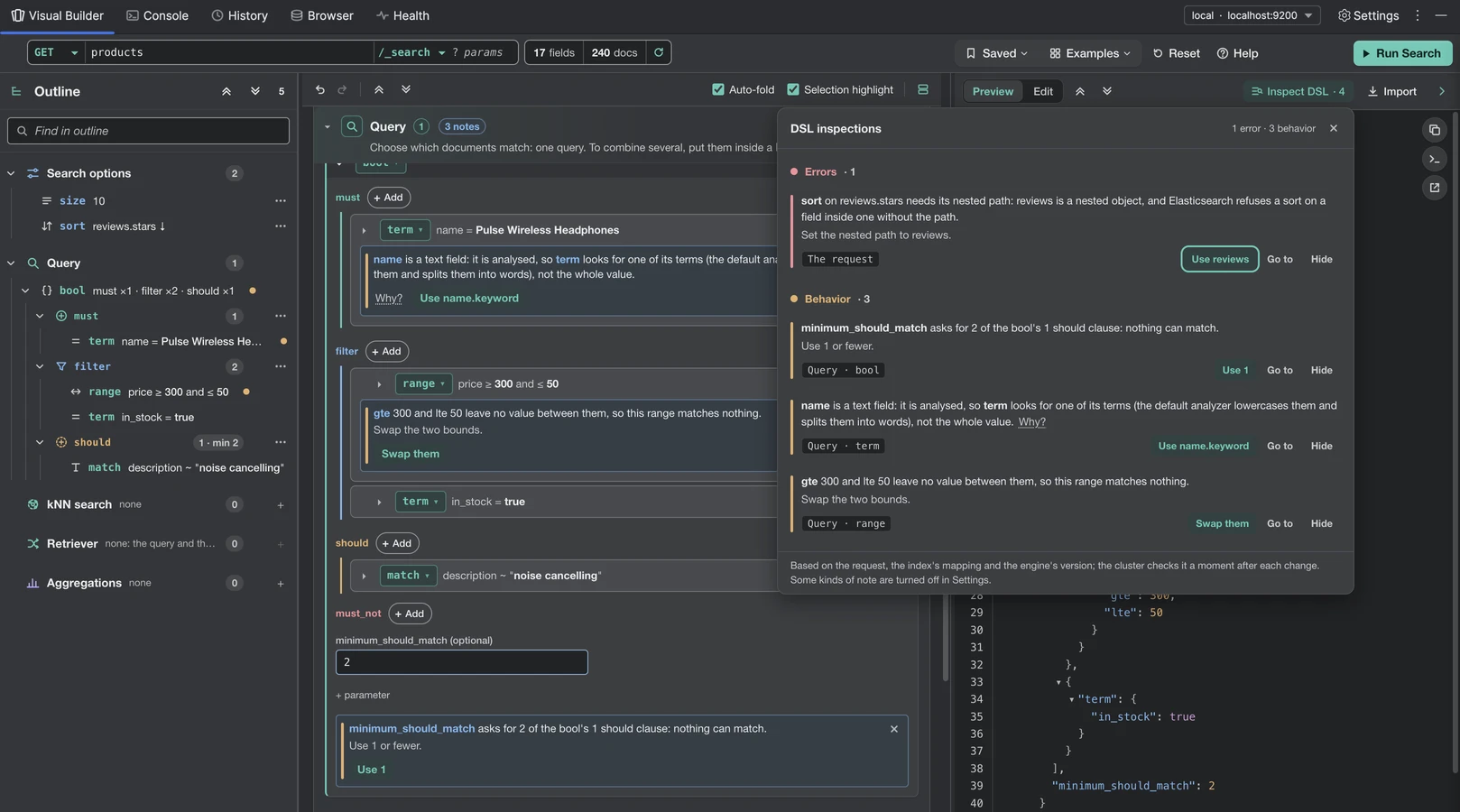
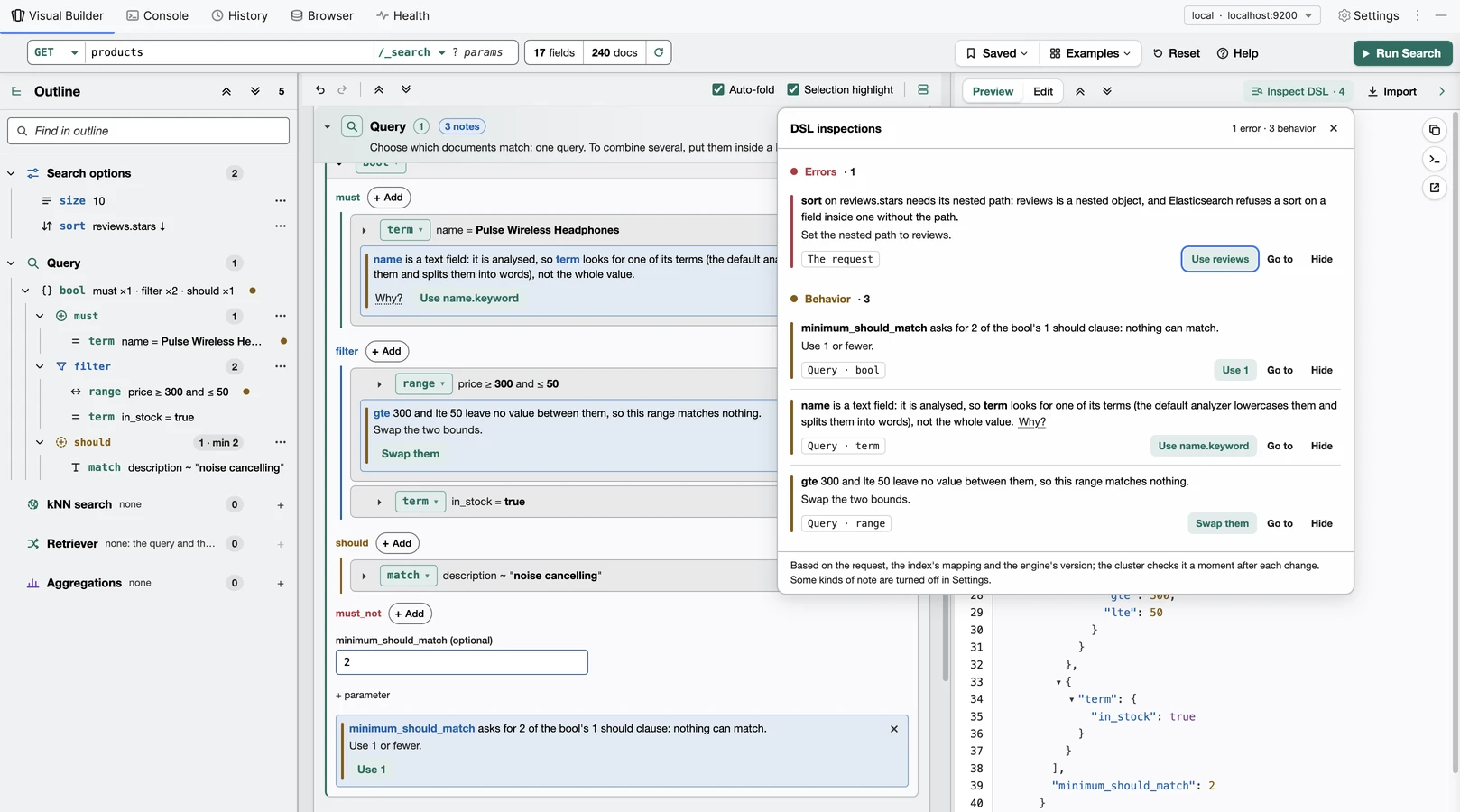
A request can run without an error and still match nothing, skip a part, or take its time. The builder says so under the card, with a suggested change where there is one, and Inspect DSL lists every note in one place. Where the cluster check is on and the engine supports it, the cluster reads the request too and says what it would refuse; nothing is searched.
Two of the notes, as the builder shows them
gte 300 and lte 50 leave no value between them.
Suggested change Swap them
Two nested clauses on reviews can each be met by a different review.
Suggested change Combine them, with before and after shown first
160+ DSL checks, from what the engines document and do. None of them stops a run. Explore the checks
What a note is based on
WITH YOUR AI ASSISTANT
An assistant can write a query from a sentence. It has usually seen neither your mapping nor your engine's version, and has not run what it wrote. Paste its draft into Import: it becomes cards, the notes say what your mapping and your engine make of it, and Run shows what it finds in your data. Read about Import ↗
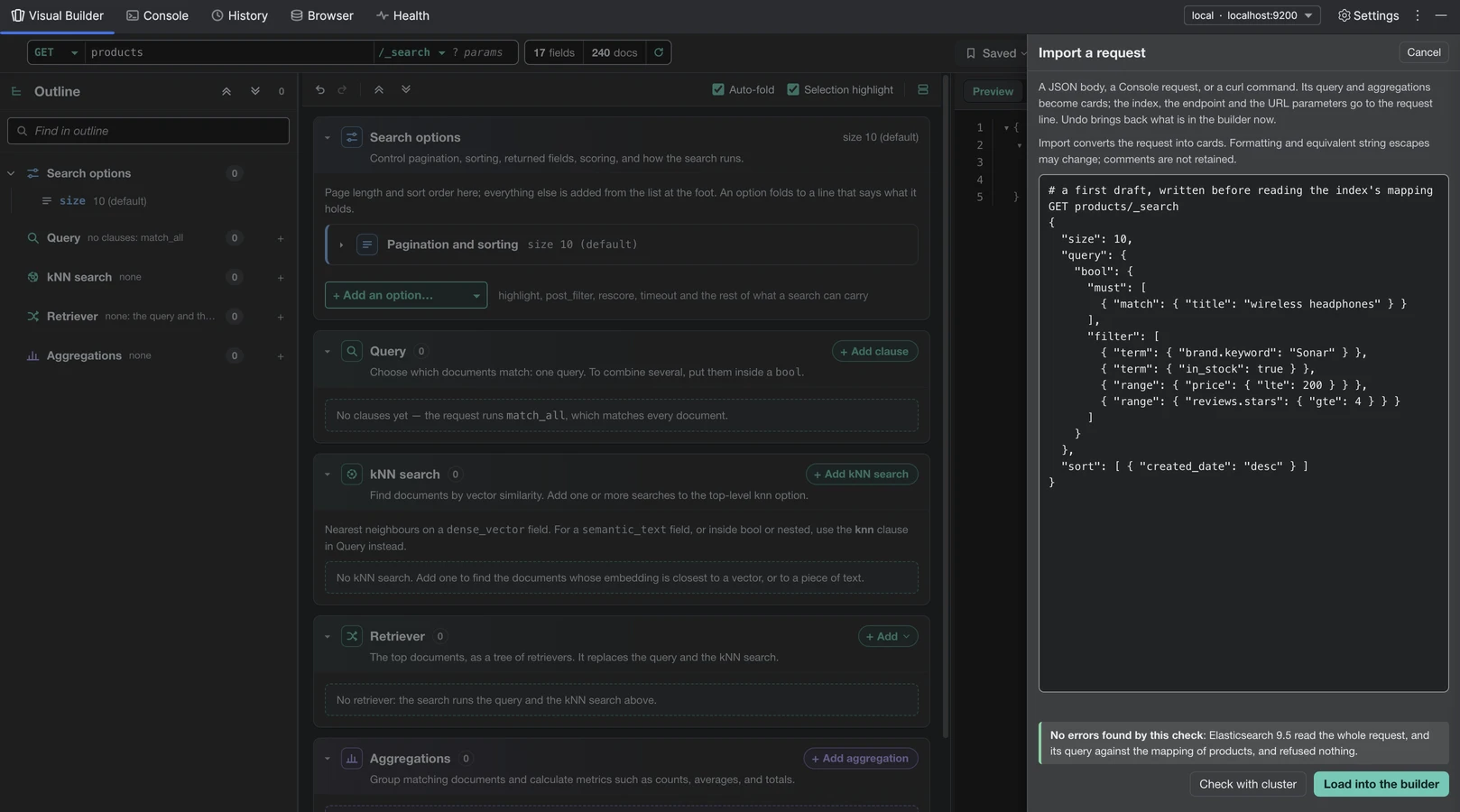
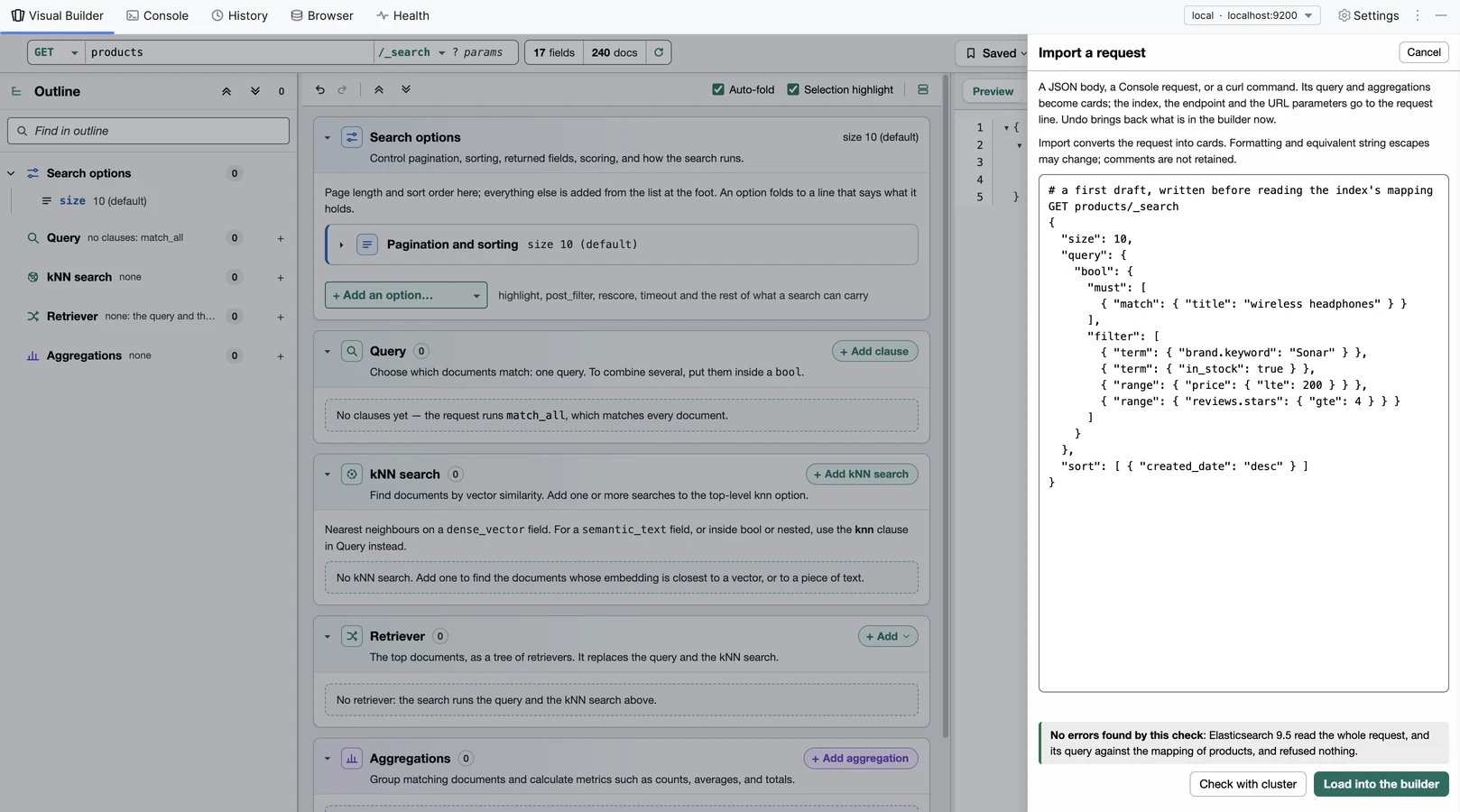
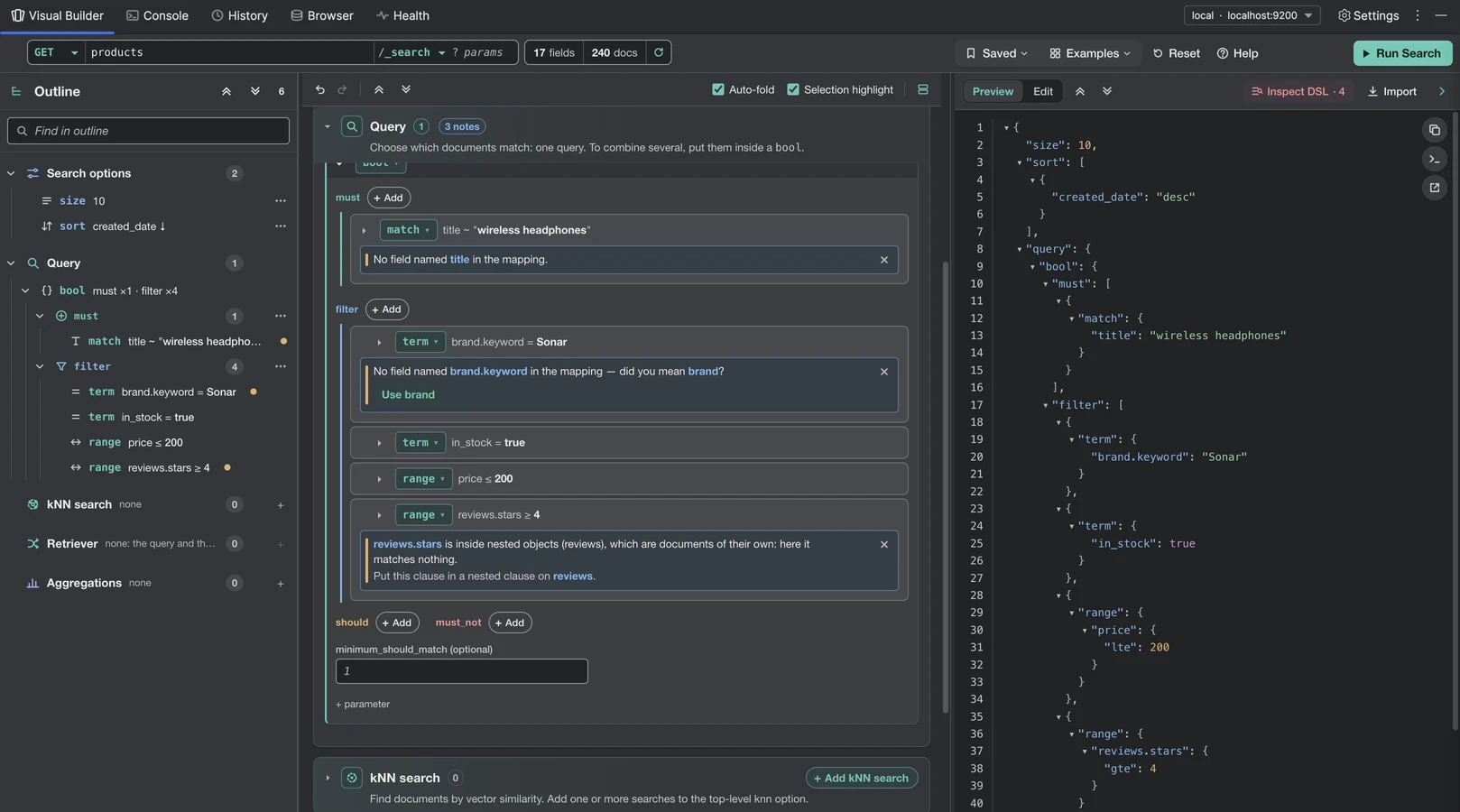
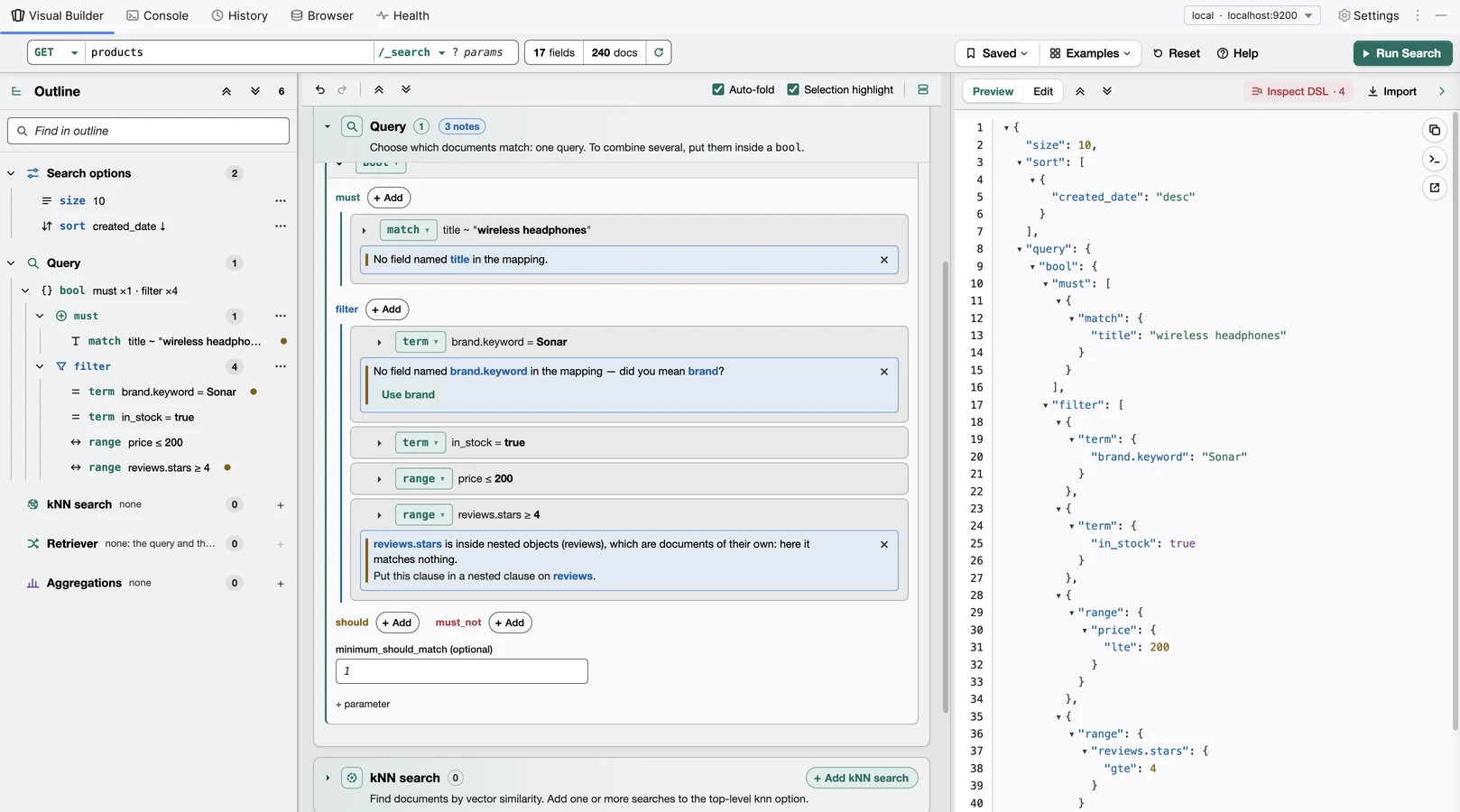
A field the index does not have, an exact match asked of an analyzed text field, a value its field cannot hold: noted under the card, with a suggested change where there is one.
What your version of Elasticsearch or OpenSearch does not have is noted. Where the cluster check is on, the cluster reads the draft too and says what it would refuse.
Run it, then see why each hit scored and where the time went. A draft the engine accepts can still find nothing. Where a note can tell, it says so before you run.
The plugin has no AI model and sends nothing to one. It sends requests to the clusters you add, and to nothing else.
EXPLAIN AND PROFILE
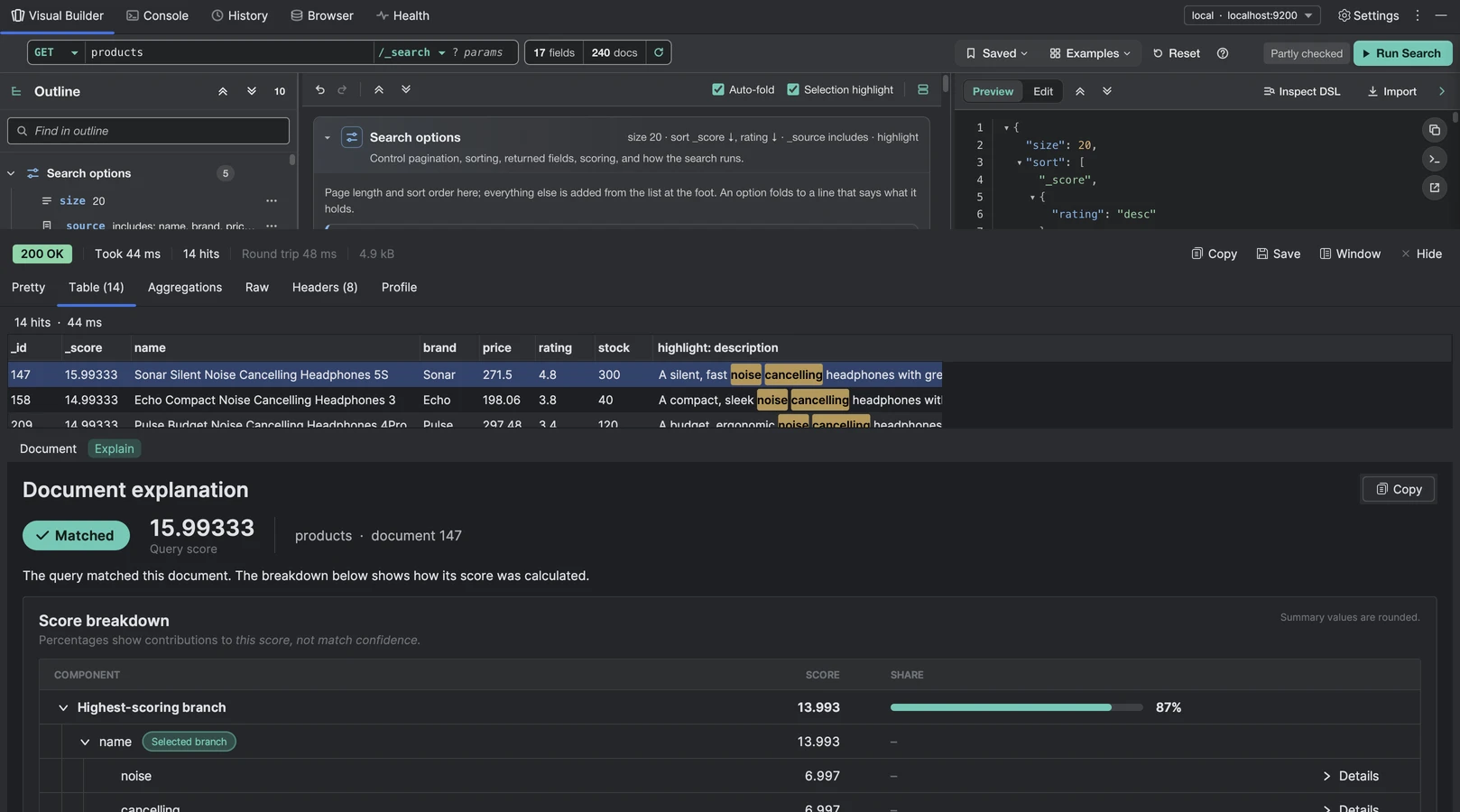
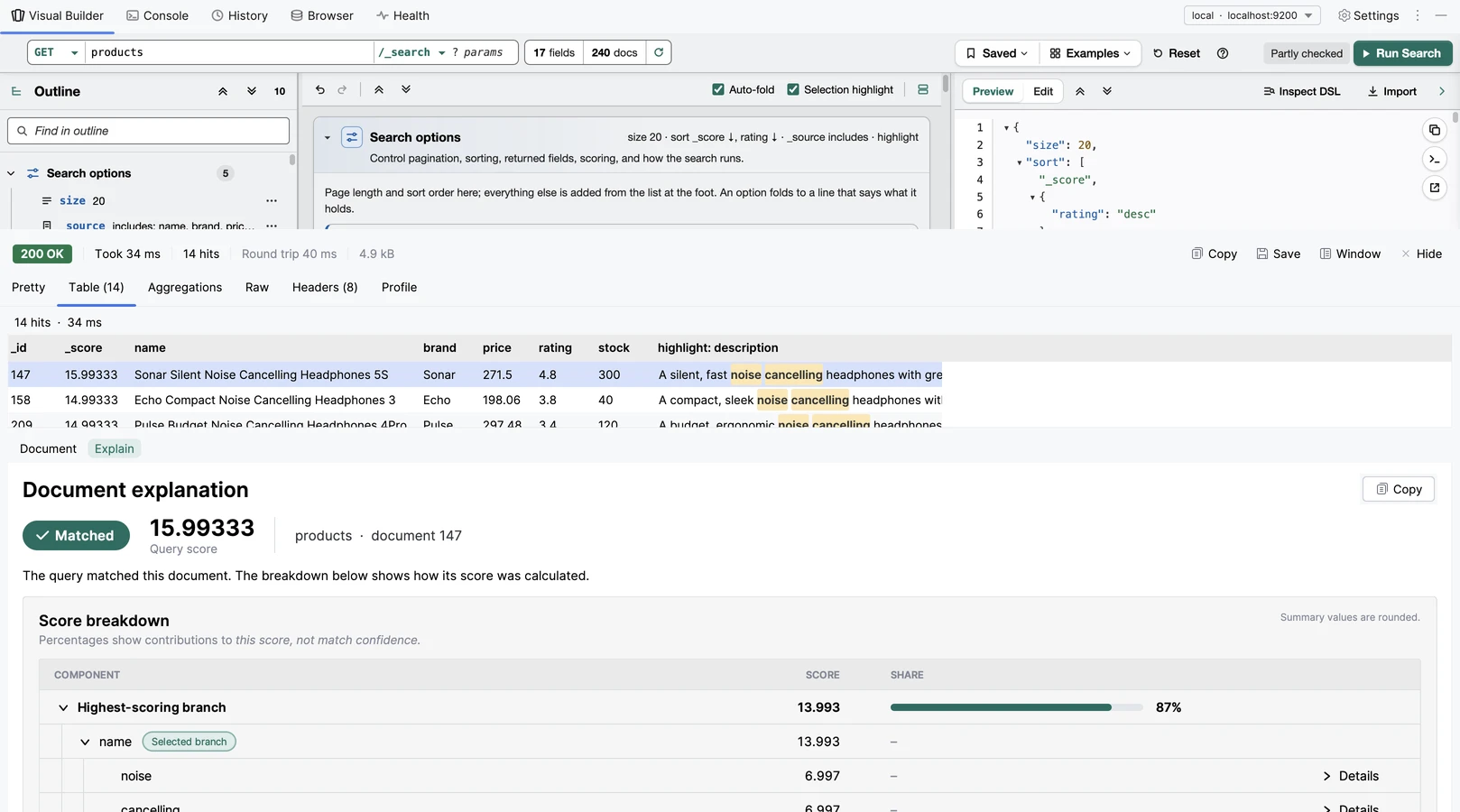
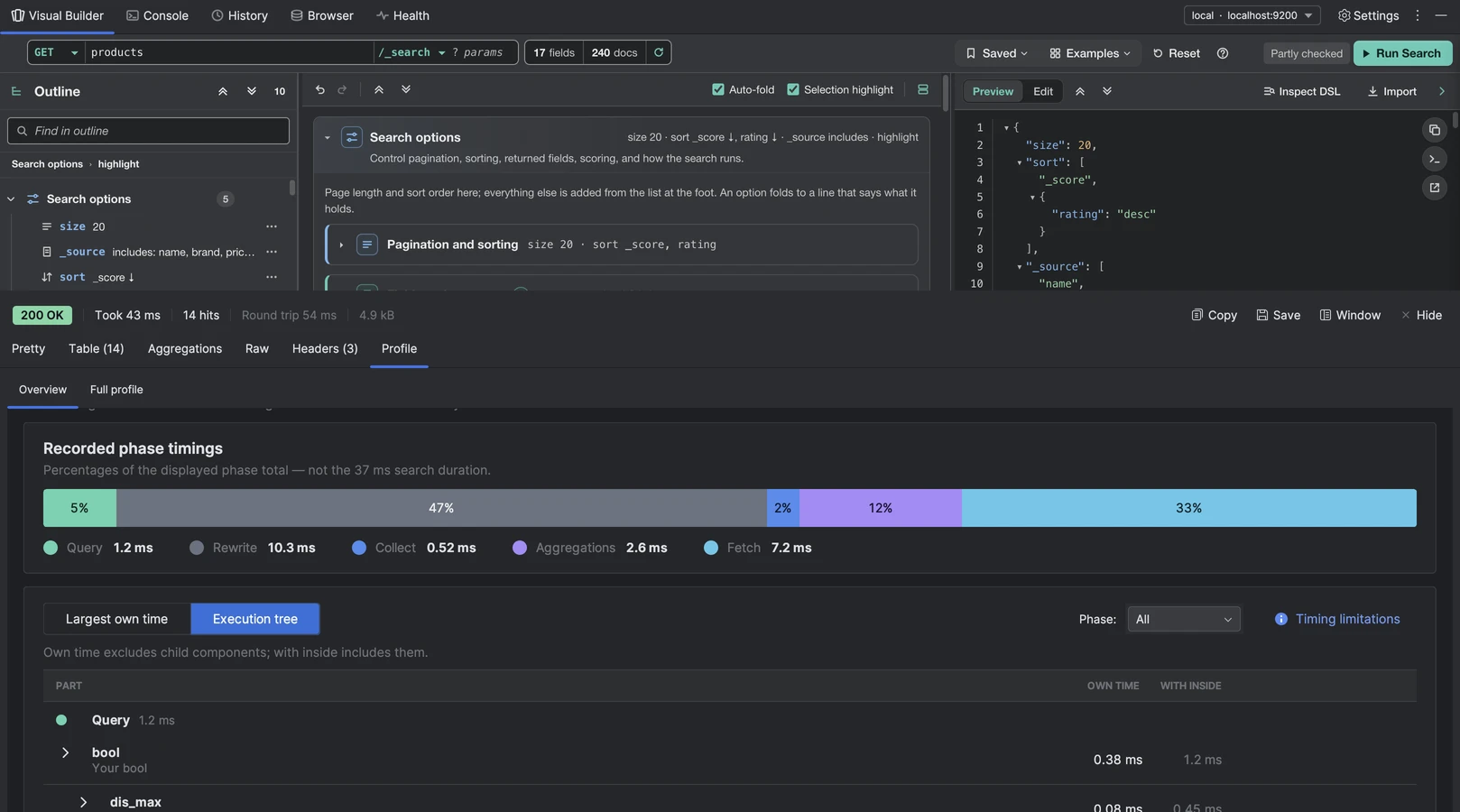
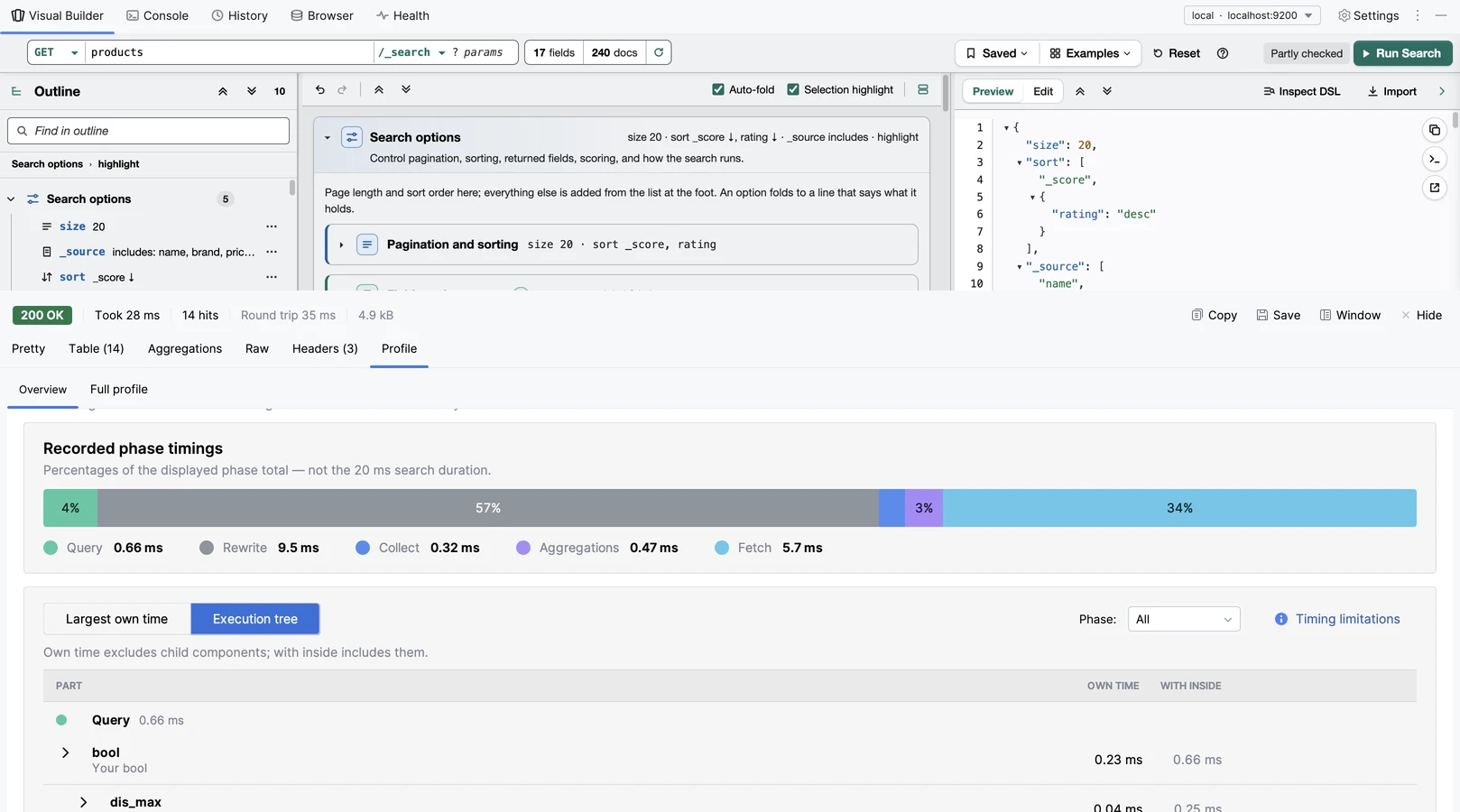
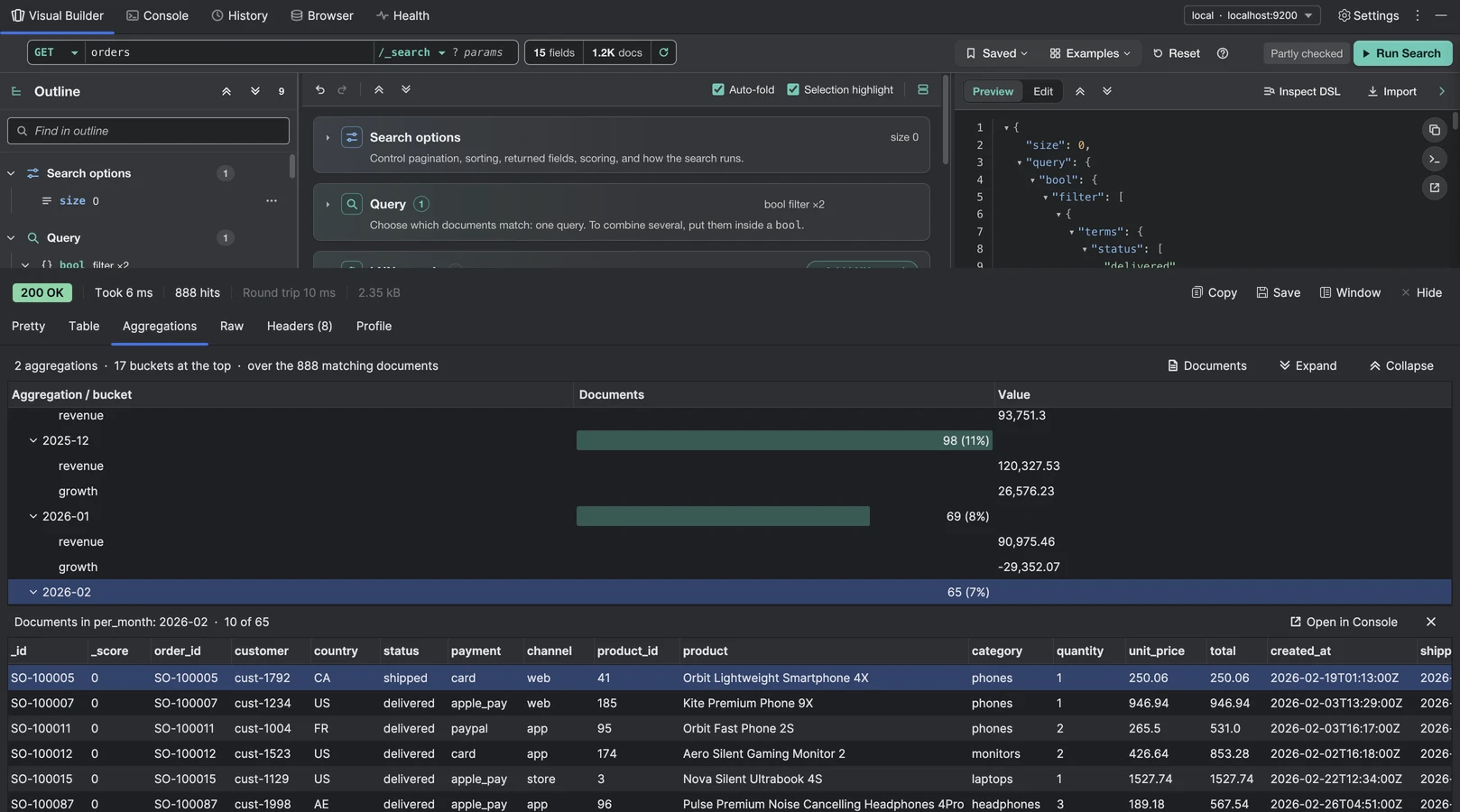
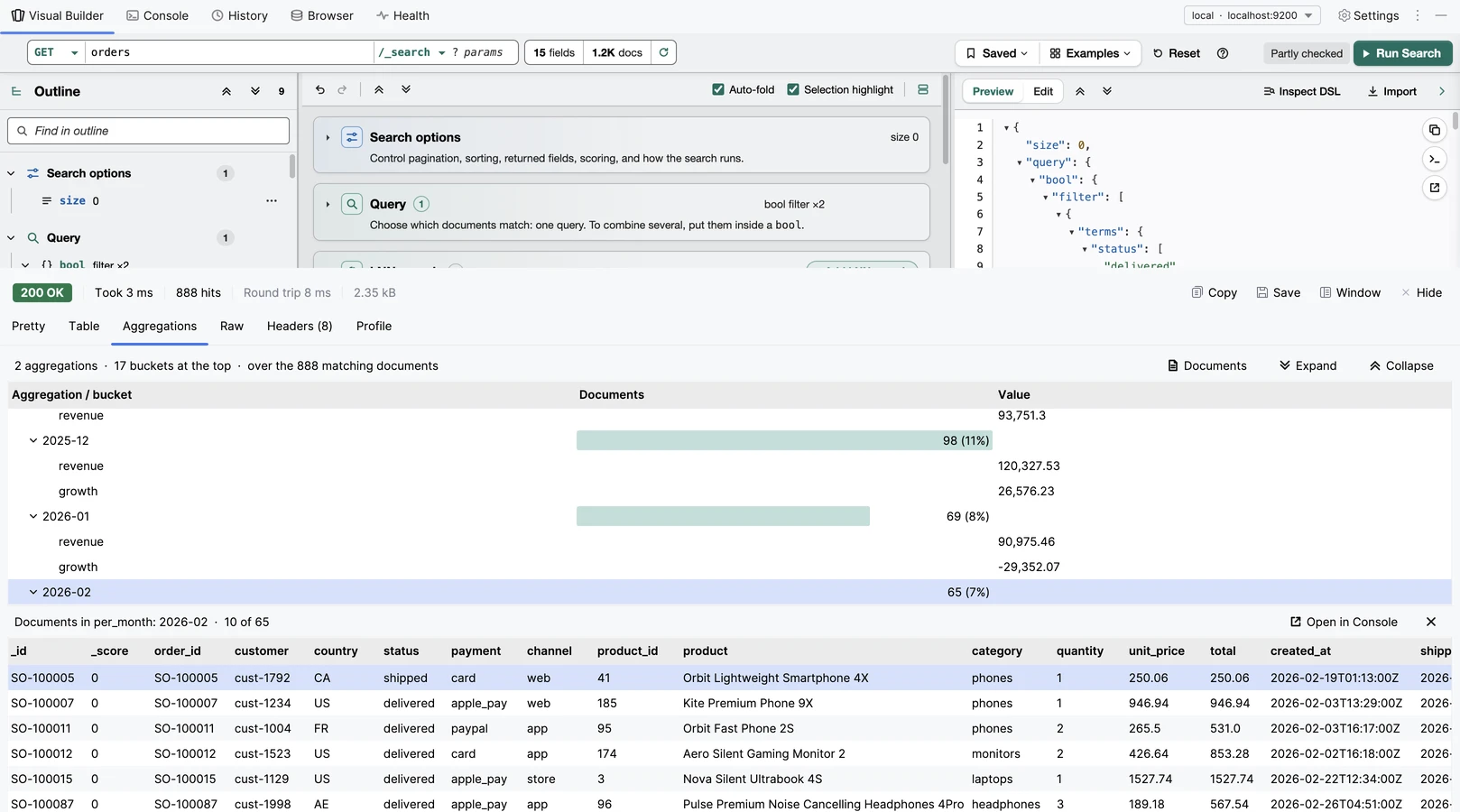
Select a hit and Explain shows its score part by part, as the engine works it out. Profile runs the search again with profiling, which adds overhead of its own, and shows the engine's timings by phase and by part of your request. Documents shows the documents behind an aggregation bucket, found again exactly. Read about the answer ↗
SEE IT IN THE IDE
Build a product search from cards, import the one production runs and inspect it, explain a score and profile it, try a vector version, then keep it, share it and carry on in the Console, History, the Browser and Health.
Read the builder guide ↗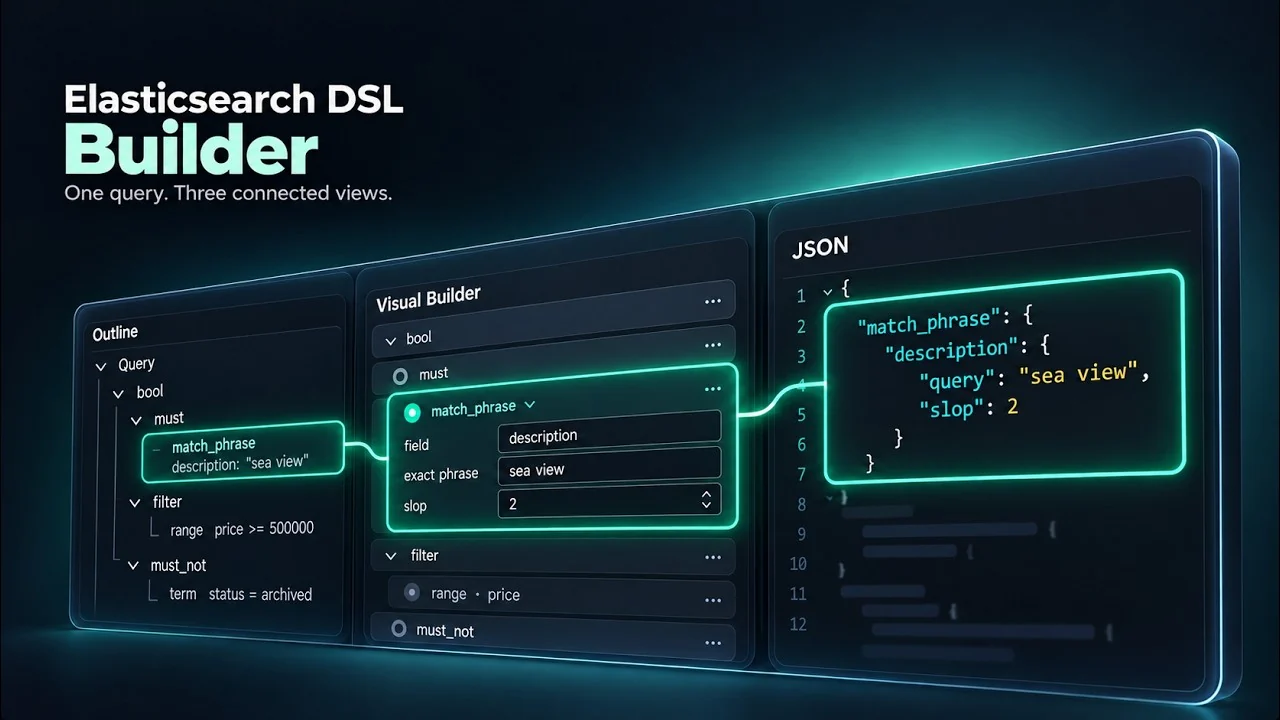
FROM A FIRST FILTER TO A NESTED QUERY
Start with a clause. Add structure, retrieval and aggregations without losing sight of the request.
Combine must, filter, should and must_not. Nest groups, duplicate clauses, or switch a clause off while keeping it in the builder.
Explore the builder ↗Build aggregations and sub-aggregations. Add sorting, highlighting, pagination and the search options your request needs.
See the search options ↗Work with vector and hybrid search, retrievers and re-ranking. The choices offered follow the connected engine and its version, and a note says when something came in a later one.
Check compatibility ↗THE REST OF YOUR WORKFLOW, RIGHT BESIDE IT
Four companion tabs take you from composing a request to exploring the cluster behind it.
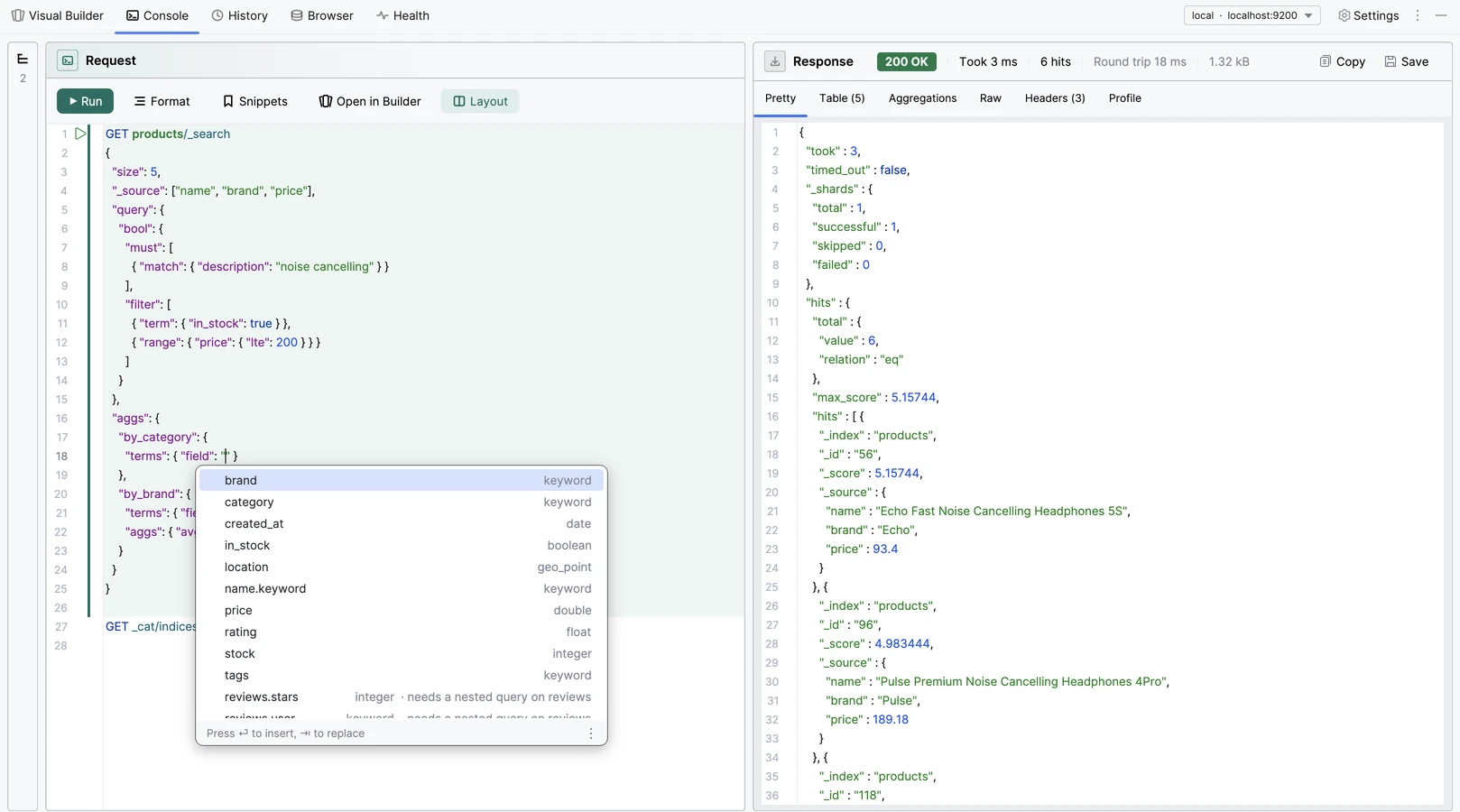
A familiar method, path and body editor with autocomplete, formatting and hover documentation. Run the request at your caret.
Explore the Console ↗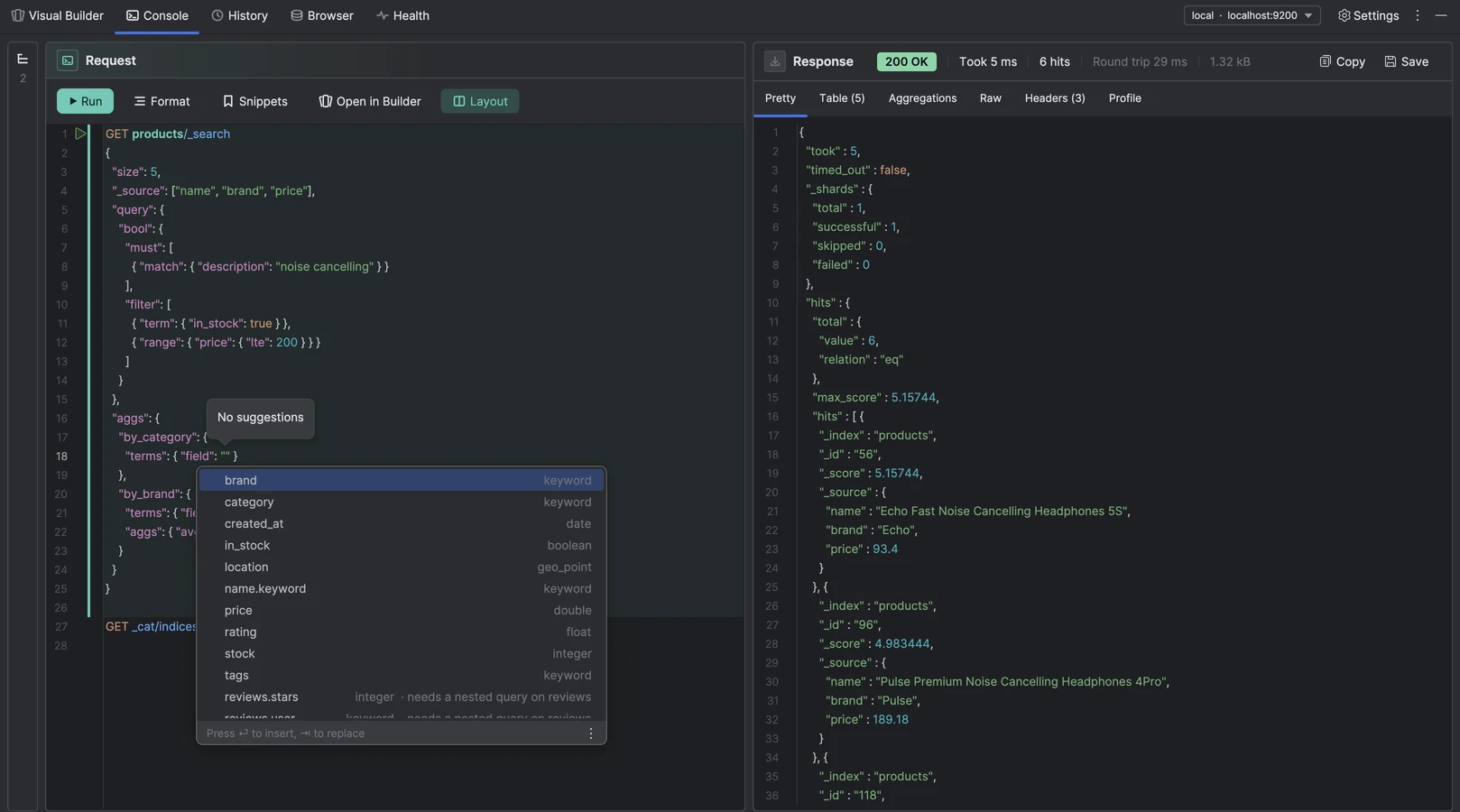
Search past requests. Organize them with favorites, folders and tags, then bring one back into the Console.
Explore History ↗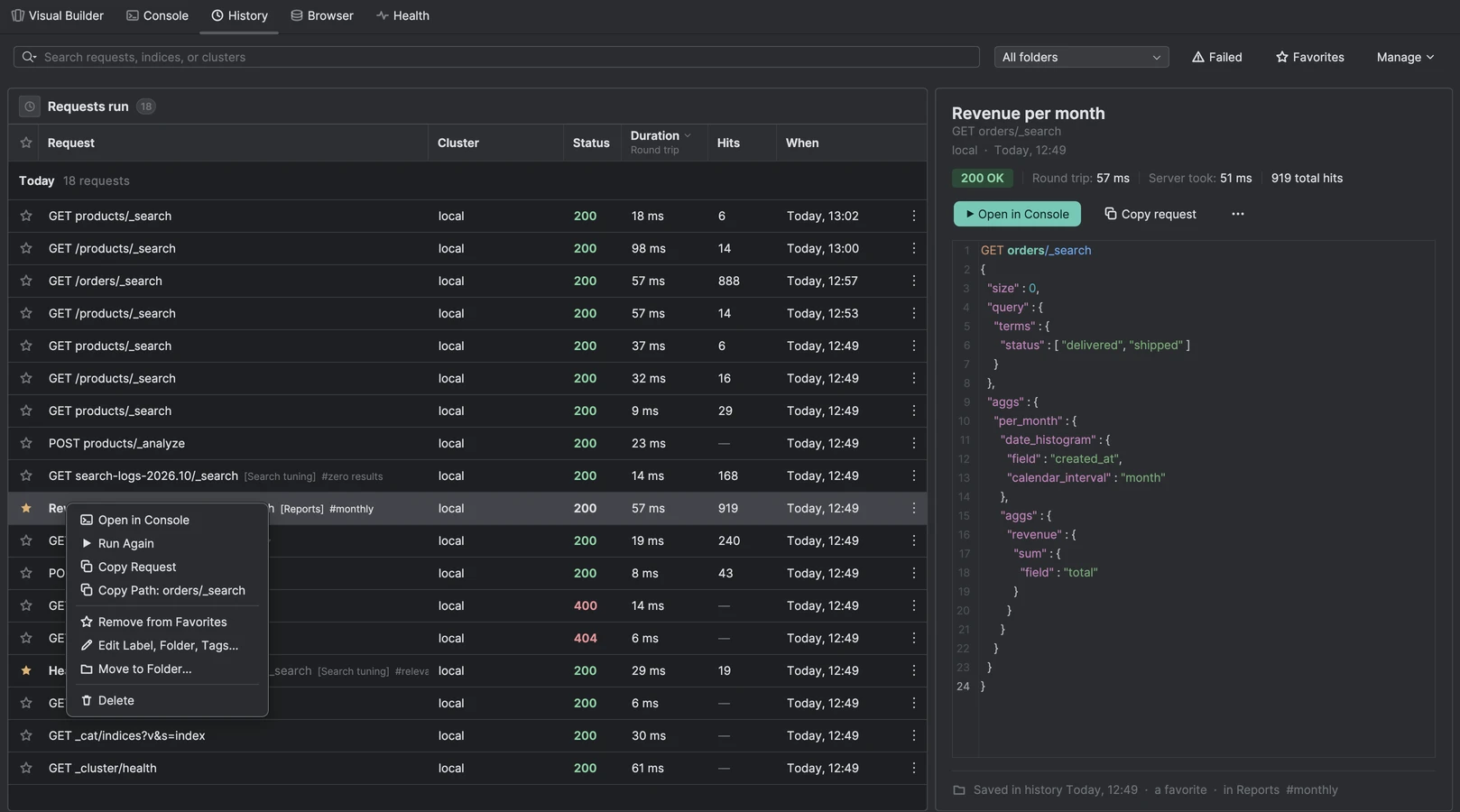
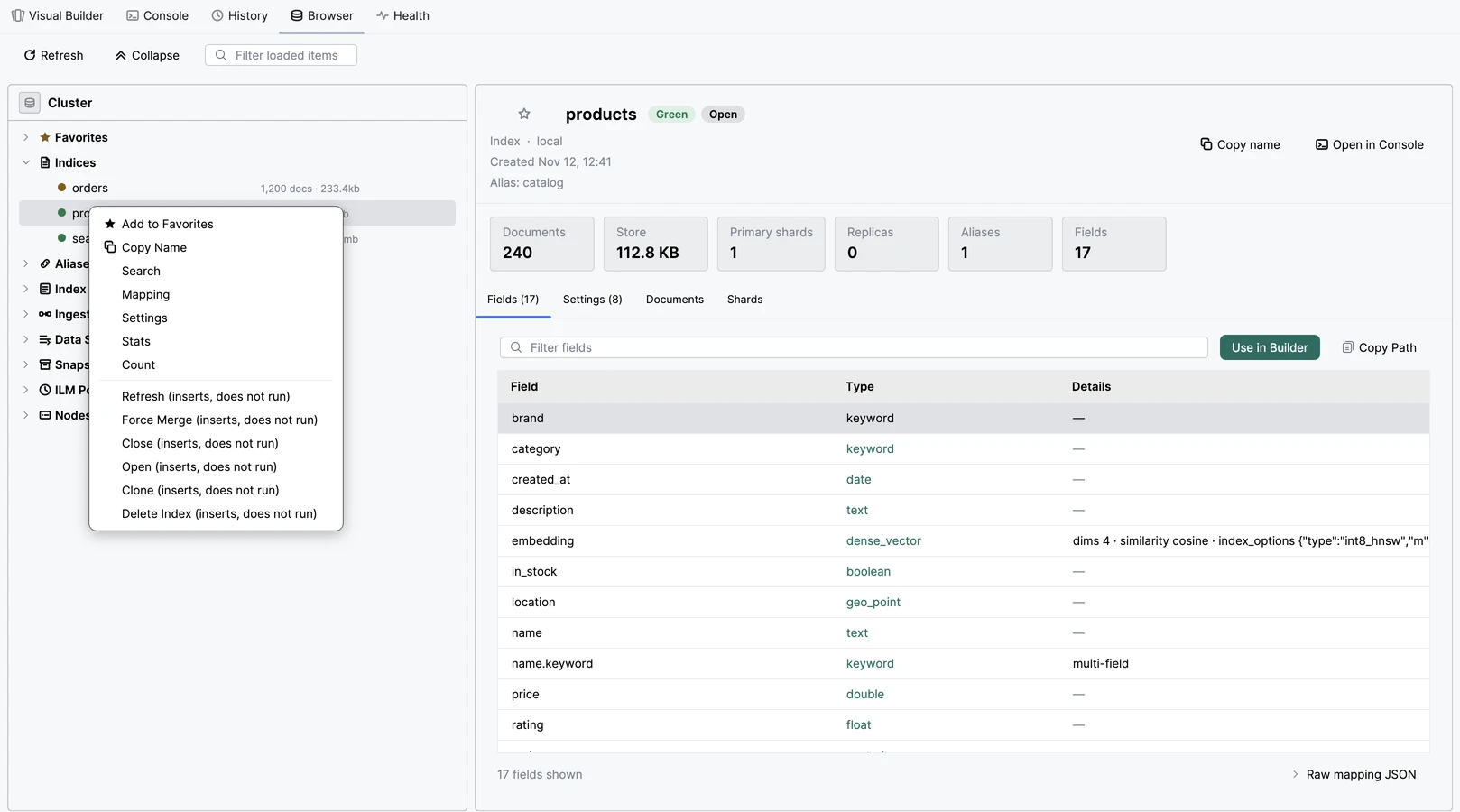
Explore indices, aliases, templates, ingest pipelines, data streams, snapshots, ILM policies and nodes. Start a builder clause from a field; the usual index requests are written into the Console, never run for you.
Explore the Browser ↗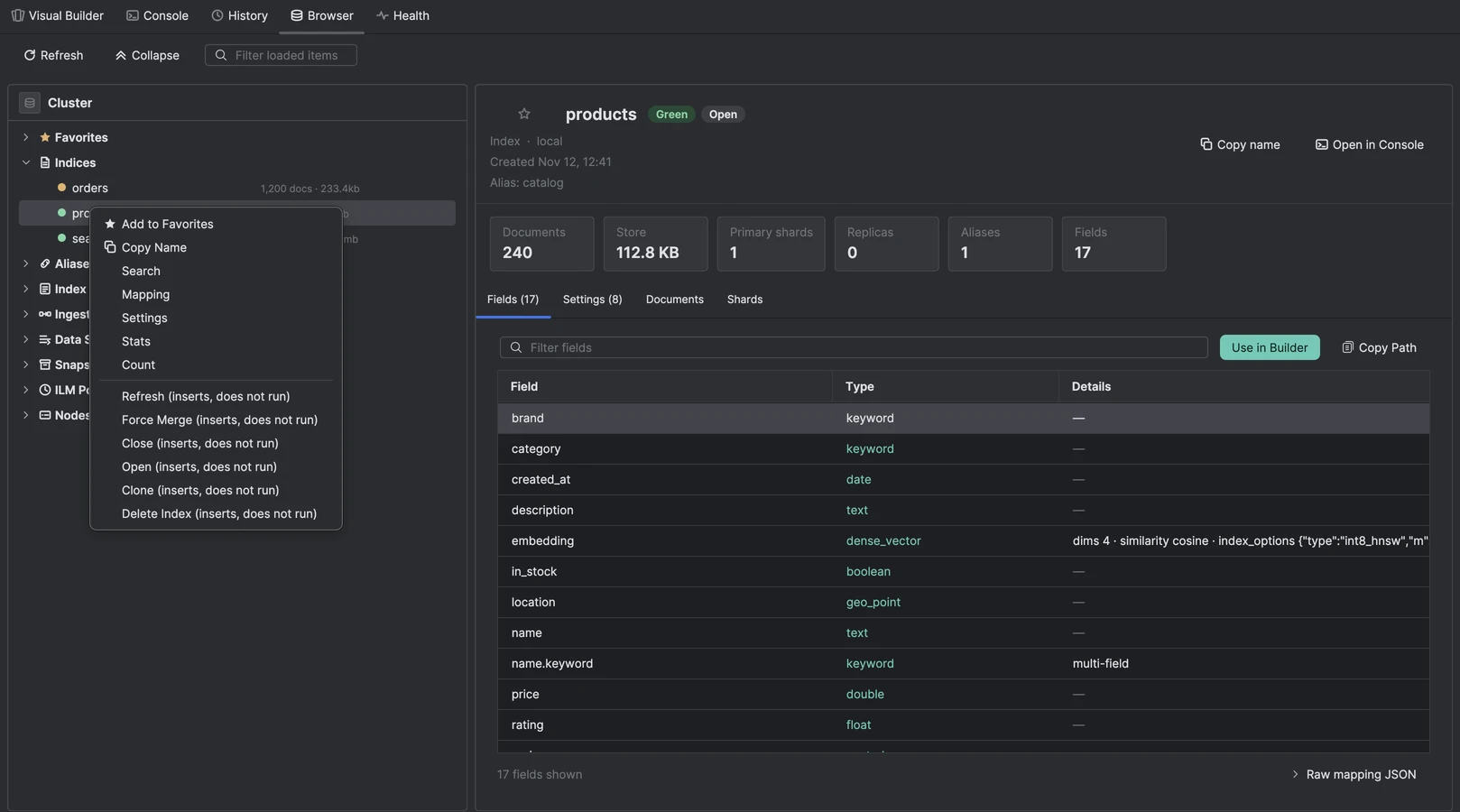
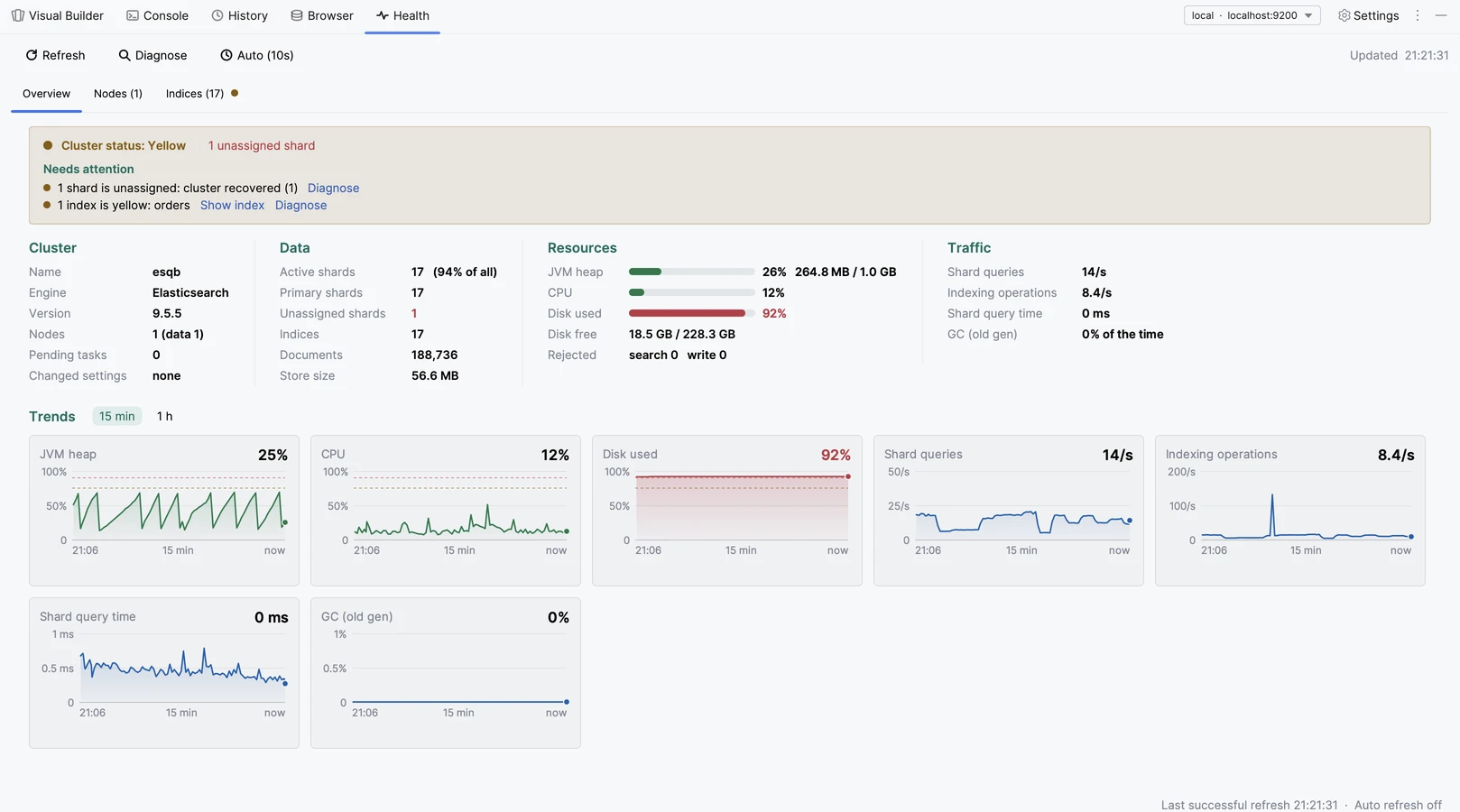
Check cluster health, node metrics and how they have moved. Find diagnostic requests by symptom and open them in the Console.
Explore Health ↗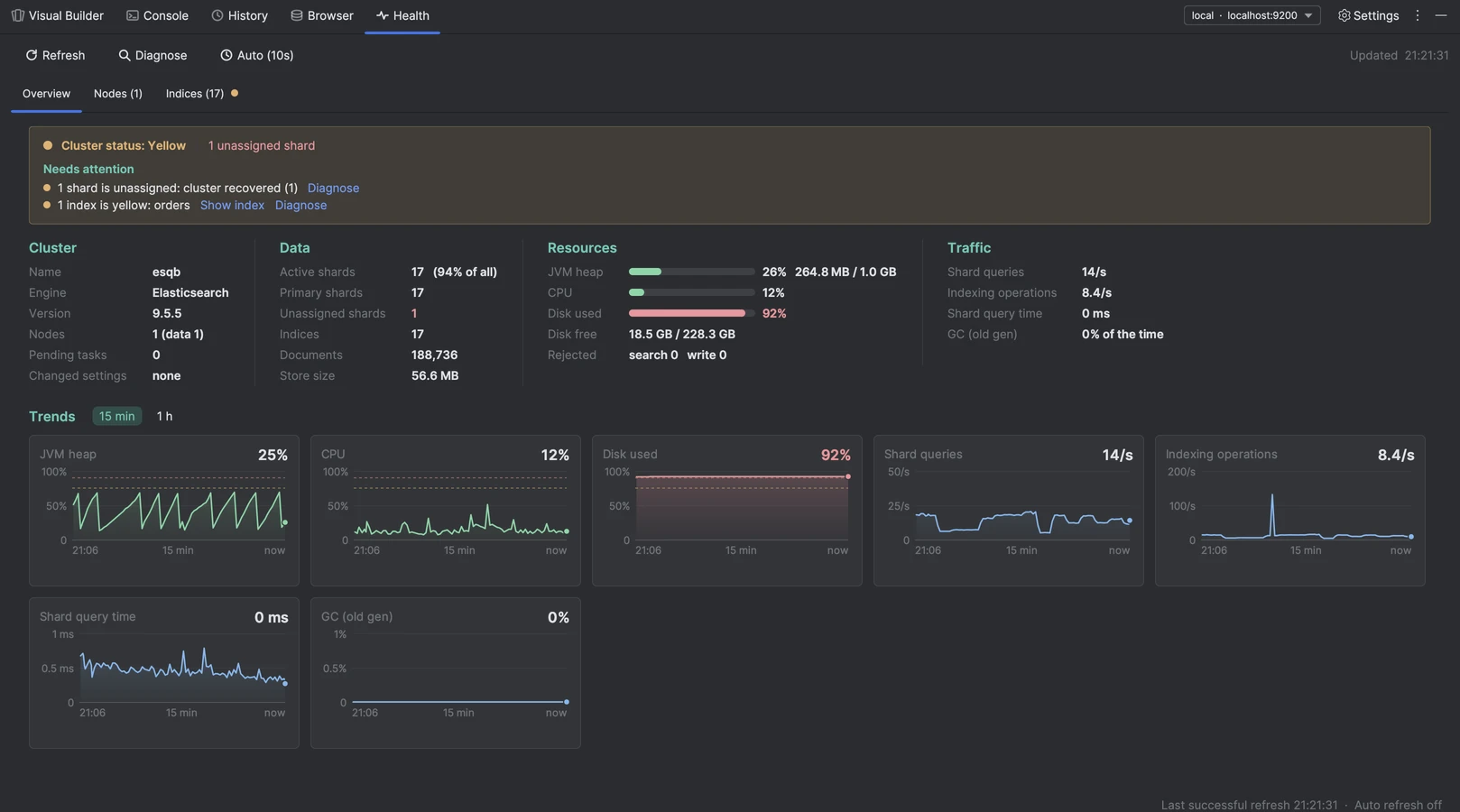
SAFE ON A REAL CLUSTER
A delete or update by query says how many documents it would touch before it runs. On a cluster marked as production, you type its name to go ahead. Connection secrets stay in the IDE's password safe. See what asks first ↗
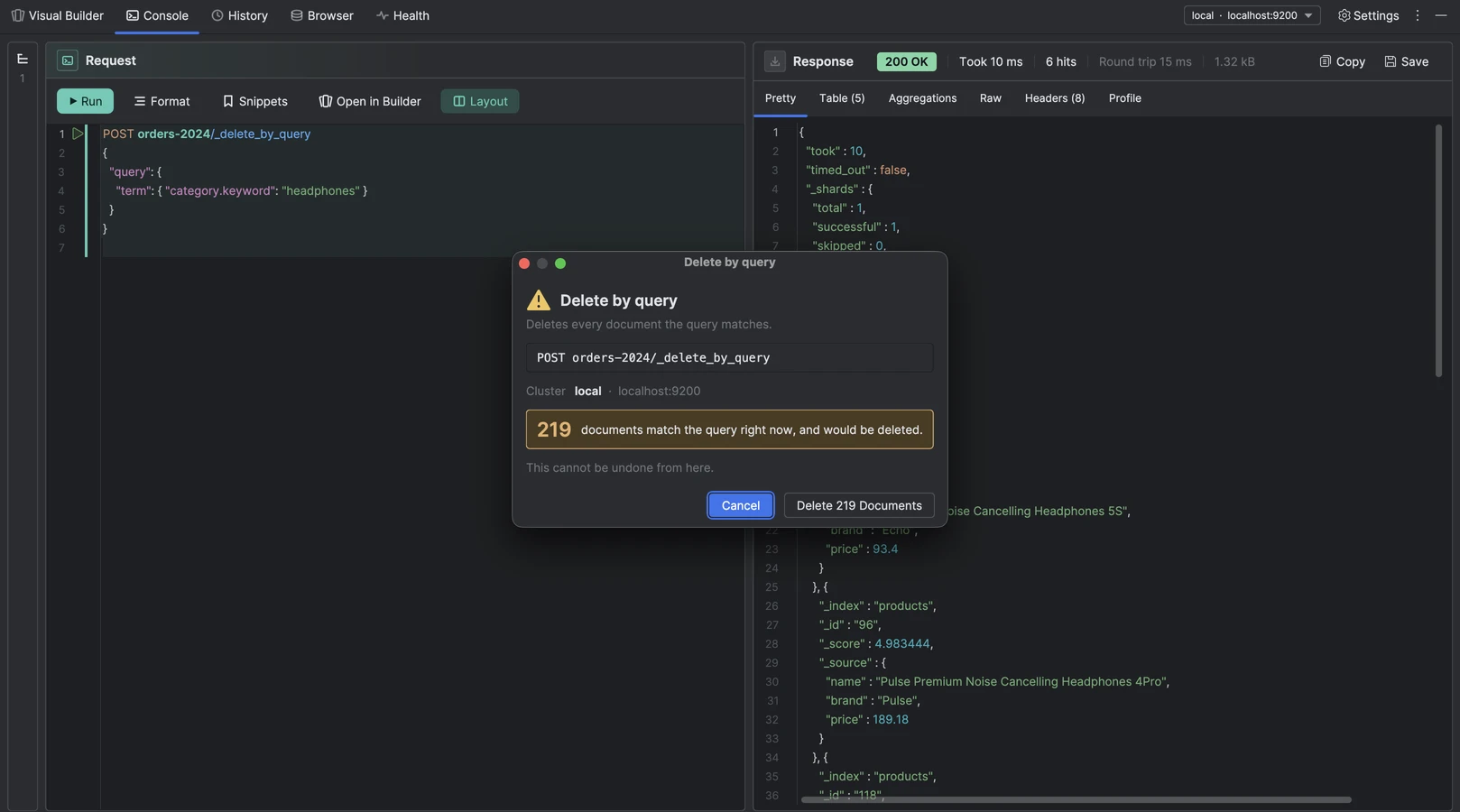
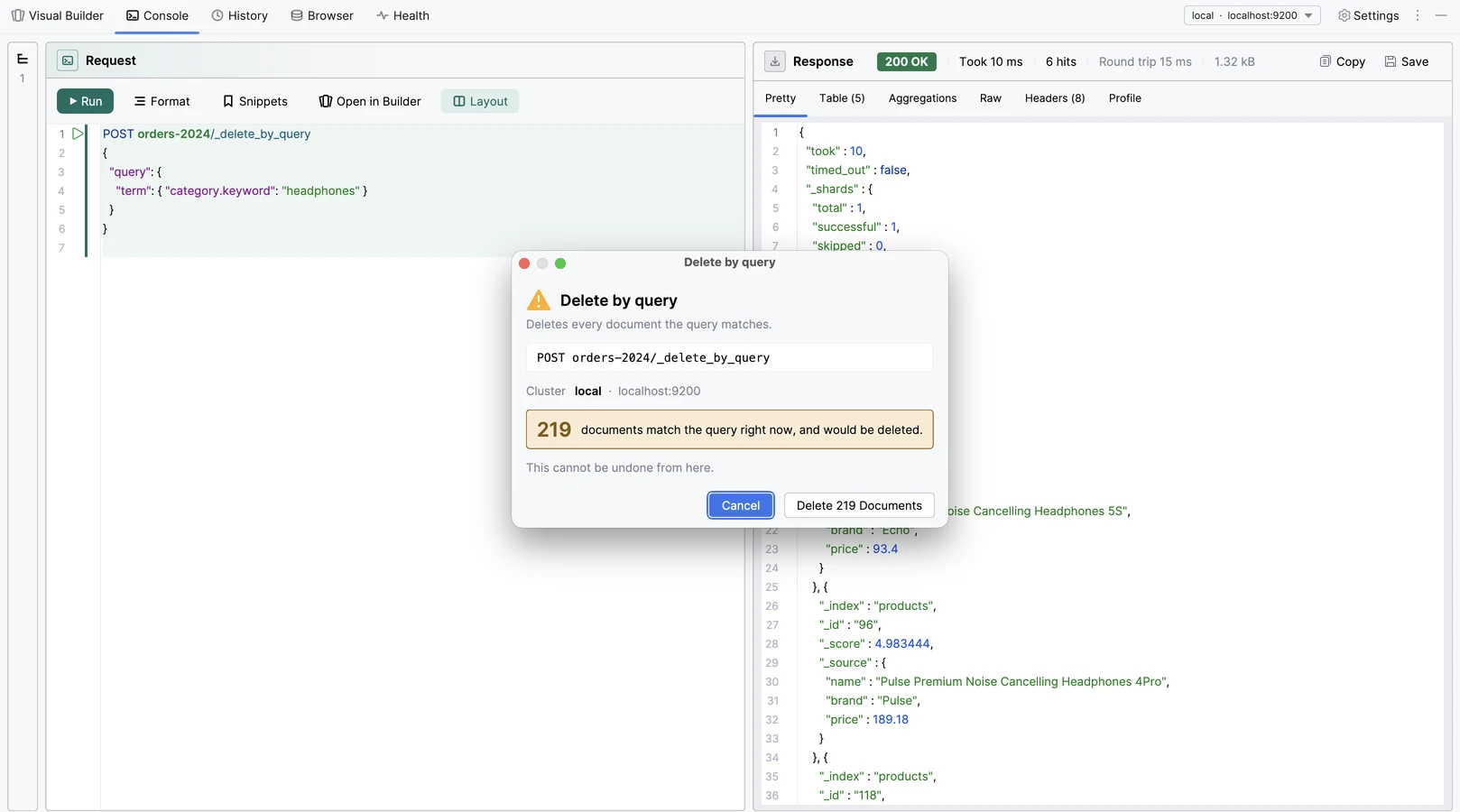
Delete or update by query asks first, with how many documents it would touch now.
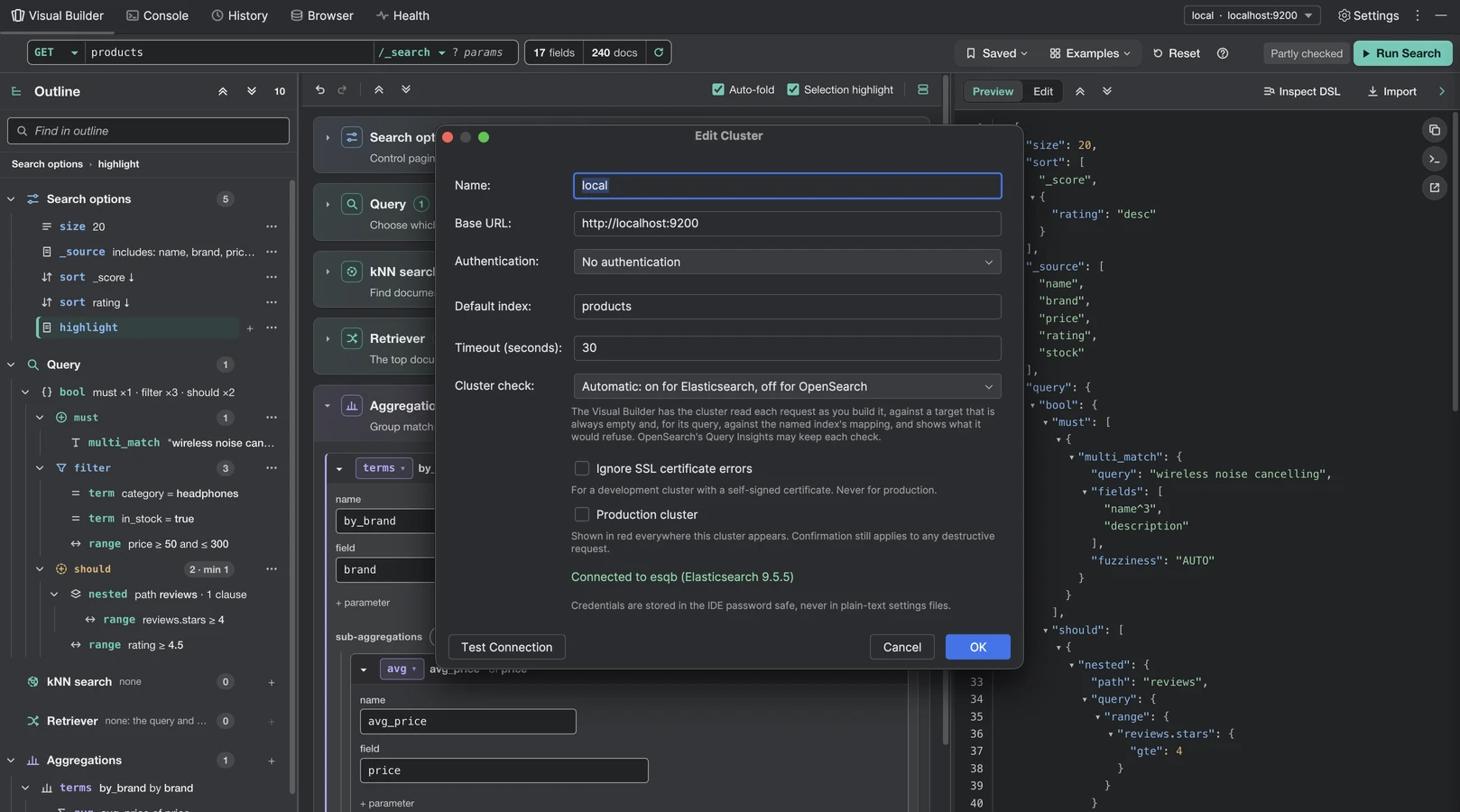
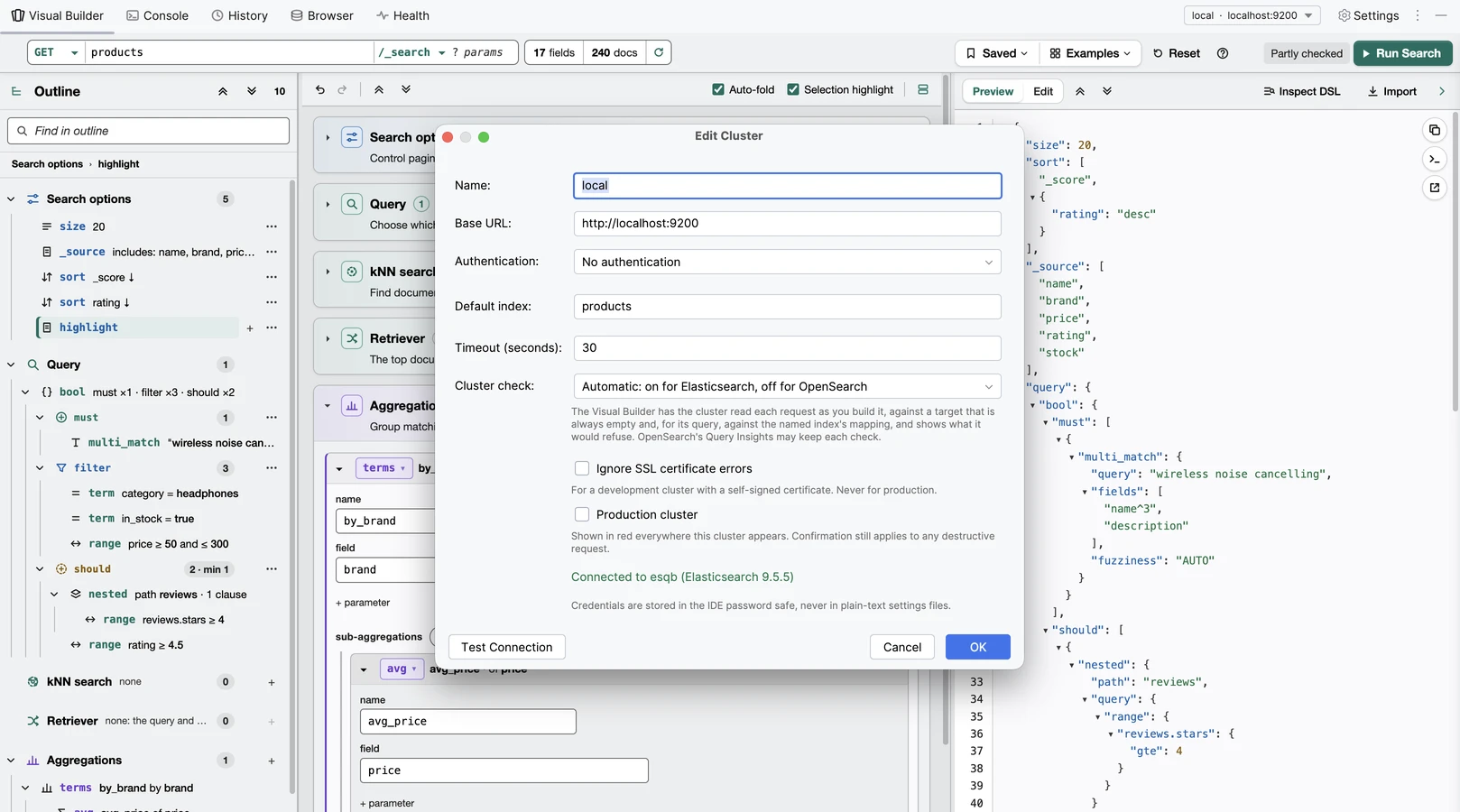
A production cluster shows in red wherever it appears, and a destructive request asks you to type its name.
Passwords and keys live in the IDE's password safe, and recognized secrets are taken out of History.
No telemetry and no AI service. The plugin sends requests to the clusters you add, and to nothing else.
WHAT THE PLUGIN OFFERS
Build a request, check it, run it and read the answer, then keep working with the cluster behind it, all in one tool window. Every feature here is in the trial, to try on your own cluster.
What is offered follows the version you connect to. It was checked against every Elasticsearch minor version from 8.0 to 9.5, OpenSearch 2.19 and 3.9, and Serverless.
The trial has every feature. Build the search you are working on now, and decide after. Install the plugin
Open the Elasticsearch DSL Builder tool window in your IntelliJ-based IDE.
Add a connection in Settings and test it. Connection credentials use the IDE password safe.
Start with an example, paste a query, or add your first clause.